




Ulvar50
Member
-
Joined
-
Last visited
Everything posted by Ulvar50
-
Strange.. but my`n just started to work after a week of "try and error" ... dont have a clue to why.
-
-
-
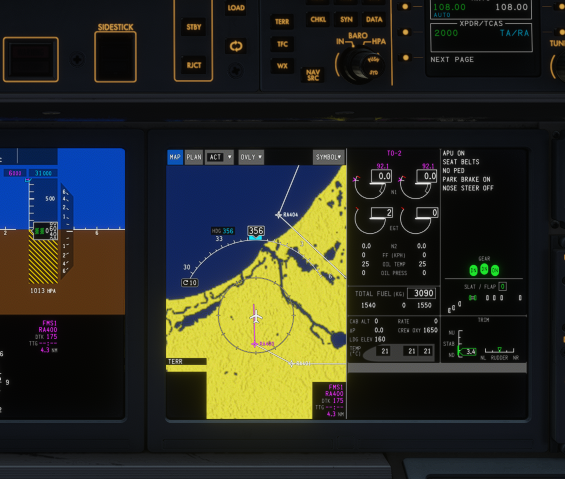
Same here... I have the small version installed, and FS24 on a different drive then the default C: and no map at all.
-
Well it works 100% in FS24
-
A big THANK YOU! 😍 I went from 20fps to 60fps with these steps... fantastic, now I can fly again!
-
Hi Inibuild Is there any updated to the horrendous fps on the cargo version? Im pending betwin 20-25fps while I have up to 45-50fps in the A350... really strange 😄 Kinds regards Andreas
-
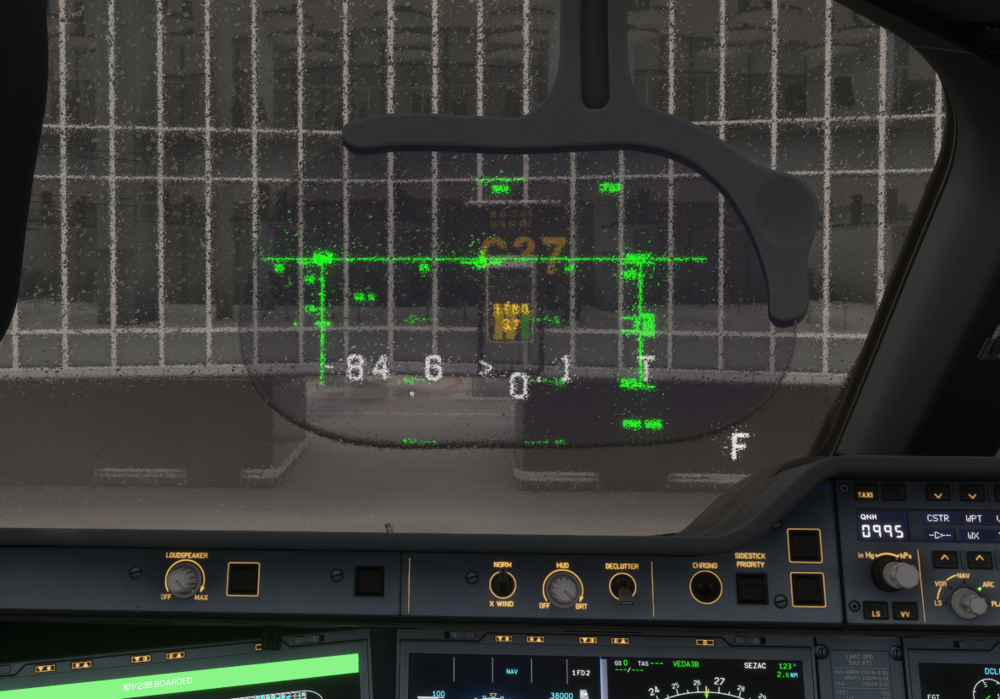
Im pretty sure that the hud is mounted on the inside of the aircraft and therefore would not be affected by the rain on the outside of the window. 🫢😉 Meaning the text and symbolics should be as clear as everything else inside the cockpit.
-
.thumb.png.0ebb7fed5cad2fea47a50312eb0bc54b.png) Fantastic, thank you! Would love a SAS livery as well.
Fantastic, thank you! Would love a SAS livery as well. -
 Great! Thank you 🙂 Now we only need it for the A320 and 321.


.thumb.png.0ebb7fed5cad2fea47a50312eb0bc54b.png)
