



Skip to content
View in the app

A better way to browse. Learn more.

iniBuilds Forum

A full-screen app on your home screen with push notifications, badges and more.

To install this app on iOS and iPadOS
  1. Tap the Share icon in Safari
  2. Scroll the menu and tap Add to Home Screen.
  3. Tap Add in the top-right corner.
To install this app on Android
  1. Tap the 3-dot menu (⋮) in the top-right corner of the browser.
  2. Tap Add to Home screen or Install app.
  3. Confirm by tapping Install.

Garudaheavy

Member
  • Joined

  • Last visited

  1. Same problem driving me mad absolutely mad
  2. Garudaheavy changed their profile photo
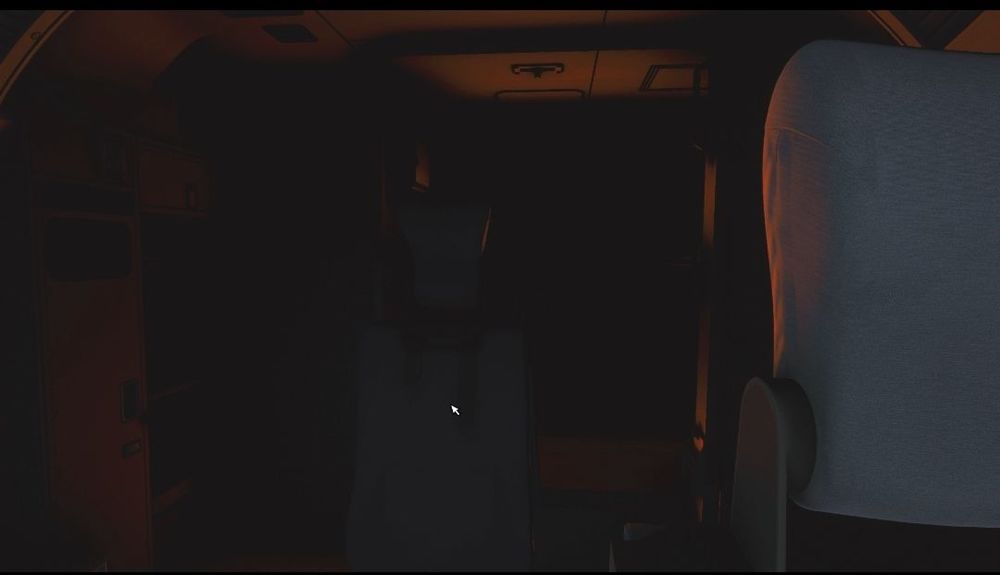
  3. After testing when you are cold and dark at at Airport that is below freezing Engines are dead , but if you take live weather off they will come back , Once you taxi and take-off with no live weather once airborne put live weather back on and will work i quess thats a fix for now.
  4. Have tried Dim etc but still the same.. Is this a bug or a stream issuse.
  5. Appreciate this informative

Account

Navigation

Configure browser push notifications

Chrome (Android)
  1. Tap the lock icon next to the address bar.
  2. Tap Permissions → Notifications.
  3. Adjust your preference.
Chrome (Desktop)
  1. Click the padlock icon in the address bar.
  2. Select Site settings.
  3. Find Notifications and adjust your preference.