




Roadie04
Member
-
Joined
-
Last visited
-
I have the same issue on every flight
-
Update: Today the next crash. When I entered the approach data for EDDM the plane hung up. I set the RWY to 08L, the appr to ILS08L at this moment the plane freeze. After restart the plane at EBBR. The plane came up, I load the last autosave file and waited until the plane was stable. Then I entered the approach again. Same issue. Next I restarted the sim, load the aircraft at EBBR, load the last autosave, entered the same approach and voila it works. I attach the the last autosave file. Maybe someone can reproduce the issue. 1753009797.bin
-
Today I made flight from KCLT to EDDM. One hour before TOD I set the approach (RWY/STAR/VIA) for EDDM. I checked the flightplan and saw I used the wrong STAR. The runway was 26R ,the VIA was MIQ but the STAR was BETO1B. So I went back to the arrival page on the FMC. I didn't change the RWY neither the VIA only the STAR to ROKI1B. Then the plane partially frozen. No sidestick command, no throttle command and some other functions didn't work. I tried to save my flight. So I pushed the "save now" button and entered a text but the flight wasn't saved. Next I restart the flight by using the last autosave on a runway near the frozen point. At the first try the plane starts in cold and dark. I put on the ext. power and load the last autosave. But it was the same conditions like the frozen one. Second try I set the plane again at the same Airport. The plane came up in "ready for takeoff" mode, but also partially frozen as before. Third try, same Airport, same mode as before, and everthing works. I set the right approach (26R/MIQ/ROKI1B) w/o any error. Maybe someone can reproduce this error to find a solution for this issue. Frustrated regards
-
I tried also a reinstall of all. Last night I sat 6 hours on my PC. Same issue.
-
Same here. I flew seven hours without problems. Then I had the same issues like you.
-
Today I want to fly from EDDM to KCLT. Seven hours all was ok. Then... Throttle frozen, alt sel frozen, autopilot frozen. so way to land the aircraft! SEVEN HOURS FOR NOTHING!!!! I'm SO frustrated!!!!!!!! Find a solution NOW!!!!!!!!
-
When I move the throttle smoothly with my Thrustaster TCA the throttles are 'shaking' Who can help?? ini A350 throttle.mp4
-
Today I flew to LGSA. but there is only RWY 11 and 29 on the arrival page The STAR are also missing. But in my Navigraph charts there are 11L/R and 29L/R and all STAR charts are there. And I there is no airport map (ARPT NAV NOT AVAIL (NAVIGRAPH))
-
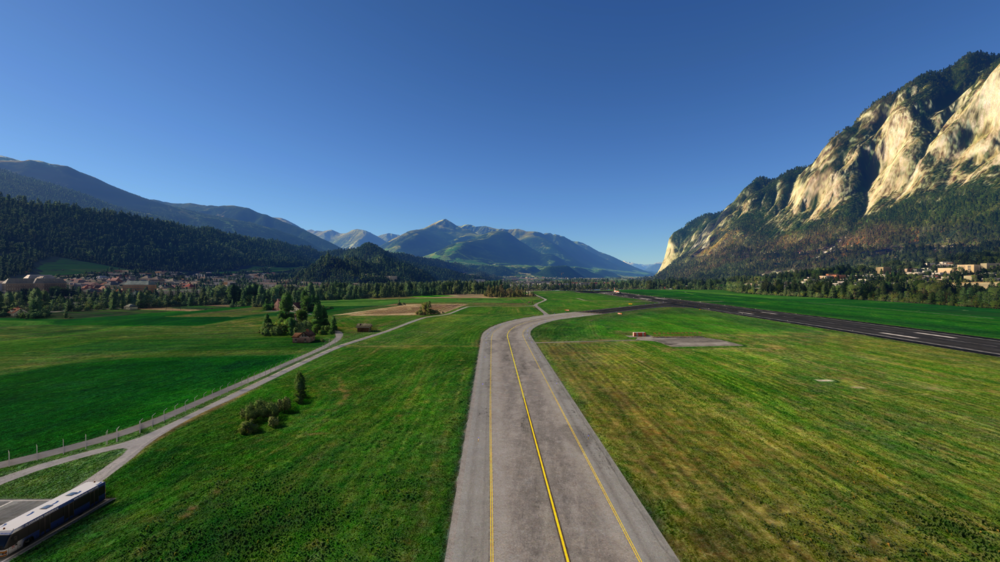
Addendum: I checked the content container. The ASOBO scenery was, I think automaticly by an update, reinstalled. I deinstalled the ASOBO scenery and everthing is fine
-
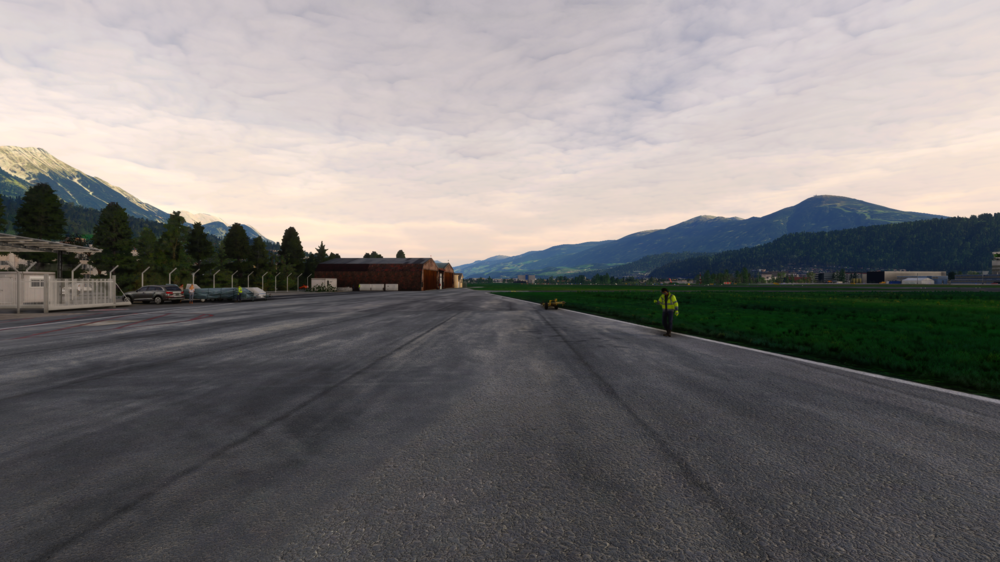
But no floating objects at the glider area
-


