Skip to content
View in the app

A better way to browse. Learn more.

iniBuilds Forum

A full-screen app on your home screen with push notifications, badges and more.

To install this app on iOS and iPadOS
  1. Tap the Share icon in Safari
  2. Scroll the menu and tap Add to Home Screen.
  3. Tap Add in the top-right corner.
To install this app on Android
  1. Tap the 3-dot menu (⋮) in the top-right corner of the browser.
  2. Tap Add to Home screen or Install app.
  3. Confirm by tapping Install.

Lh777

Member
  • Joined

  • Last visited

  1. Lh777 posted a topic in Other
    I have this problem:
  2. Lh777 posted a topic in Systems
    The simulation rate is limited to 2x at high latitudes. I don't know when it dropped from 4x but from 84° north it is definitely limited to 2x
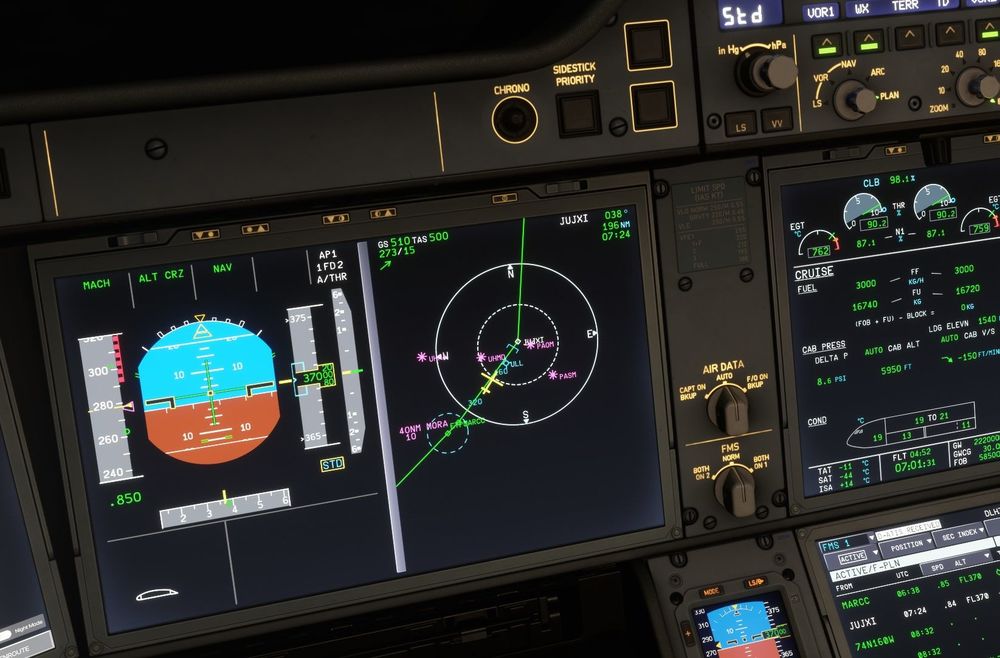
  3. In PLAN mode the plane is off course. Update 1.0.4 and FS2020.
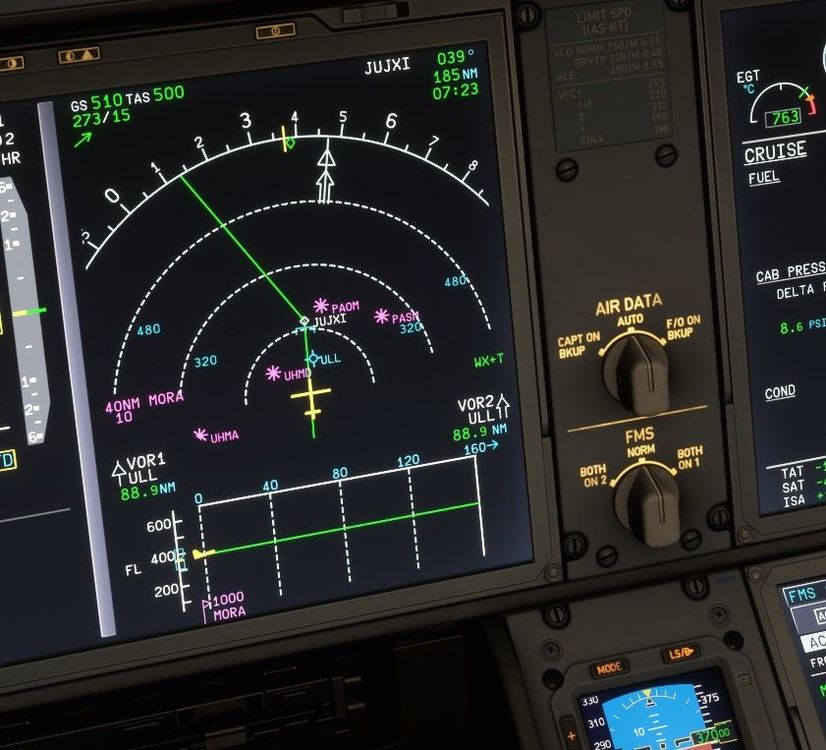
  4. Lh777 posted a topic in Systems
    After performing the alts step before UDROS at FL370, the same UDROS with FL370 still appears on the CLB page
  5. Same problem during approach to 26R Eddm
  6. Lh777 replied to Lh777's topic in Other
    This is my msfs folder
  7. Lh777 replied to Lh777's topic in Other
    I tried reinstalling but I still don't see it. As airliners I only see A310, A320, A320V2 and 747
  8. Lh777 posted a topic in Other
    Hello everyone, First day on MSFS (no 2024), after years on XP, just for this amazing plane. I installed the aircraft via iniManager, including some liveries, but I can't find the A350 among the MSFS aircraft. Any help?

Account

Navigation

Configure browser push notifications

Chrome (Android)
  1. Tap the lock icon next to the address bar.
  2. Tap Permissions → Notifications.
  3. Adjust your preference.
Chrome (Desktop)
  1. Click the padlock icon in the address bar.
  2. Select Site settings.
  3. Find Notifications and adjust your preference.