




lfrivera
Member
-
Joined
-
Last visited
-
Hello, Today I was landing RWY 04R in LFMN with AP1/AP2 APP engaged. Planed was landing in autopilot. I decide to change to RWY 04L in FMC during approach (after ATC last minute change). When I input change in FMC all the plane systems crashed. No physical or digital button was usable. I'm creating this thread so you can investigate? Thanks. Luis
-
Hello, I followed below video instructions by cleaning all the previous fs2024 cache and apparently problem is solved. I finally was able to complete my first full flight on the A330-200. Perhaps it can help you too.
-
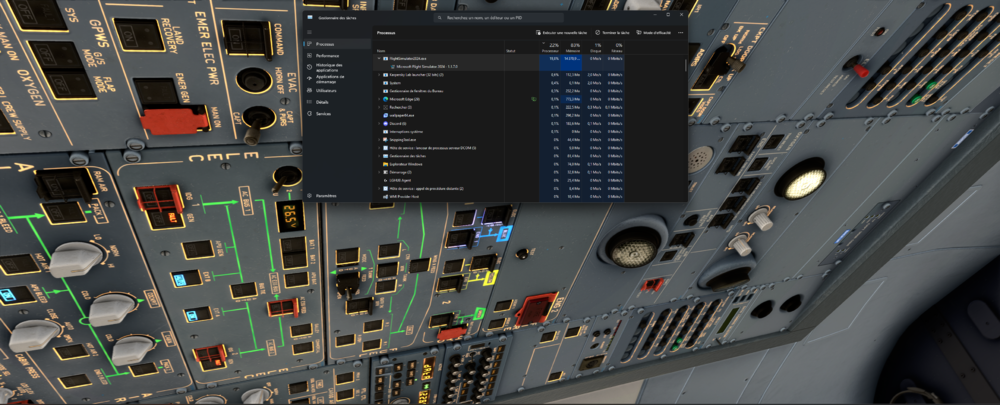
Hello, Since launch I've been trying to fly the A330-200/300 but at some random moment, the simulator freeze, not crash and then I get a black screen. Only these inibuilds planes have this problem. Perhaps is due to ongoing servers issue? I report in case it can helps. Regards, LR
-
Hello, Without activating FSUIPC I get arround 70-80 FPS with the A320 v2. However, when I start FSUIPC (to do online flying) my FPS immediately drop to around 35-45 FPS. Please note that I tried with several other airplanes like the PMDG, LVFR, Horizon to see if there is any kind of impact with/without FSUPIC but there isn't. I got the same FPS in both scenarios. Can you please help me to fix this issue with the A320? Perhaps this is due to a bad config setting or something like that? I'm on SU15. My PC if helps: Ryzen 7 7800X3D, 32GB DDR5, 7900XTX 24GB. Thanks for your help.
