




blueskies2k40
Member
-
Joined
-
Last visited
Everything posted by blueskies2k40
-
-
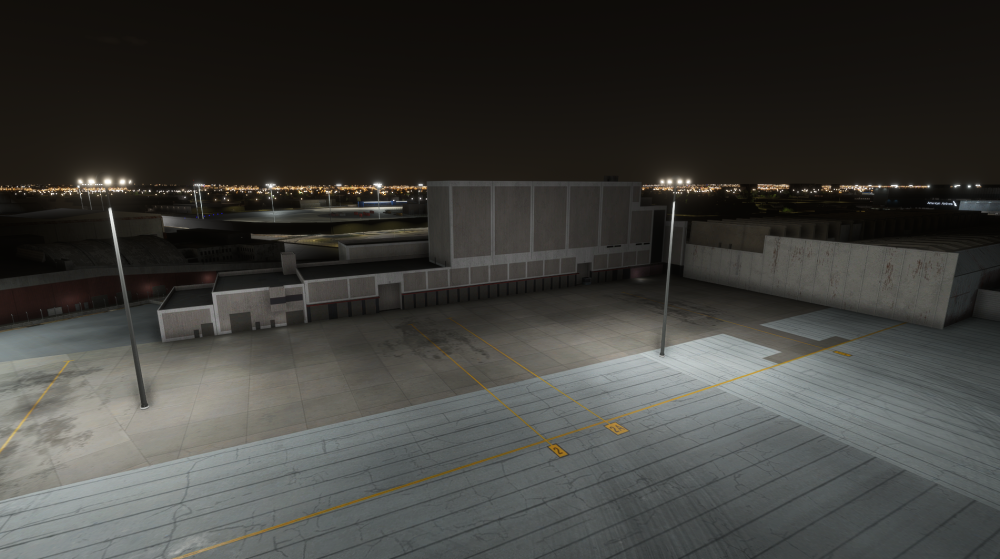
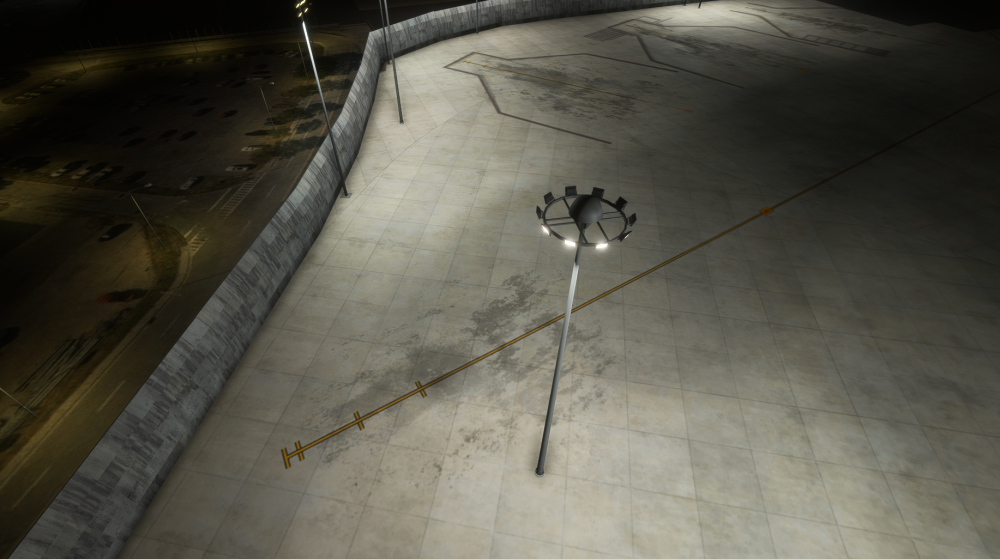
inibuilds how can yall put light poles in middle of cargo ramp specialy wer amozon cargo area is,n other areas of airport at KJFK wich is outdated also very unrealistic,i use to work at the DHL cargo ramp thers no light poles in middle of ramp common.lights are attached to buildings.
-
update kjfk make it not so demanding on fps.
-
can yall figure figure figure figuuuuuuuuuure out what liveries it has issues with on msfs2020 seems like it only loads on blank livery,updates n updates n still issues, this is a joke $70 spent on this with crashing n bug issues,the only aircraft that brings problem we can even enjoy.
-
no response from ini smh
-
some cargo ramp areas are too dark

