Skip to content
View in the app

A better way to browse. Learn more.

iniBuilds Forum

A full-screen app on your home screen with push notifications, badges and more.

To install this app on iOS and iPadOS
  1. Tap the Share icon in Safari
  2. Scroll the menu and tap Add to Home Screen.
  3. Tap Add in the top-right corner.
To install this app on Android
  1. Tap the 3-dot menu (⋮) in the top-right corner of the browser.
  2. Tap Add to Home screen or Install app.
  3. Confirm by tapping Install.

WozzAir

Member
  • Joined

  • Last visited

  1. Nothing yet I'm afraid, Eddie is on the case!
  2. WozzAir replied to DDoBaGi's topic in Other
    Disable any anti-virus temporarily incl. windows defender, then retry.
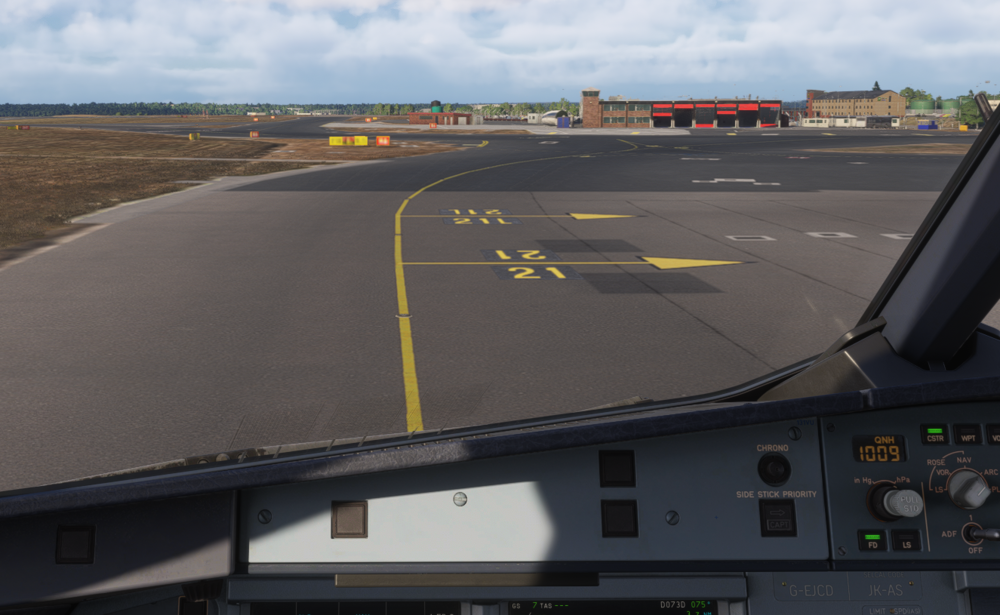
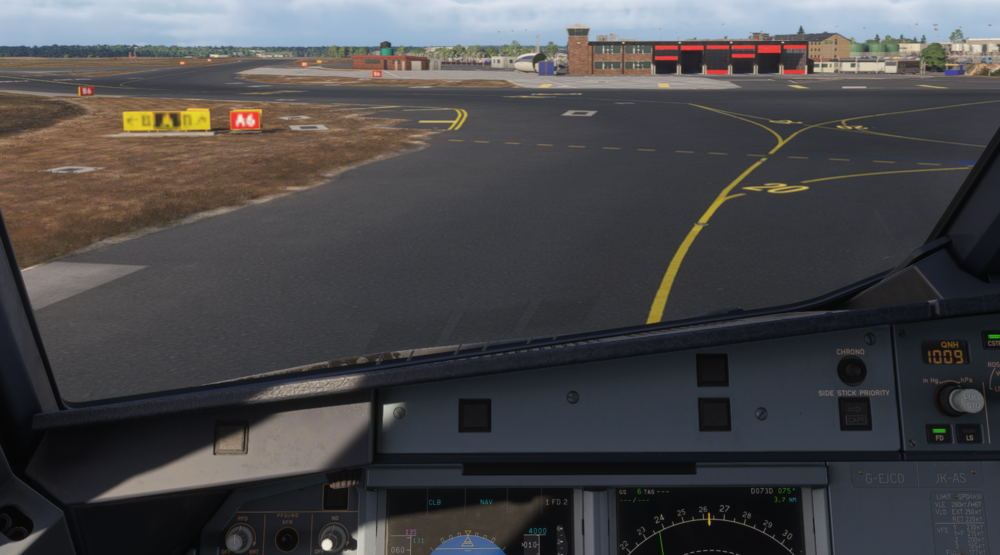
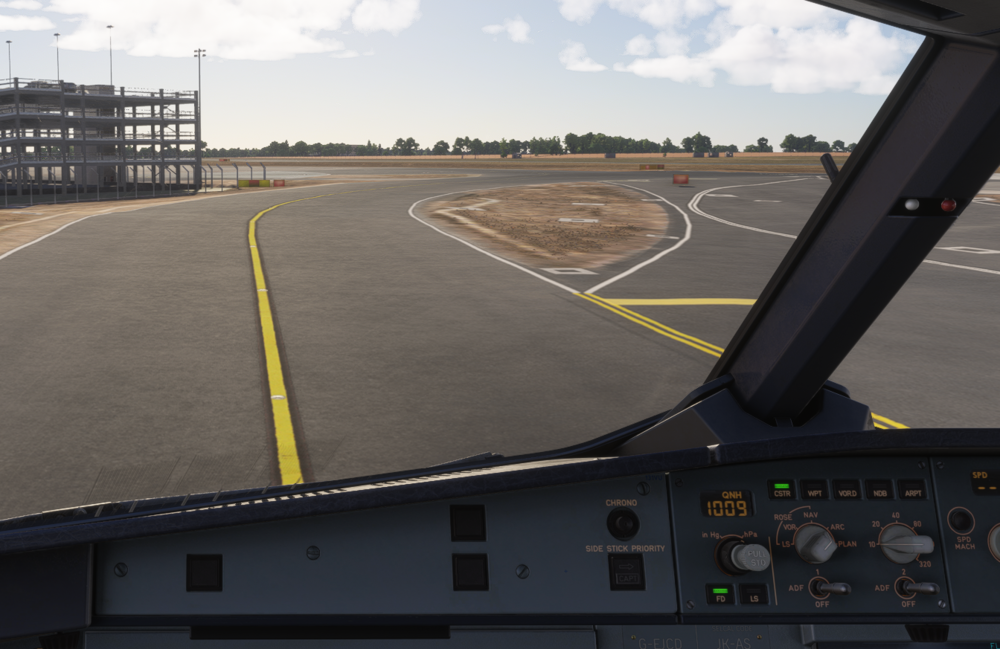
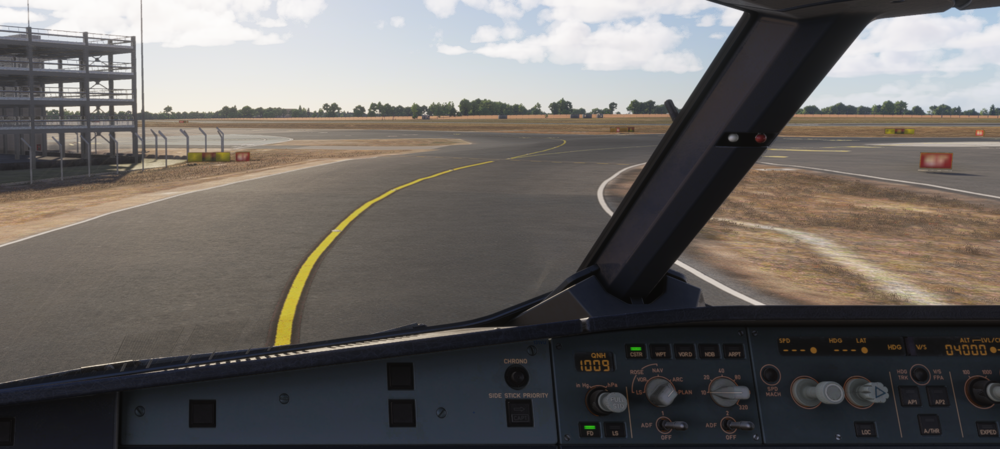
  3. Since using the Compatible edition on MSFS 2024, I have had blurred taxi signs throughout the airport. Only once I get very close or just past the taxi sign does the image fully load in / is readable. I have tried clearing cache / uninstall and reinstallation of the airport but no change. I did check the Airport in 2020 out of interest and had no issues, all taxi signs are clearly viewable and load in without issue. 2024 LOD issue? Please see screenshots attached. I'm also using v1.0.5.
Account

Navigation

Configure browser push notifications

Chrome (Android)
  1. Tap the lock icon next to the address bar.
  2. Tap Permissions → Notifications.
  3. Adjust your preference.
Chrome (Desktop)
  1. Click the padlock icon in the address bar.
  2. Select Site settings.
  3. Find Notifications and adjust your preference.