




Mets747
Member
-
Joined
-
Last visited
-
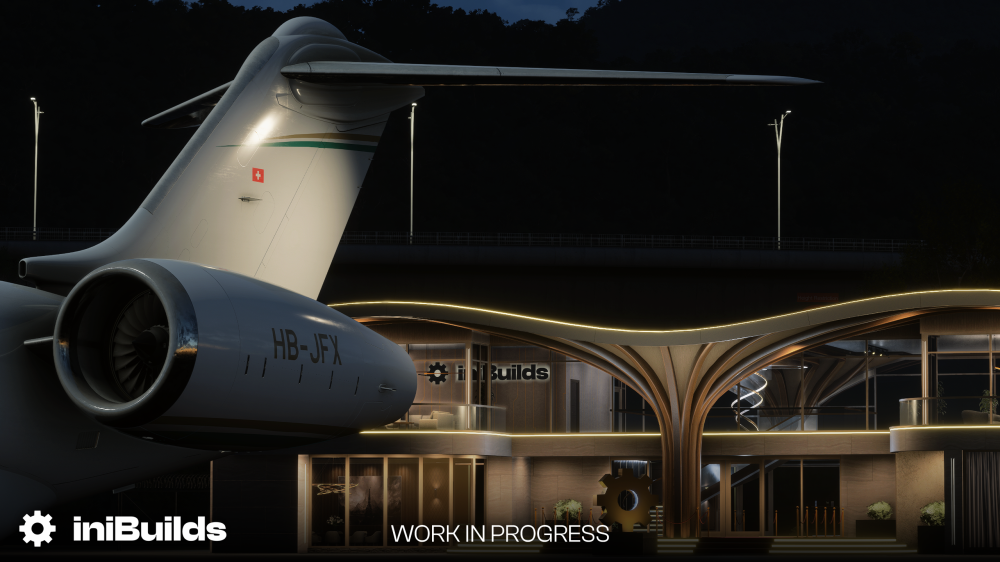
Hello ini team, first off I just want to say THANK YOU in advance and I'm surprised there hasn't be a thread made about this yet. Bizjets hold a very special place in my heart. I've been a ramp supervisor at one of the busiest FBO's in Los Angeles and have the pleasure to work with them daily. Been working the line going on 16 years now. I've been simming for even longer. Every day I'd always say to myself "I wish we can get a good Global or long range biz jet in our sims" and it looks like this dream is becoming a reality thanks to you all. With the amazing track record you've built for yourselves I expect this to be incredible. From what I've been seeing the community is going nuts over this. I hope to see this soon and thank you all once again! P.S. I have a full Global 6000 Aircraft Manual that was gifted to me by a fellow colleague. I'd be more than happy to help if you need anything.
-
Mets747 changed their profile photo
-
-
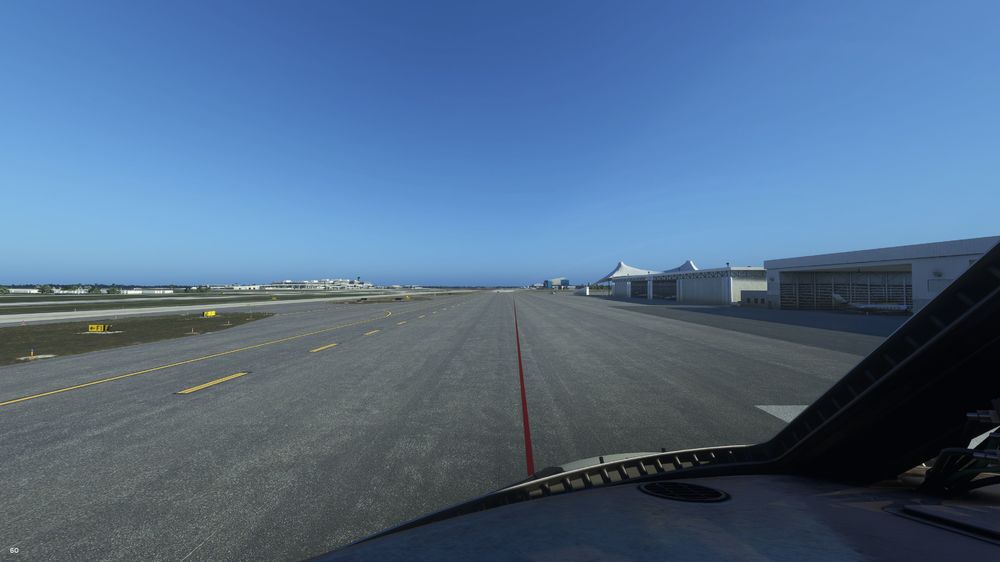
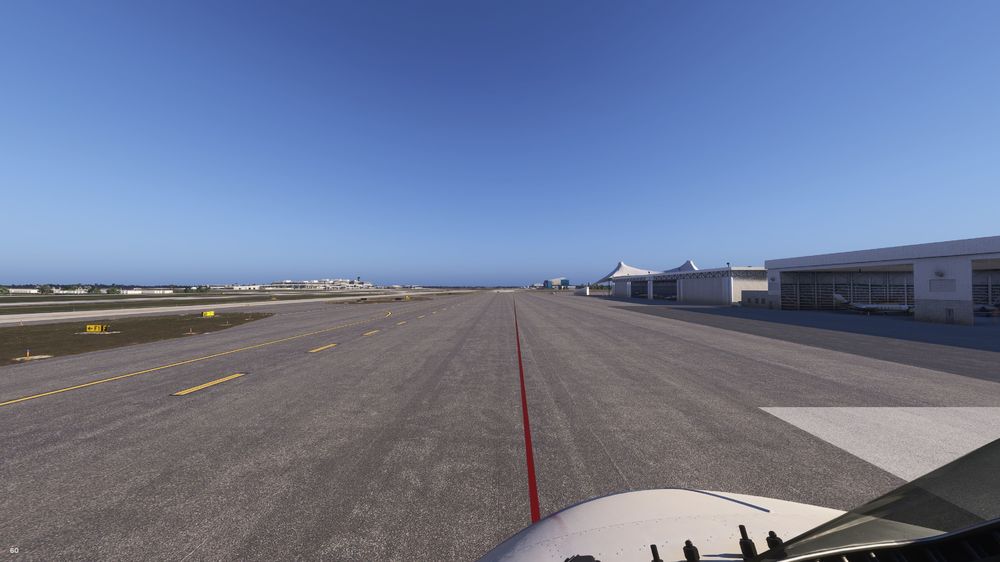
I definitely think it needs to be toned down a bit or an option to disable tint completely.
-
+1 on this. Tint is way too dark
-
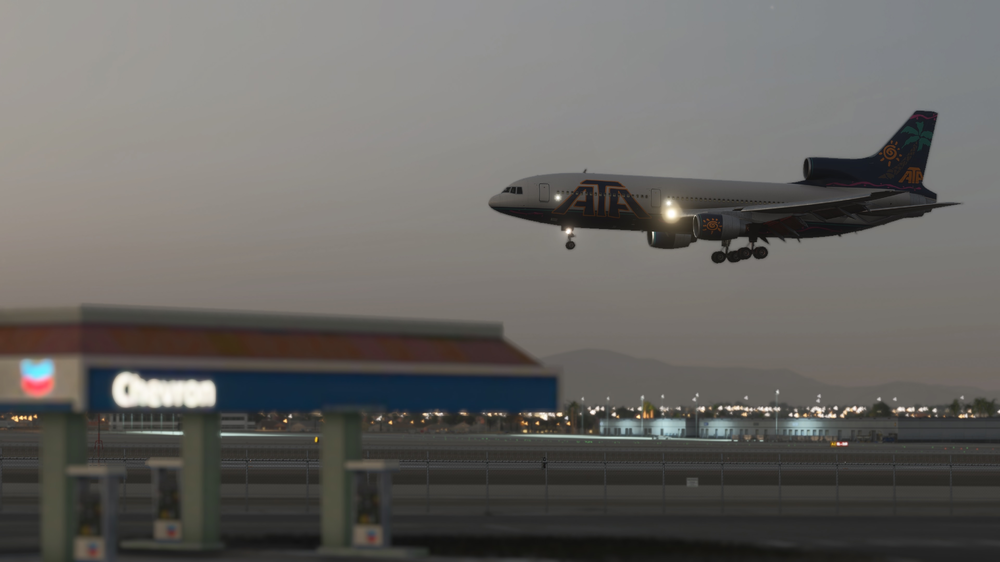
Just a thing I've noticed in all of the pre-release content that the main gear bogies have a tilt leaning forward instead of backwards. I have compiled some ref photos and video links to take a look at. Would love to see this fixed sometime and some bogie touchdown animations added. Thanks so much and I can't wait to get this amazing classic in my hangar!!
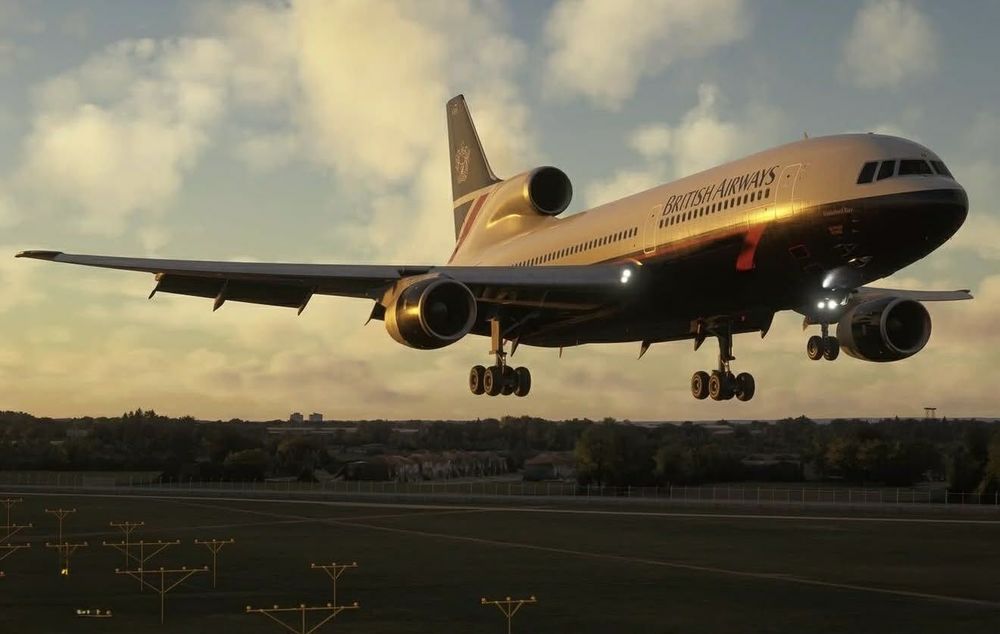
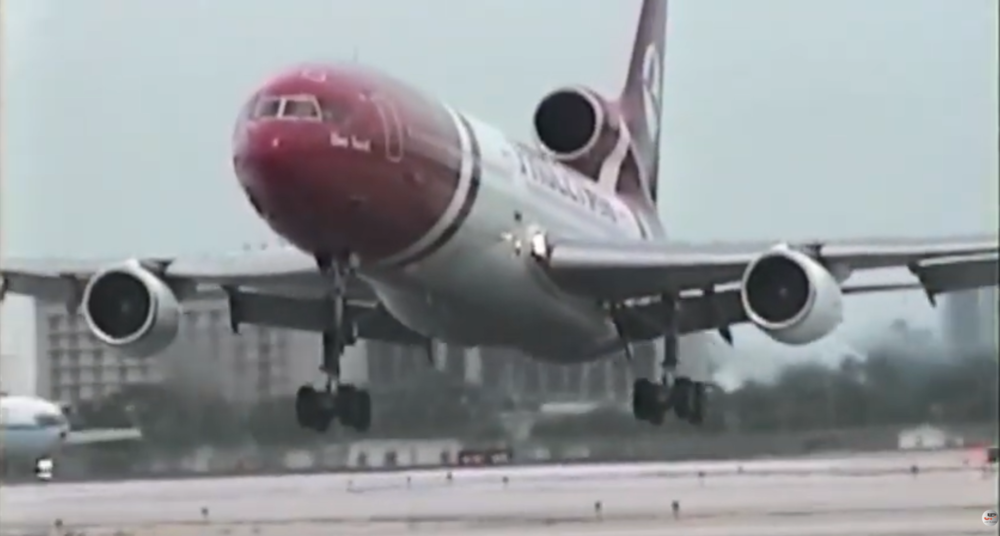
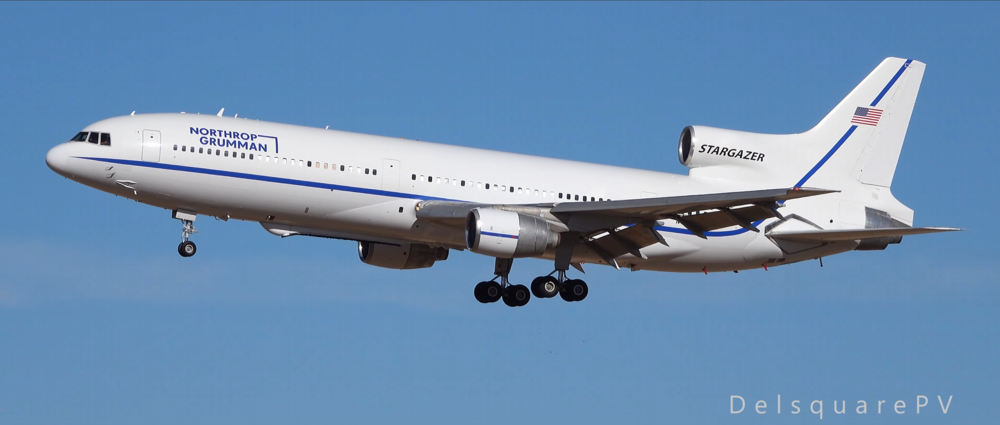
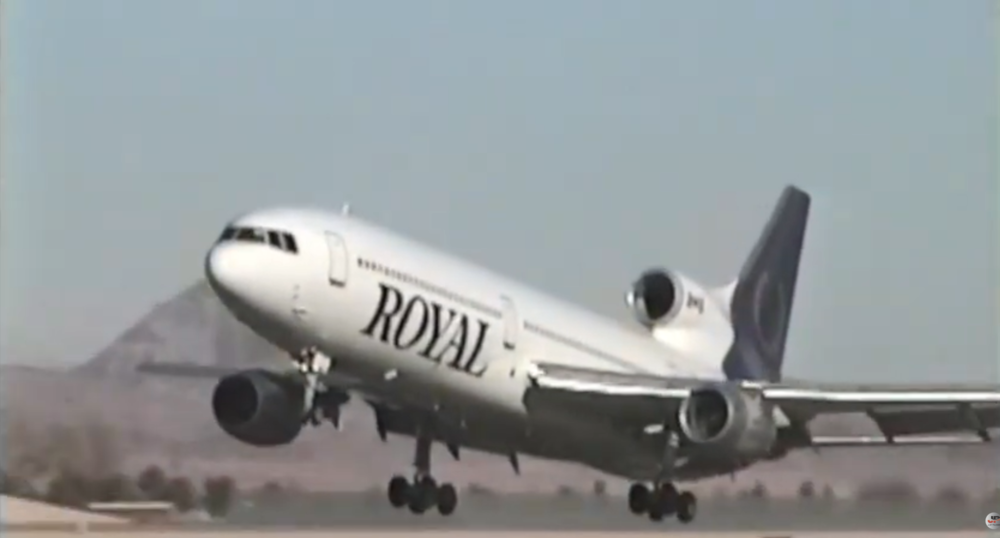
-
-
Hey inibuilds! Super happy for the L1011 and noticed in the dev update post that the beacon lights are just normal flashes how ever they are actually rotating beacons that alternate timings. I really hope you guys can add them just for that extra bit of immersion! Here are some videos for reference. Thanks in advance!
-
Yeah the beluga is perfect, I hope the 330's get fixed!
-
As the title states, the landing gear tilt on the A310 in 2024 somehow got reversed? You can see the two photos showing the difference. In 2020 it was spot on! It is currently tilting backwards but it is supposed to be tilted forwards. See reference photos. 2020 - Correct forward tilting gear like the 767 2024 - Incorrect rear tilting gear like a 787
-
Here is a link to my discord post about this. There you can see the issue. https://discord.com/channels/535246634448191499/1311159065921060915
-
Check my mod out, it might help you! https://flightsim.to/file/66466/inibuilds-a300-external-lighting-fix
-
You can use my mod, it will not mess anything up. It's a simple drag and drop into your community folder and you could remove it whenever you want. https://flightsim.to/file/66466/inibuilds-a300-external-lighting-fix
-
I fixed this issue with my mod, I hope you like it!! https://flightsim.to/file/75063/inibuilds-a320neo-v2-external-lights-mod
-
Check out my mod... https://flightsim.to/file/66466/inibuilds-a300-external-lighting-fix
-
I'm glad its all sorted! Enjoy!


