deneantony88
Member
-
Joined
-
Last visited
-
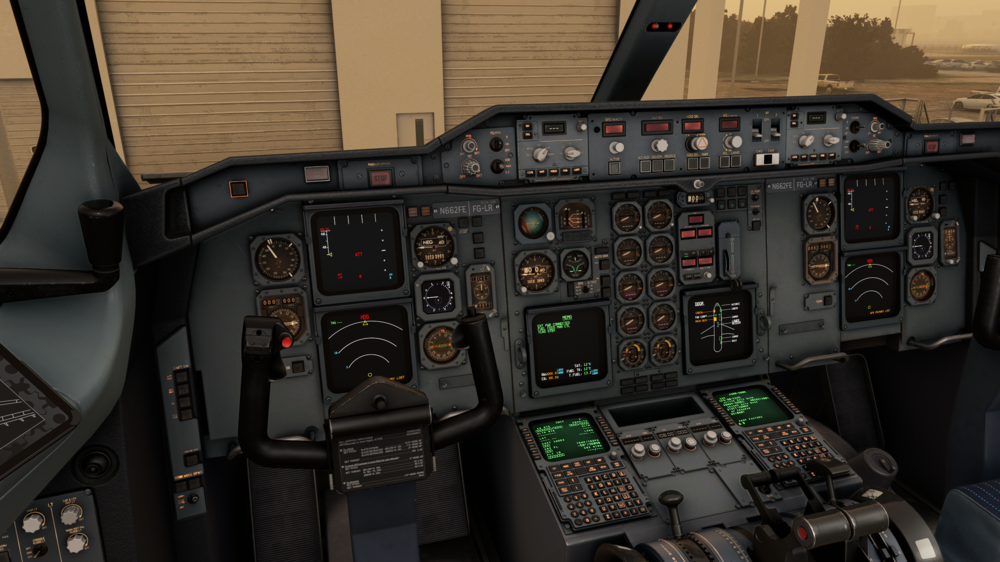
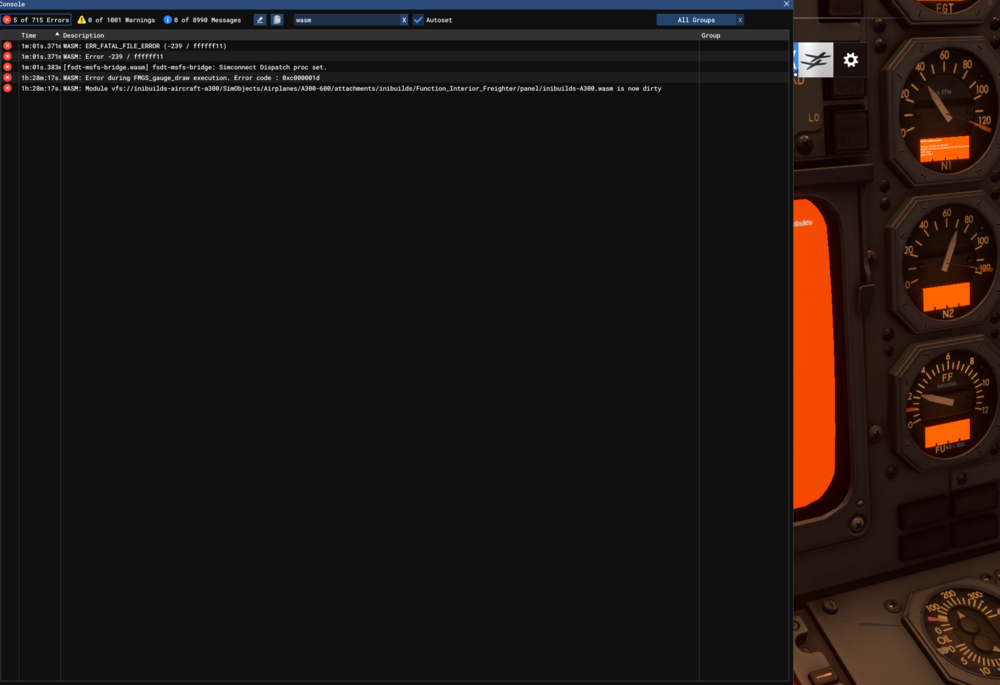
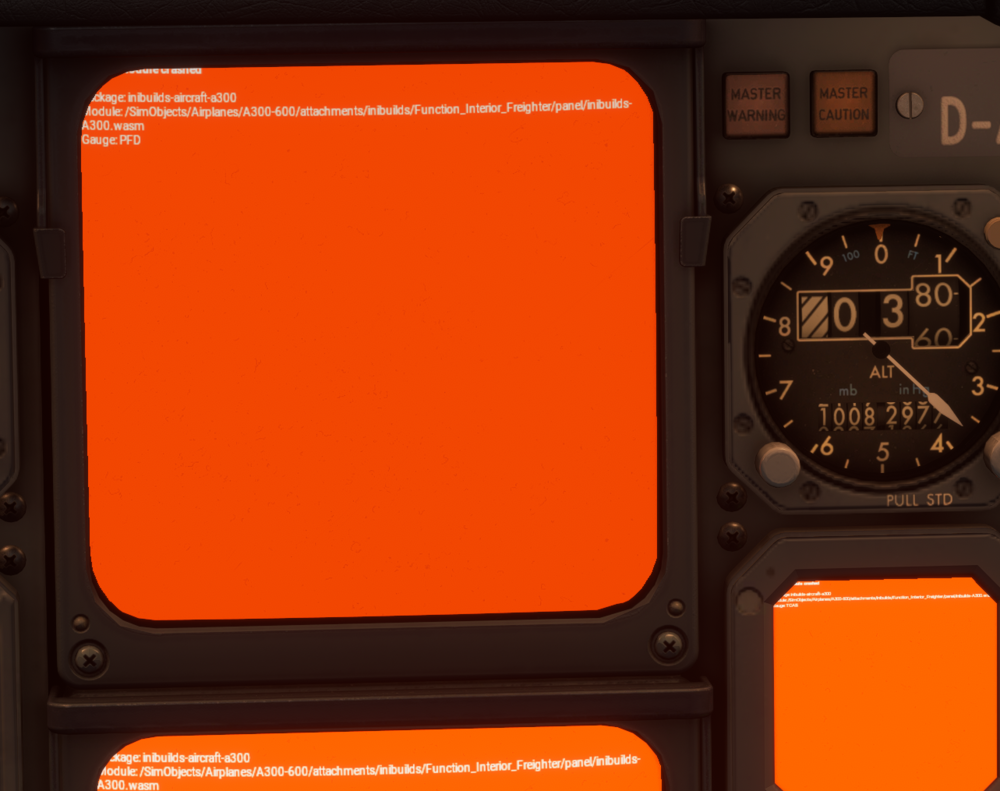
A300F PW engines Premium in 2024 Landing 27L in LFPG just as i touched down and pulled the reversers all my screens went orange using navigraph ERROR MESSAGES from console WASM: ERR_FATAL_FILE_ERROR (-239 / ffffff11) WASM: Error -239 / ffffff11 [fsdt-msfs-bridge.wasm] fsdt-msfs-bridge: Simconnect Dispatch proc set. WASM: Error during FMGS_gauge_draw execution. Error code : 0xc000001d WASM: Module vfs://inibuilds-aircraft-a300/SimObjects/Airplanes/A300-600/attachments/inibuilds/Function_Interior_Freighter/panel/inibuilds-A300.wasm is now dirty PC SPECS ... 9800X3D .. Radeon 9070XT .. 64GB RAM EGLLLFPG_PDF_1763232966.pdf
-
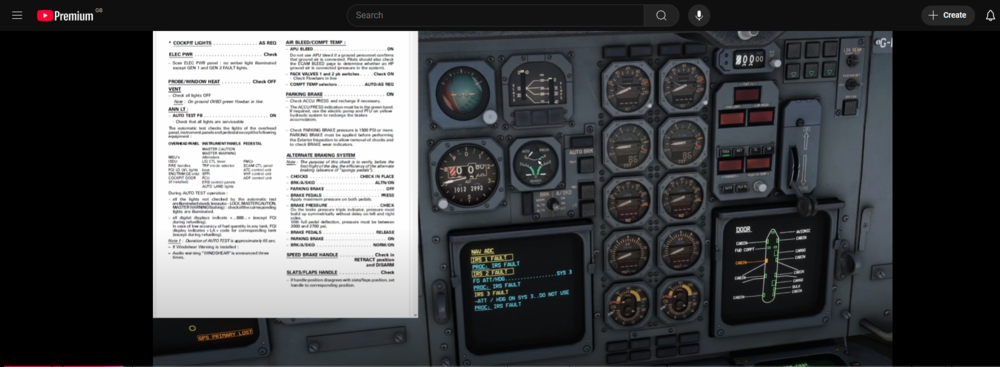
So i am trying to really get down and dirty with the systems and procedures in the A300-600, iv managed to come across a checklist what runs through a full cold and dark from startup to shut down based on the FCOM and 2 things i'v noticed that are not working as intended (as far as i am aware) 1 ... the APU handle is not illuminating when on battery power only when i push and hold the loop tests but in the FCOM it states it should illuminate 2 ... the ECAM screen looks to be not showing correct info based on the current phase of flows i am in .... i have not aligned the IRS's and i should be expecting the ECAM to be showing a different screen i was wondering also where the EFB credentials like the simbrief login and hoppie logon code are stored on my PC for it to remember because i have tried to fully re-install the aircraft by uninstalling via INI manager then deleting thee remnants of the a300 folder left over in the WORK folder in AppData\Roaming\Microsoft Flight Simulator\Packages\inibuilds-aircraft-a300-600 but when i loaded back in the sim all my settings and sound options in the EFB and everything was still filled in and set how i previosly had them .. how would i reset that? Thanks Merry Christmas