Dravman91
Member
-
Joined
-
Last visited
Everything posted by Dravman91
-
Thank you ! and hoping that GSX will be able to fix this issue to fully use Multi Jetways feature !
-
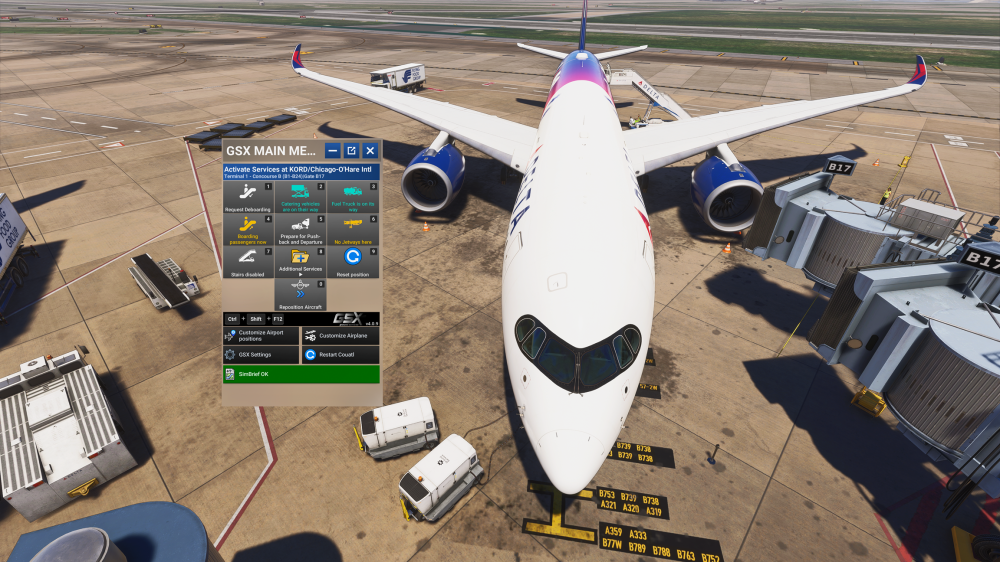
Thank you @John N I will have a look, and here is the reply I've receiving after haing submiited a Ticket to the Support Team : "We are investigating the issue as GSX seems to fail to detect the multi jetways so it fallbacks to using the bus "
-
Hello @John N On gate B17, I've checked this selection "disable rear stairs if jetway" in the settings as advised, but then when starting boarding, this selection is removed automatically and bus is still coming with rear stairs attached ...
-
Hi again, it doesn't work as starting GSX for boarding without moving the 2 jetways using the EFB, Bus is still coming with attached stair on the rear as no jetway detected ... @John N FYI
-
Hello Jamir Thank you for the advice and quick reply! I will try soon and let you know. Thank you
-
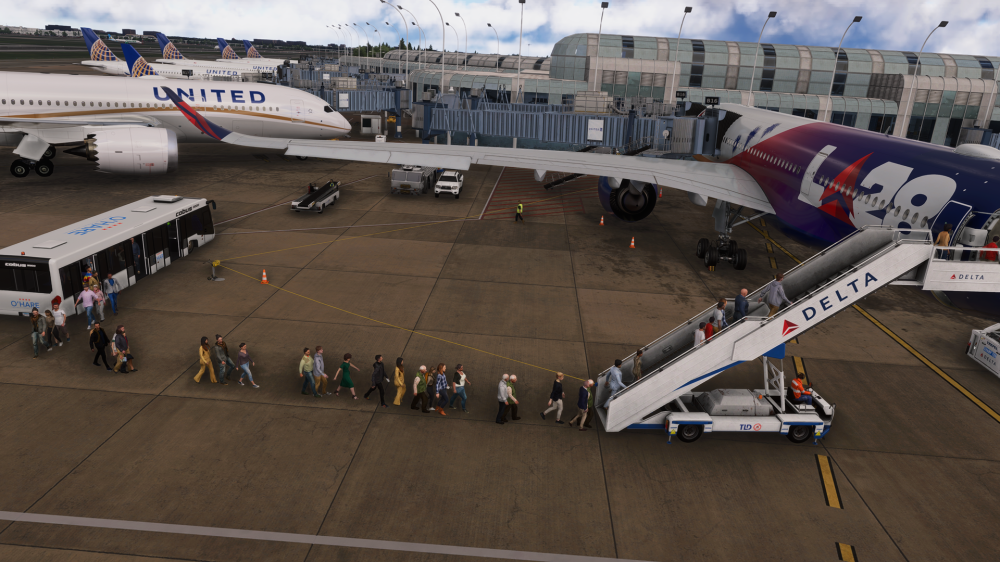
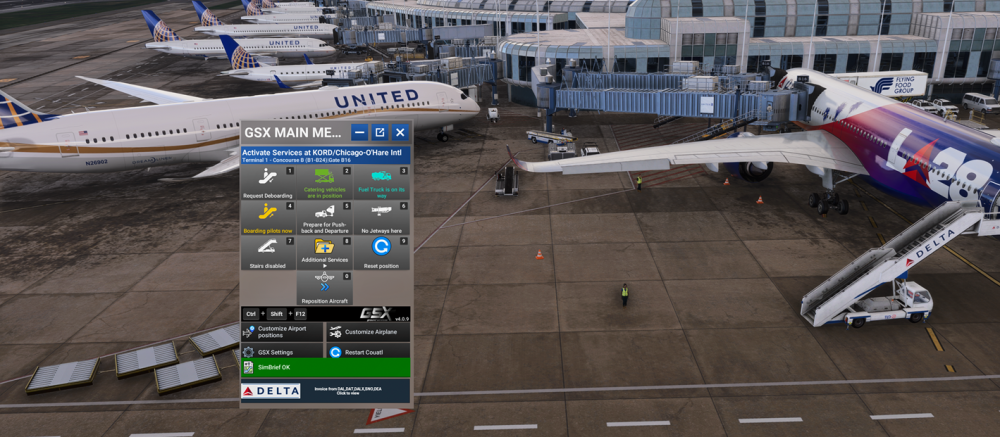
Hello Using EFB I can move as expected, both jetways at compatible gates but when Starting boarding with GSX, Jetways are not used because GSX provides the info that there is no jetways . thus passengers are coming by Bus even if in GSX parking position, jetway is active . Something you need to check to get passengers using this type of jetways with GSX Thank you
-
Thank you @richboy2307 for the reply and glad to hear that team is working on this issue to get better visual without these texture loading depending on distance !
-
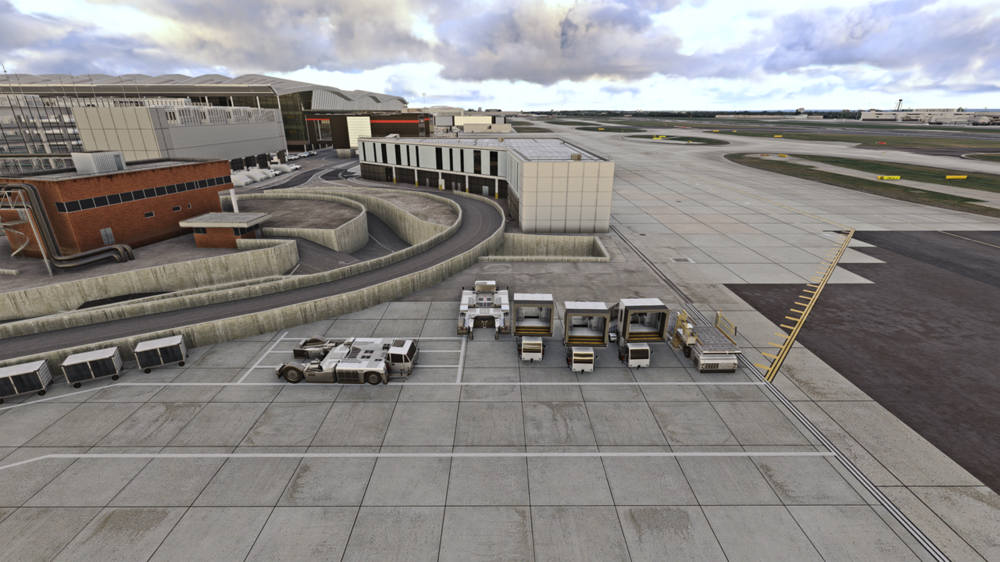
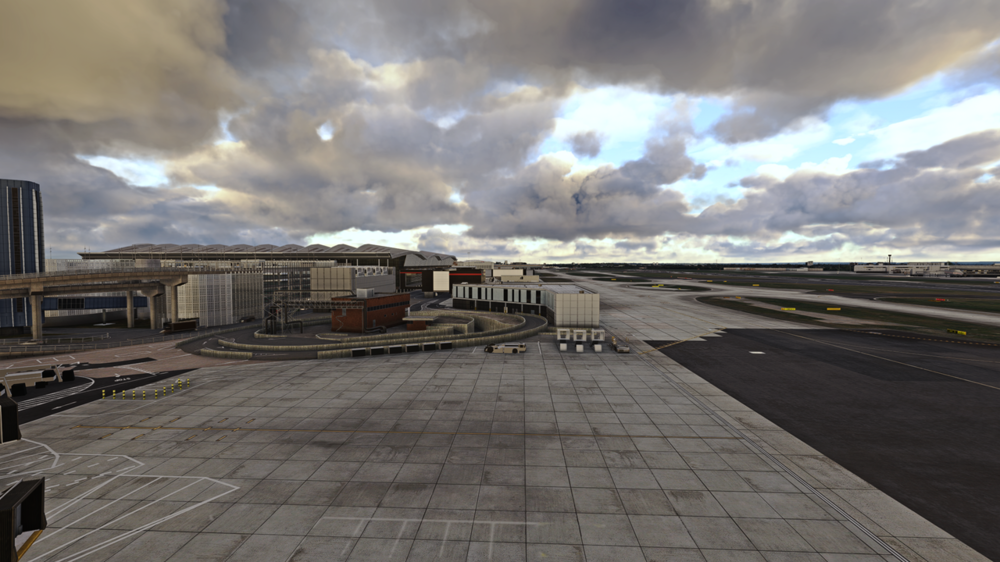
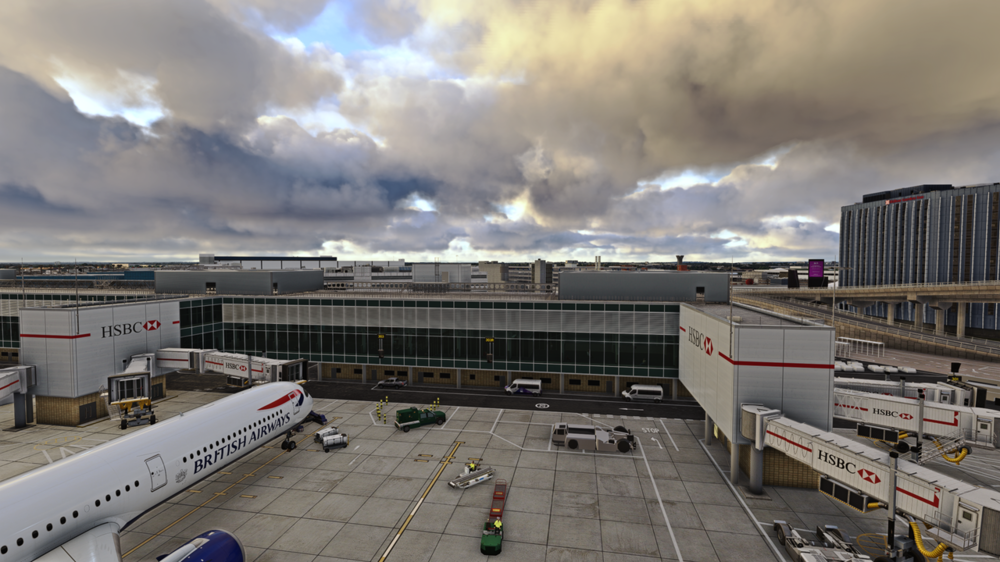
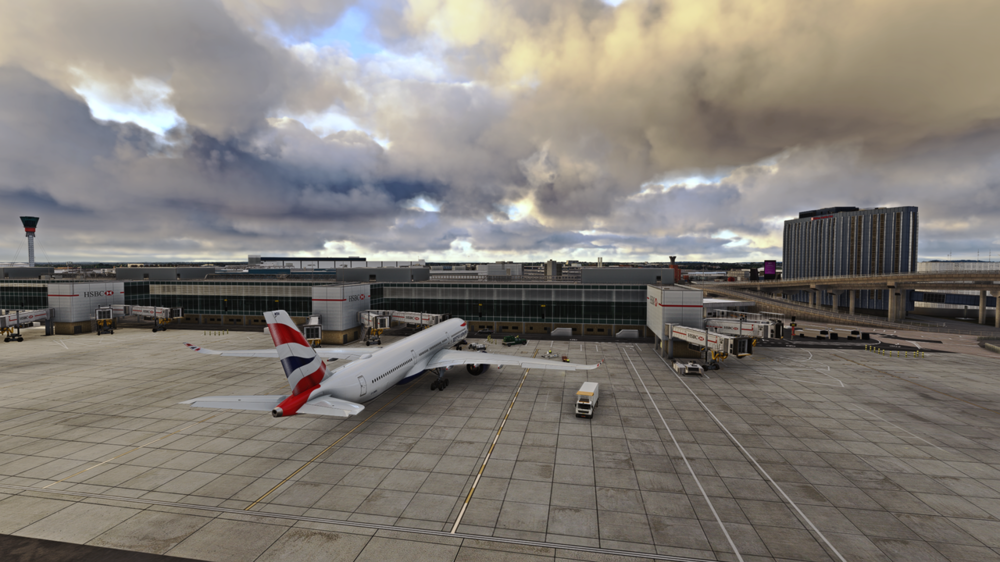
Hi, How to improve the texture loading of objects depending on distance ? Textures load when close to objects. I think I 'm not alone to have such behaviour and with EDDF Aerosoft wich is a large airport, I've no simar issues Thank you
-
Hope that Inibuilds will release an update for LODs optimization. Any tips to help for now how to minimize the fact that they are polygons loaded without texture depending on distance. Thank you
-
Same issue for me as well
-
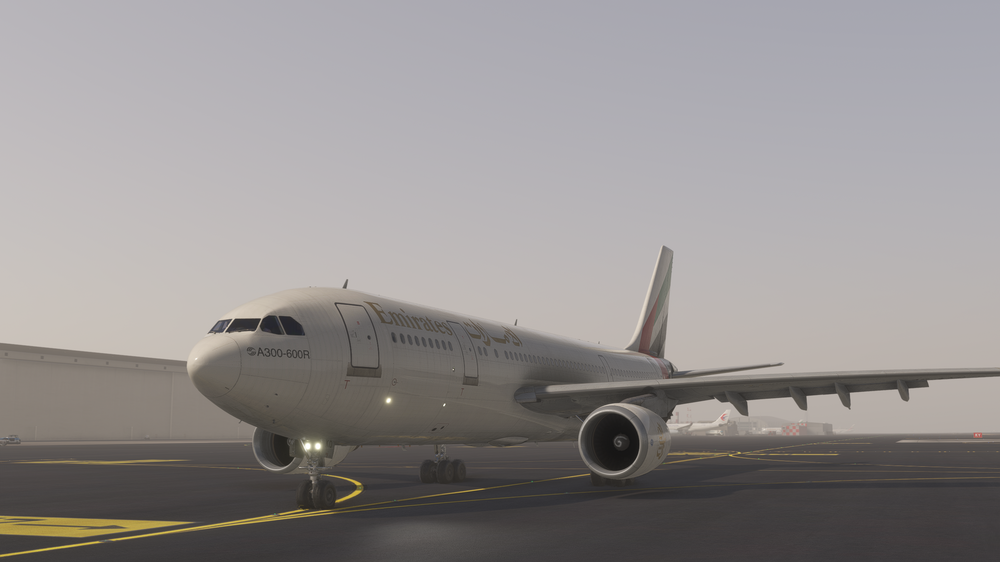
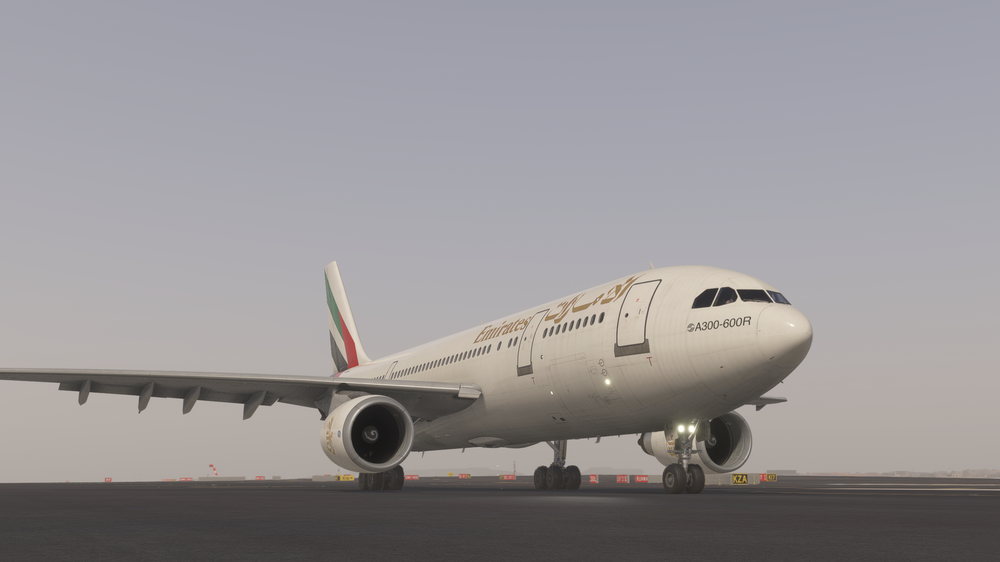
Finally, this is fine, I think this was due to fog weather conditions where the surface of wheel/tires were not clear when rotating
-
Hello, Please see attached picture as getting Some 'Artefacts' regarding wheel animation ( not clean !).... Does anyone has noticed this graphic issue... Thank you
-
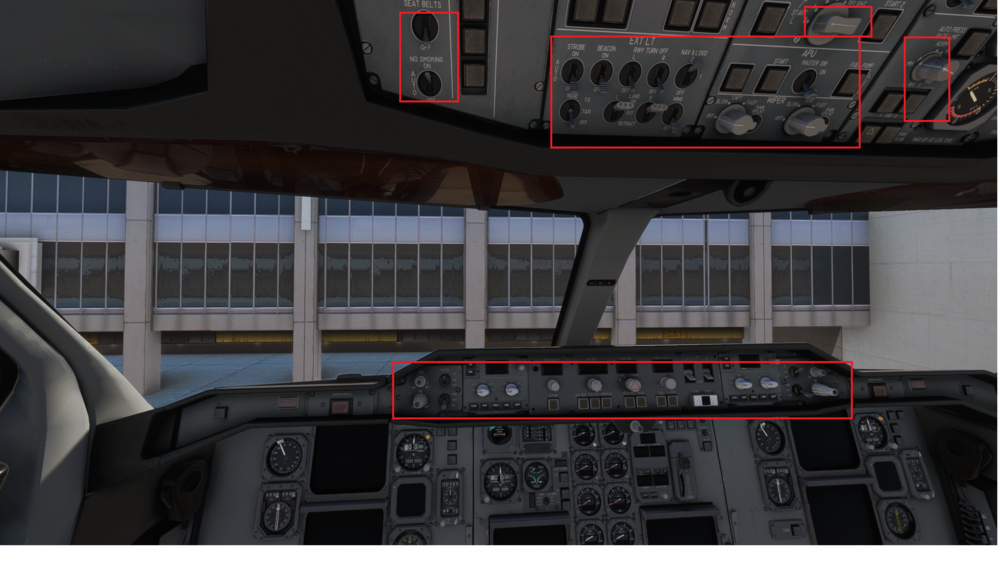
Hello I've read that a fix will be applied for blackscreens issue. But what about Buttons, switches, nothing can be activated.... see attached picture Thank you