trisho0
Member
-
Joined
-
Last visited
Everything posted by trisho0
-
How did you get that view? I can see if mine is flickering too. Pat
-
-
Loaded Inibuilds OMDB Dubai and found Tower, Terminals, Hangars, etc. twice. What can be done to remedy in MSFS sim? Pat
-
I think KJFK airport should be made with the Photogrammetry feature turned Off for increased flexibility. Pat
-
I tried Photogrammetry set to OFF and the bumpy runways are worse. The KJFK airport artwork needs a full REDO. Pat
-
Manu, how do you see that view where the crossed runways are looking weird? I don't think I do have that kind of problem, but I load a small plane on runway 4R I have bumpy runway. Pat
-
Manu, what settings do you have with the ONLINE FUNCTIONALITY from MSFS General Options-Data page? Or do you have the ONLINE FUNCTIONALITY OFF? I don't have the Asobo KJFK default installed. Anyway, I have the same issue as yours. Pat
-
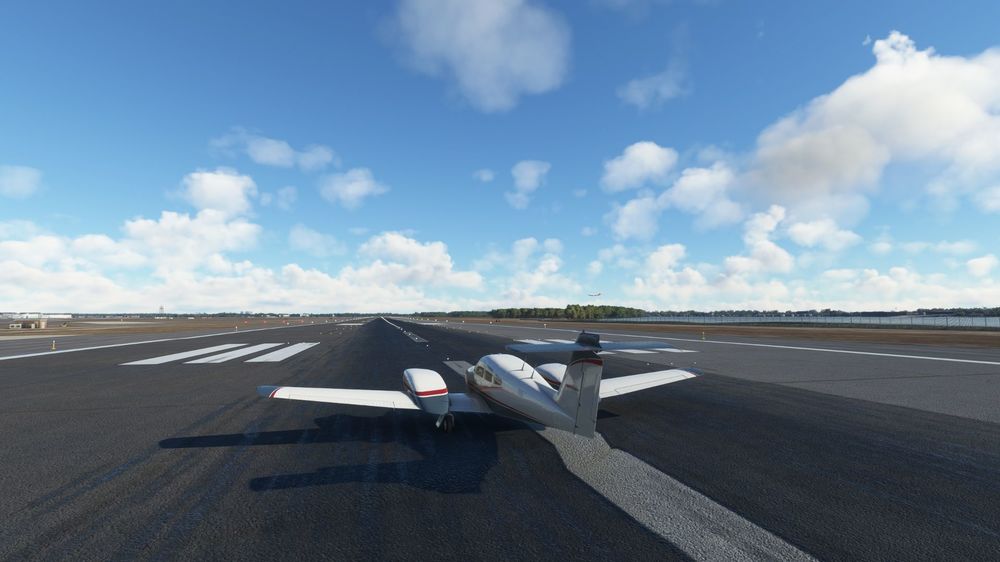
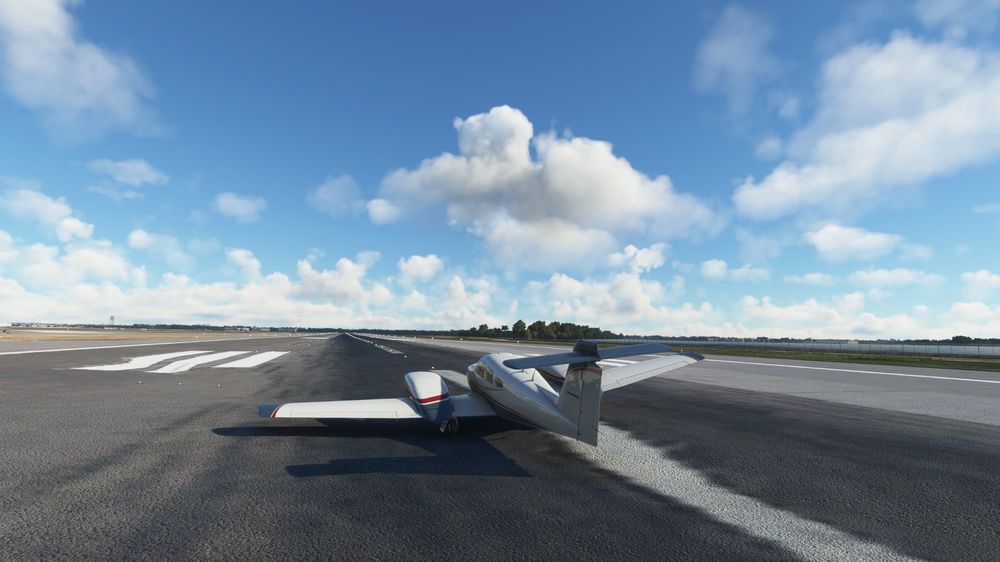
I tried to find the bumpy runway seen on runway 4R only. As soon as I see the runway 4R issue is resolved then I will test the other runways. So, I set BING DATA ON and PHOTOGRAMMETRY ON, the runway 4R softened but not resolved, still bumpy and differently. As per screenshots I have one picture with PHOTOGRAMMETRY ON and the other picture with PHOTOGRAMMETRY OFF. I think trying to fix from Developer it should be done with the ONLINE FUNCTIONALITY OFF from General Options-Data settings. Once the issue is resolved then to reset the ONLINE FUNCTIONALITY to Default or the best that suit our needs. Pat
-
When you have Photogrametrie set ON, do you have bumps issues as posted on this thread topic? If so, where is that Photogrametrie settings to change to Off? Pat
-
It still the same bumpy issues I wonder why the Developer is reluctant to fix it. Pat
-
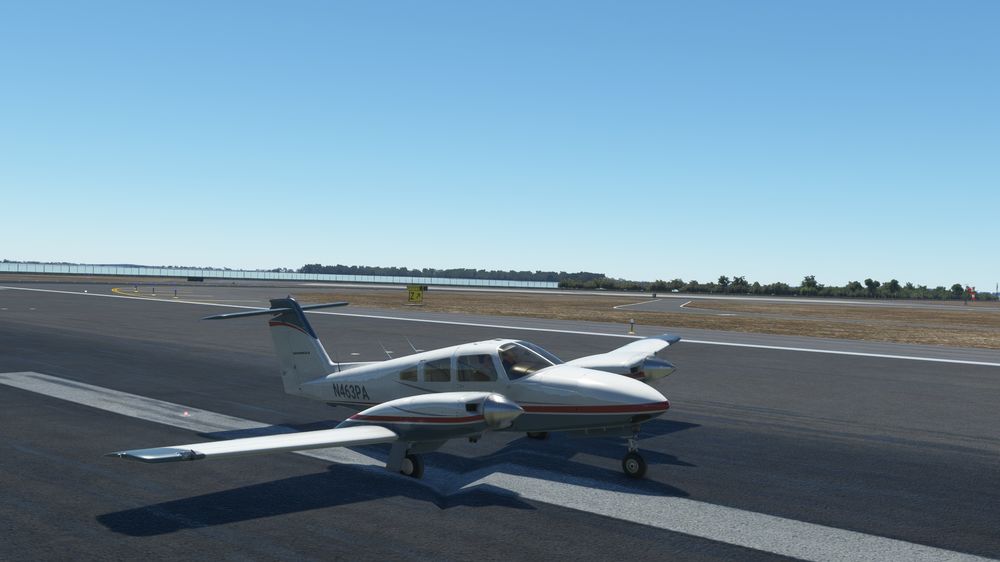
I tried with MSFS settings and found Rolling Cache (cleaned), also Bing Data and Photogrammetry turned ON. Still bumps on runway 04R, I can't fix it. This is the only addon airport giving the issue at the moment. Any try on it? Pat
-
I have the same runway bump with MSFS. How to fix it? Pat