




CaptKornDog
Member
-
Joined
-
Last visited
Everything posted by CaptKornDog
-
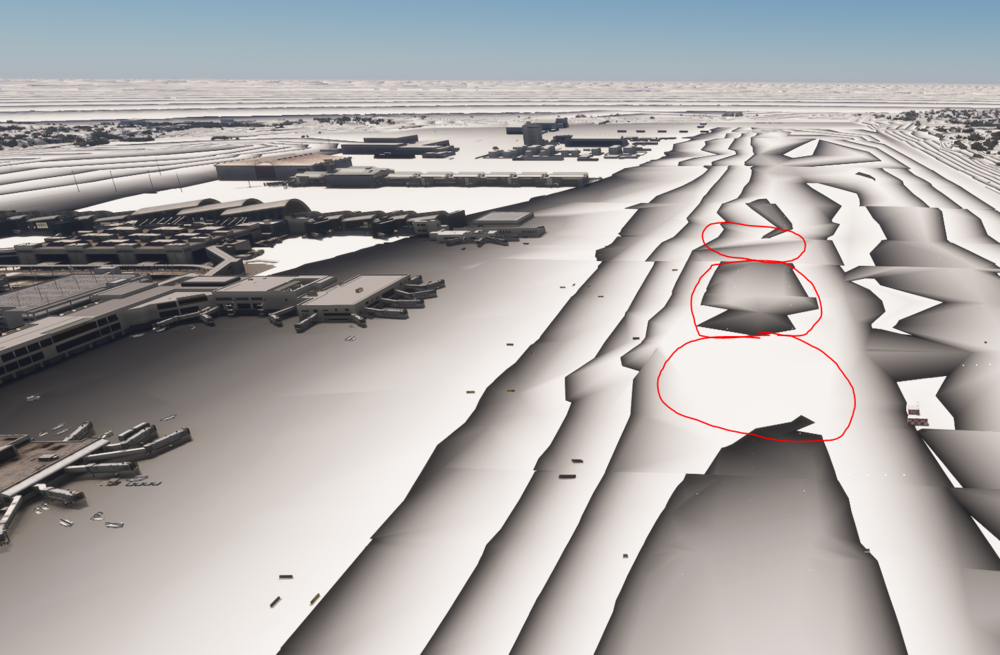
For what it's worth, here's the picture I also posted in Discord in Dev Mode. The areas circled in red are where I see these significant (nose-wheel popping up) bumps on takeoff and landing.
-
Unfortunately, I need to post another "me too" type of reply. Similar to JFK, even with PG on and a scenery cache cleared, I have a large bump on 24L at LAX. In an MD-80, will pop my nose in the air pretty significantly (to where my VSI increases and the ground flight deck fans spool down).
-
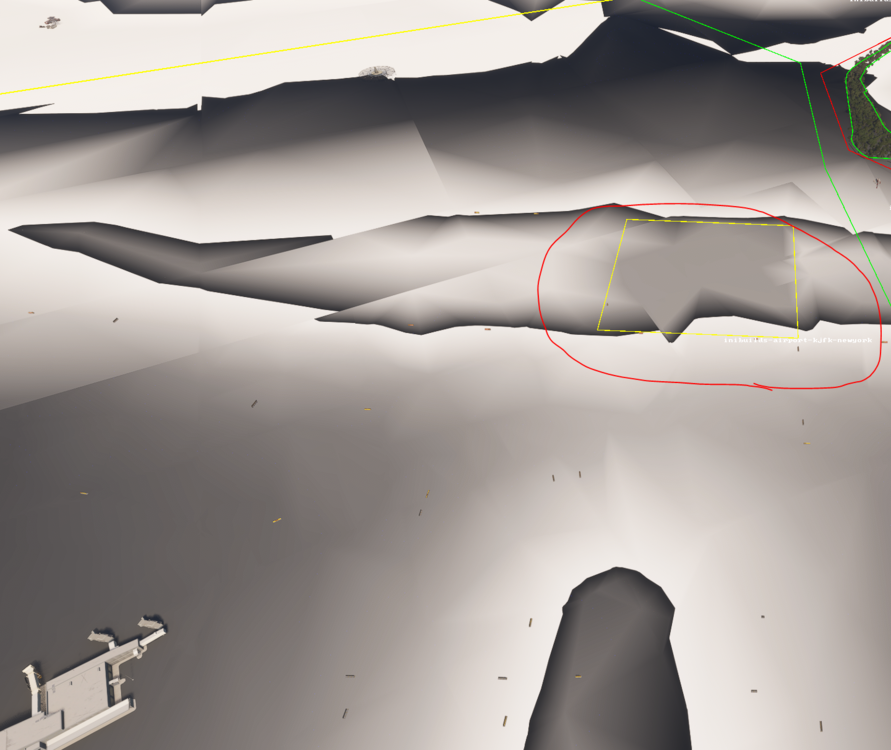
Yes, it is. My 31L/4L issue appears to be here. Not sure what that yellow box is but that definitely seems to be the location there is noticeable bump in.
-
I'm seeing the same thing on 31L/4L as well. While it's "better" than it was previously, there's still a very noticeable bump in my sim; shows up somewhat when viewing the isolines in Dev Mode as well.
-
Any chance your investigation turned up anything? Or is there some kind of terrain setting that perhaps we are missing in our own simulators? Thanks.
-
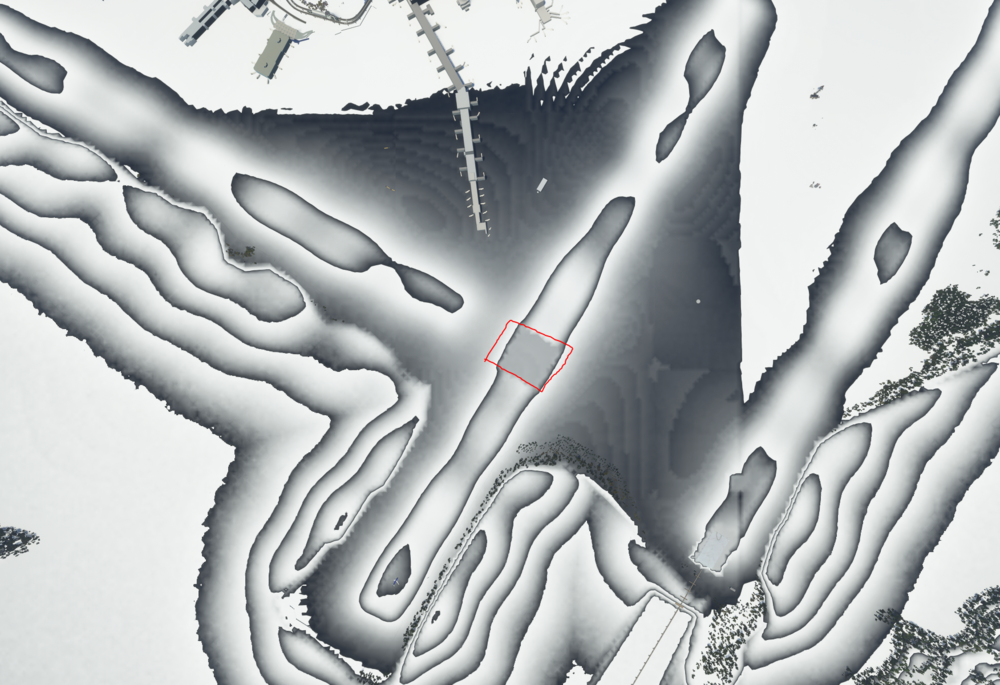
Also, for what it's worth, it appears to be approximately here in altitude isoline view.
-
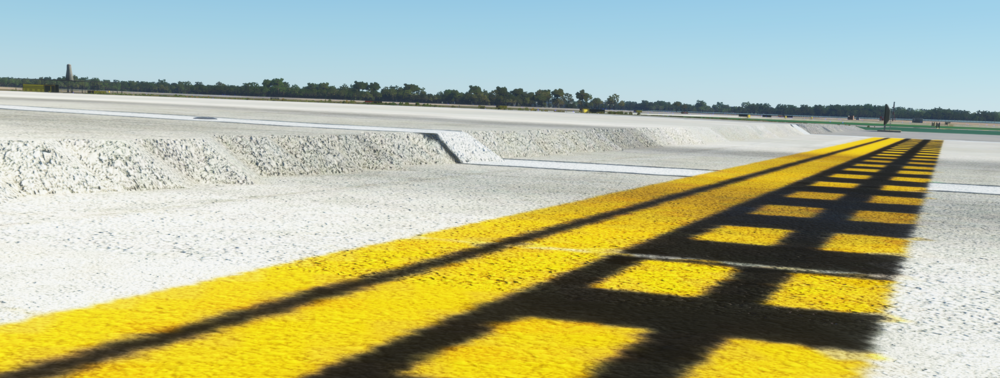
Have the same thing at 4L around the intersection of 31L. PG is off, rolling cache has been cleared, v1.0.6, and Asobo JFK disabled.
-
 Appears the lighting is much "harder" around the edges (HDR and non-HDR variants) in P3Dv5 compared to the thumbnail preview; preview above shows gradual blending into surroundings, sim has very visible circle edges where the dynamic lighting ends.


