wcs33
Member
-
Joined
-
Last visited
Everything posted by wcs33
-
Thank you. The paintkit is an empty plane...I'm looking to modify the existing inibuilds Eastern using more correct colors, etc. Having the original as a guide would be very helpful. I would think it would not be encrypted on the Inibuild's version (not marketplace), but it appears to be. Thoughts?
-
Hi, I'd like to create an Eastern airlines Bicentennial livery for the L-1011, but can't seem to convert the KTX2 files (even the Inibuilds version, not the marketplace) so that they show the current livery, which I could then modify. Is there any tool, or process where I could at least use the art file PNG's as a reference? The rudder art, in particular, is very complex. Thank you L
-
Hi, I've purchased the L-1011, but cannot find liveries on the inimanager. When I go to liveries, all I see is the A300 options from when I purchased that. Please advise. Thanks
-
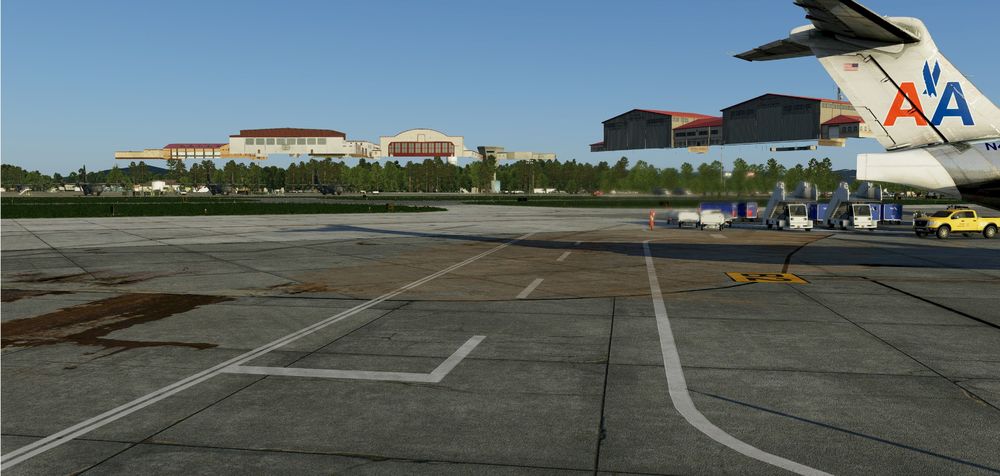
Hi, I've tried all combinations of installation (I have ortho4xp for West Virginia) and scenery pack ordering, and I can't seem to get the Nat Guard and parking lot cars to be at the same level as the runway and terminal area--they look to be about 100ft in the air. I had removed the XP11 version, of course. Thanks Any ideas for a fix?