




Veldetta
Member
-
Joined
-
Last visited
-
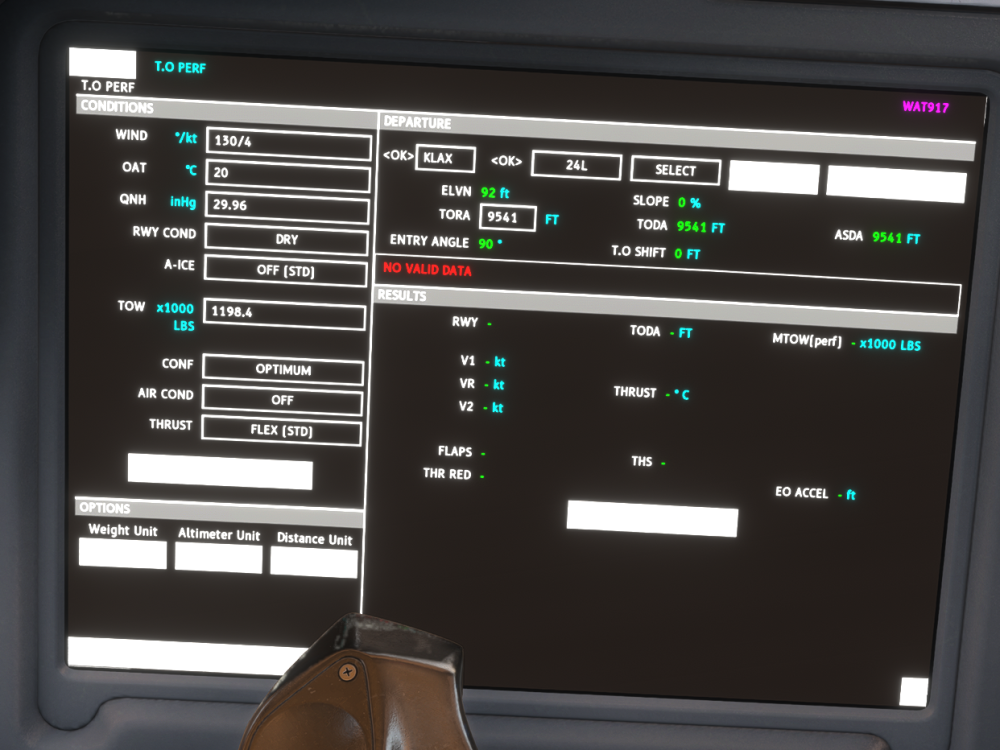
Confirmed! I have a TOW of 1,198,000 (543 tonnes) and when I sync the weights and compute the numbers (that I got from simbrief), I get "NO VALID DATA". UPDATE: This might be a SU7 beta issue (in regards to TOW) but like the other users above, I almost go off the end of the runway with the take-off numbers. I'll do another flight in SU6 to confirm.
-
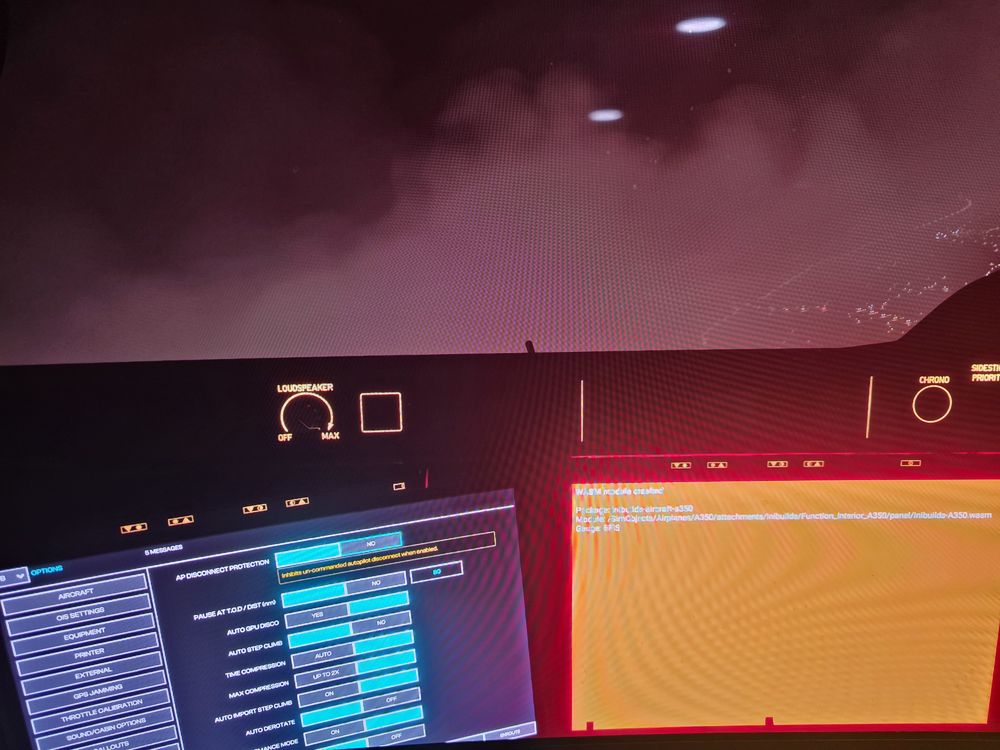
Was at the end of a 9 hour flight and I had to go around... after I tried to have the aircraft follow the missed procedure, I got a WASM crash (screenshot attached). 9 hours down the drain 😞.
-
I was just trying to fly on Pilot Edge out of KLAS. I switched to the atis via the coms and for the life of me, I could not get it to to switch off no matter what other channel I switched to for both Comm 1 and Comm 2, both channels. I had to end the Pilot Edge client just to end the atis. Not sure if it's a Pilot Edge client issue or and issue with the A310. However, I have not had any issues with any other planes flying on X-Plane, P3D, and MSFS with Pilot Edge client. I'm using the A310 beta currently.
-
Beautiful plane and I already have a few hours on it. I did already have some mishaps with the plane (vnav) but I'm sure you're already working on that. Here are some potential bugs I came across while using the latest version: I have 'Chocks' selected on the EFB but I don't see the chocks installed on the external view In my settings, I have 'LBS / FT / INHG' selected but when i went to refresh the METAR under take-off performance, the Altimeter was populated with HPA The IRS Alignment took FOREVER (under realistic settings). For example, I switched the DYSP SEL knob to 'HDG/STS' and it said 3. Is it 3 mins or 3 hours? i'm joking about the hours but it was way longer than 3 mins. Just a few on my findings... i'll update this post if I find anything more.


