





GB Nick
Member
-
Joined
-
Last visited
Everything posted by GB Nick
-
If this helps? I use SimBrief Downloader and it pulls the Simbrief flight plan into the aircraft. See images.
.png.1391543451394f2266cbf0a9d3348c49.png)
.thumb.png.1fcfb41dd20191d584115e334515a3aa.png)
-
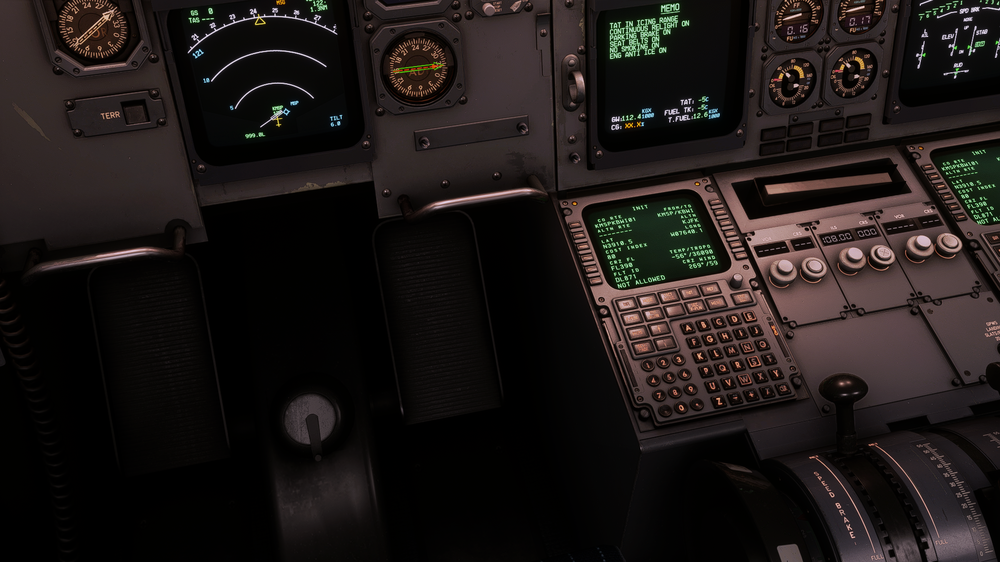
I have made the mistake of not completing the Init B page after pushback from gate. And obviously I'm getting the FMC message initialize weight's. I am unable to access Init B page. Please tell me I do not have to return to the gate. I am on the Beta Branch of MSFS.
-
Hello, having the same issue. So far, I have entered my Simbrief ID and Username, with no luck. Now downloaded the ini builds "ini manager" and entered the details there, which populates in the FMC. Still remains "Pending" despite being Online. Regards, Nick.

.png.1391543451394f2266cbf0a9d3348c49.png)
.png.79b1561fd79782101db08e23c6ef6782.png)

