




Fly_ebos
Member
-
Joined
-
Last visited
Everything posted by Fly_ebos
-
-
Adding STAR to my route, I get a discontinuity? How can I get rid of it? Clicking on the first waypoint after the disconituity doesnt help.
-
had a succesfull pause at TOD yesterday, but a failed one today. Both on v1.05
-
I was not doing a turnaround. However, when running on GPU, and then turning on the beacon light, the GPU would get disconnected, causing my FO DEU's to go dark. Perhaps this triggers a turnaround state?
-
Apologies but I do not do discord, it's like searching for trees in a forest
-
2 flights in a row the A220 just flew right through the TOD, no pausing. And yes I had it selected, double checked
-
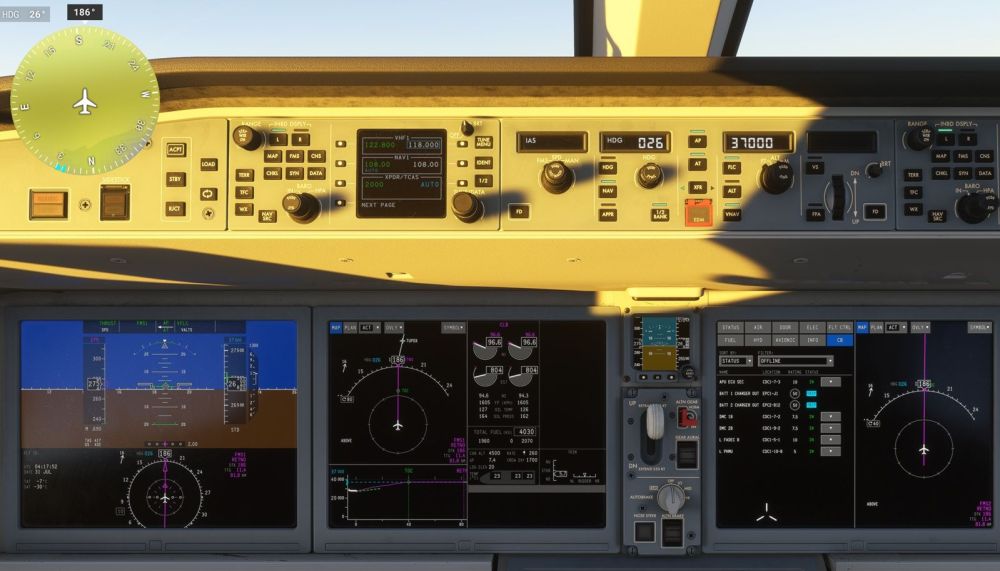
Found the solution: resetting circuit breakers. Hadn't thought of it as I've read failures were not implemented
-
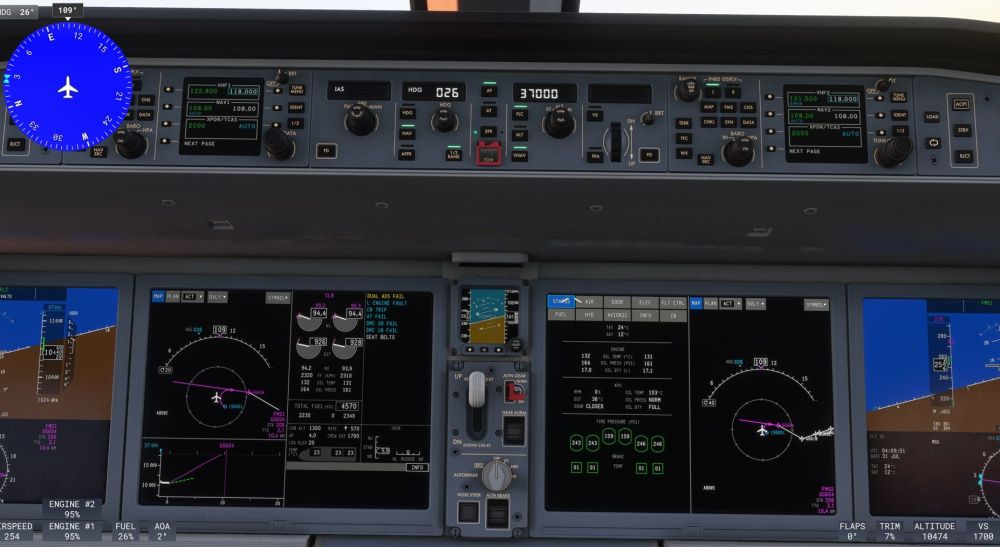
Got a bunch of warnings after a prolonged time on the ground, prepping a flight LSGG-LEPA Have following indications: DUAL ADS FAIL, L ENGINE FAULT, CB TRIP, AT FAIL, DMC 2B FAIL, DMC 1B FAIL. Do not understand why and how to solve. Went ahead and got airborne (I know I shouldnt), unable to engage AT
-
thanks for the help, that solved it
-
Both batteries in auto external power in use DEU2 still says battery discharging DEU's of the FO and MCDU are remaining black. How do I get it to start up too?
-
When can we expect the liveries for the compatible version to be available for the premium version? Waiting 2 months now...
-
Solved: MSFS data setting, Bing world data must be ON
-
Hi Bought v2 but I have trees everywhere on the airport. How to solve? thanks


