Skip to content
View in the app

A better way to browse. Learn more.

iniBuilds Forum

A full-screen app on your home screen with push notifications, badges and more.

To install this app on iOS and iPadOS
  1. Tap the Share icon in Safari
  2. Scroll the menu and tap Add to Home Screen.
  3. Tap Add in the top-right corner.
To install this app on Android
  1. Tap the 3-dot menu (⋮) in the top-right corner of the browser.
  2. Tap Add to Home screen or Install app.
  3. Confirm by tapping Install.

captjames

Member
  • Joined

  • Last visited

  1. Thank you
  2. Hello Jamir, Please find attached requested screenshots.
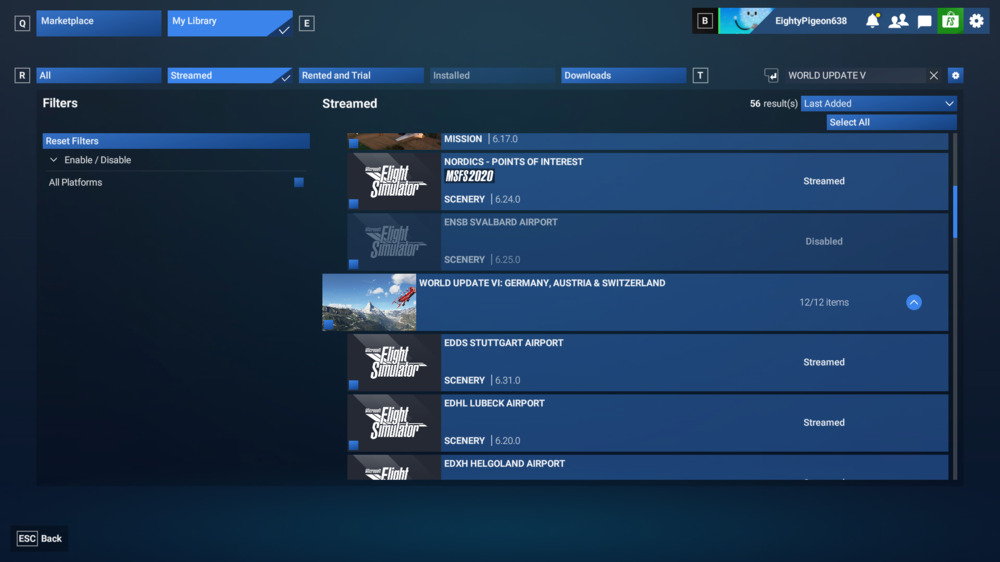
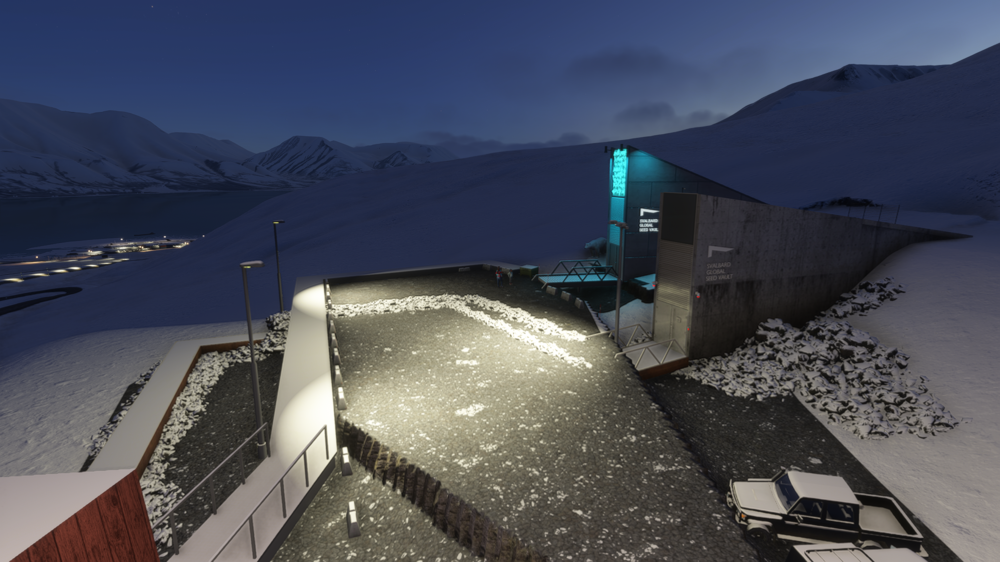
  3. Hi All, Since installing ENSB I can see 2 x seed vaults on Longyearbyen. I've double checked the scenery database and I can't see anything amiss. Is/ has anybody else experienced this?
  4. There's one on flightsim.to 🙂
  5. captjames changed their profile photo
  6. captjames started following Aeroguitarist
    Absolutely beautiful repaint of an airline no longer with us!

Account

Navigation

Configure browser push notifications

Chrome (Android)
  1. Tap the lock icon next to the address bar.
  2. Tap Permissions → Notifications.
  3. Adjust your preference.
Chrome (Desktop)
  1. Click the padlock icon in the address bar.
  2. Select Site settings.
  3. Find Notifications and adjust your preference.