ThrustMzter
Member
-
Joined
-
Last visited
-
-
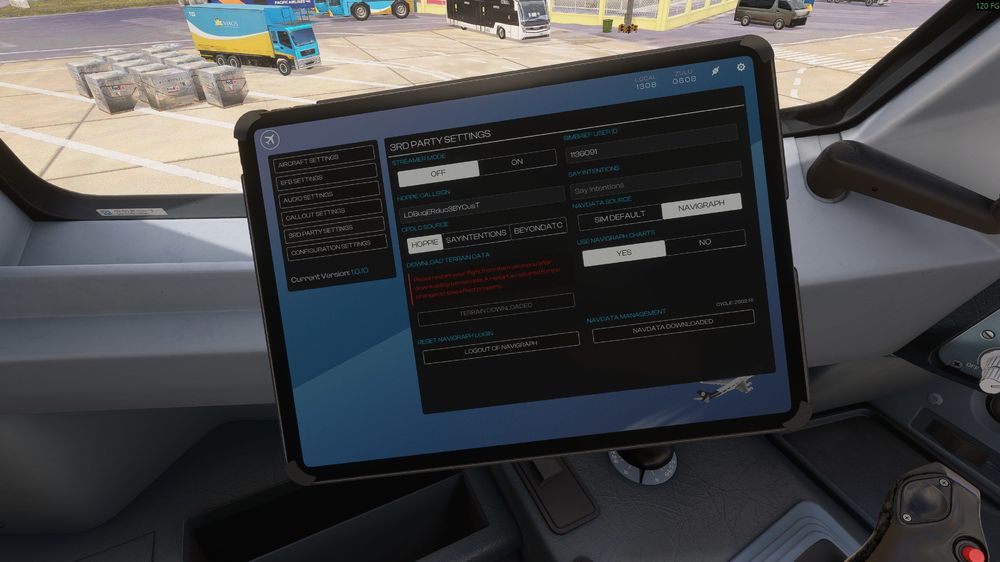
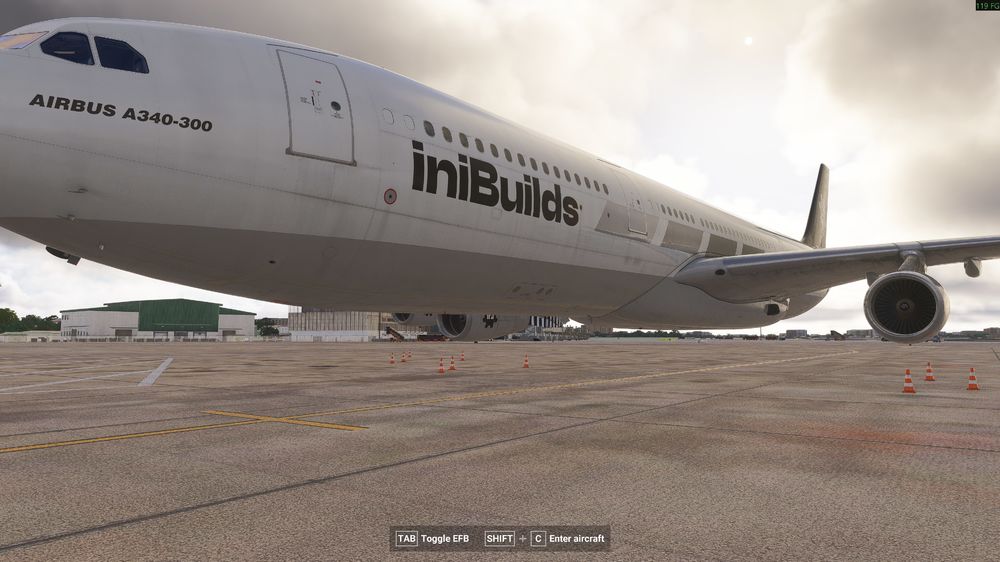
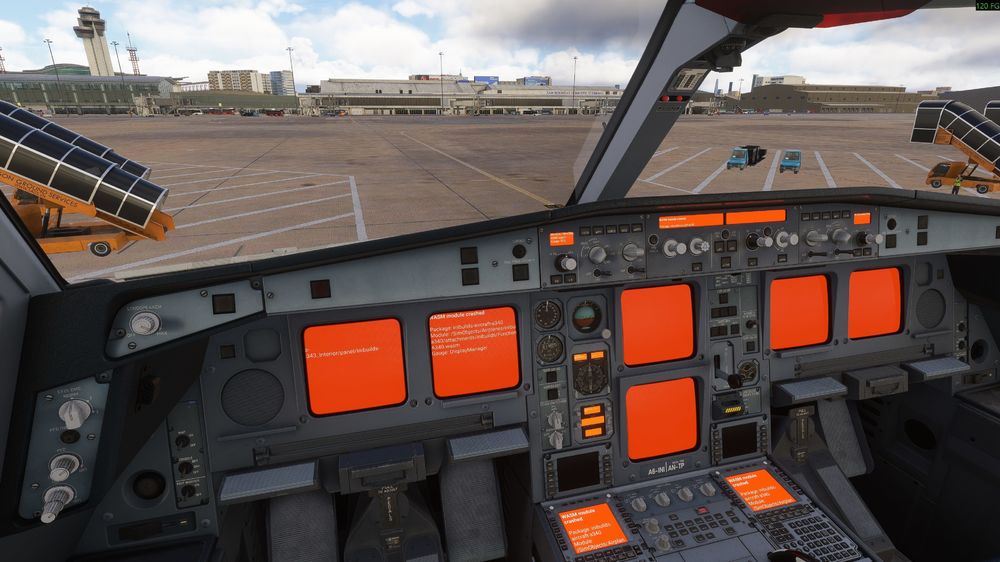
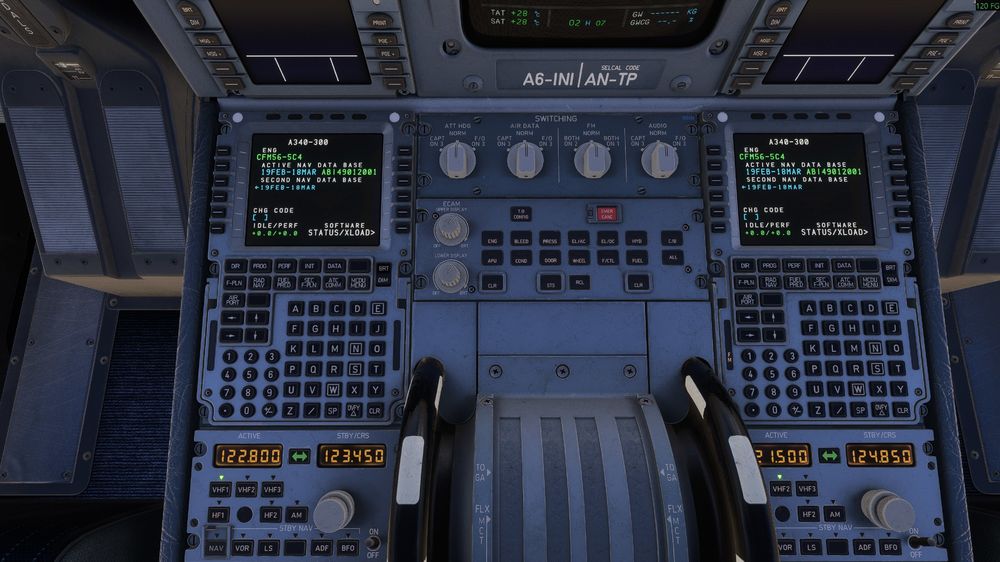
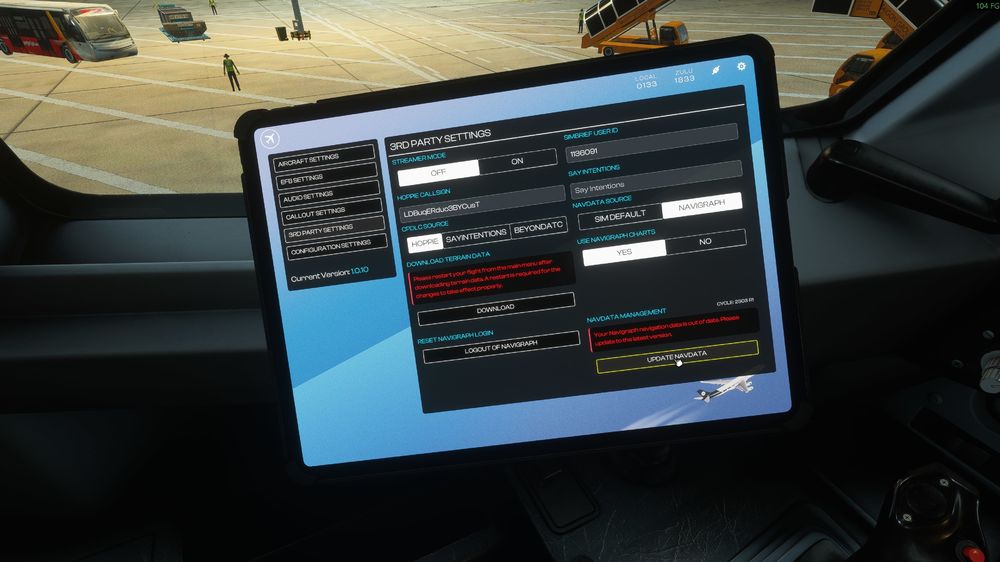
Hi, After I installed Terrain via ini Manager or EFB. I got issue no Landing Gears textures and Wash Crashed. Furthermore, I updated Navigraph to the latest version, but the EFB and MCDU are still showing the old Navdata.
-
Dear iniBuilds, I can't press UPDATE NAVDATA in A340 MSFS 2024. This product was transfered from MSFS Market to ini Manager.
-
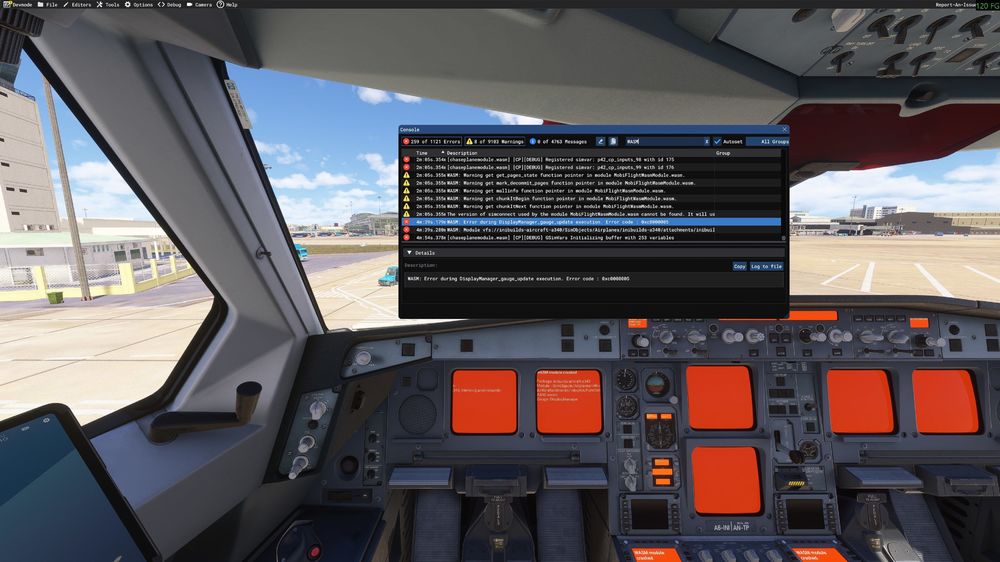
I had this WASM crash when I transferred ini A340 from MSFS Market to ini Manager. Information Aircraft: A340 EIS1 Passenger Simulator: FS2024 Version: v1.0.10 from ini Manager Navdata Method: NAVIGRAPH OFP: Not set yet Specs: Ryzen 9950X3d, RTX 5090, 96GB RAM Autosave: I don't use WASM: Error during DisplayManager_gauge_update execution. Error code : 0xc0000005
-
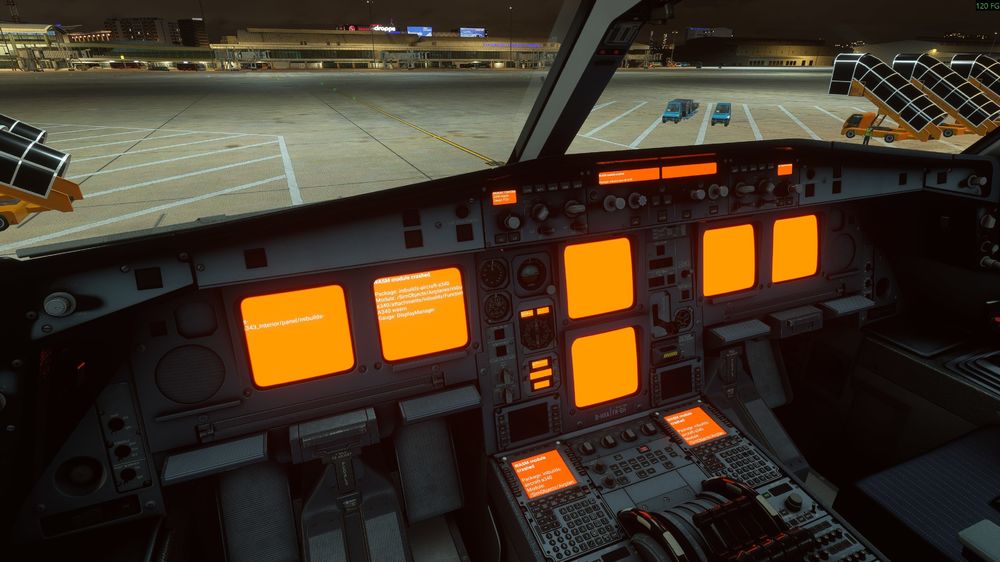
Dear IniBuilds, I got A340 WASM crashed. I tried to reinstall everything but still get this bug. Please help, Thank you so much
-
Dear Inibuilds, I don’t understand why I was banned from the Discord server, and I am certain that I did not do anything harmful or against the server rules. I find this very strange. I am a customer who has purchased products from iniBuilds. My username is k3lvintran