




David Criollo
Member
-
Joined
-
Last visited
Everything posted by David Criollo
-
Hi, I couldn't fix the plane, I know it's a very rare problem, can I make a refund?
-
I hav been problems with my A310, see the Alt , is "0000" and Im in SKBO and the airport alt is 8354ft and the GPU don't conect , and when I put the plane on the runway ready for take off the PFD ND, and the ECAMPS screen appear in black , just like the photo , some one can help me 😞
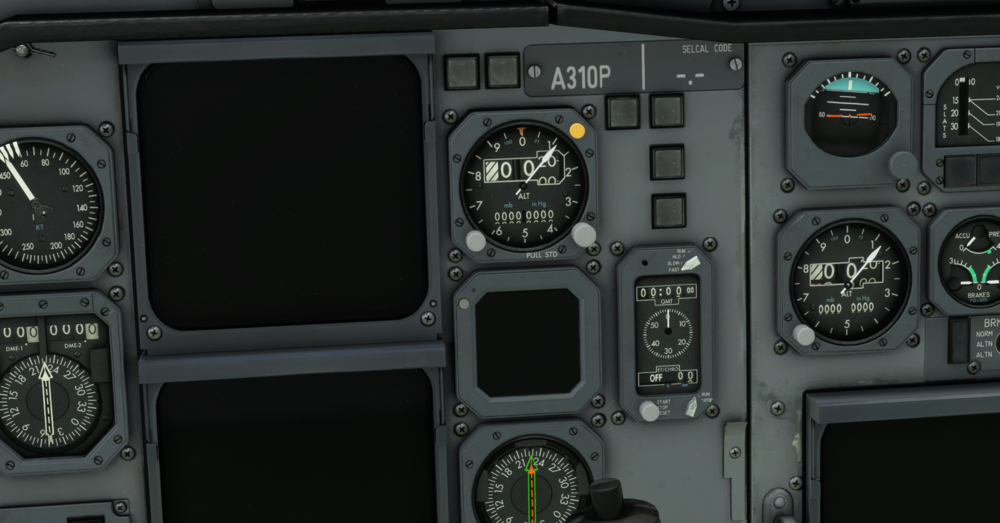
-
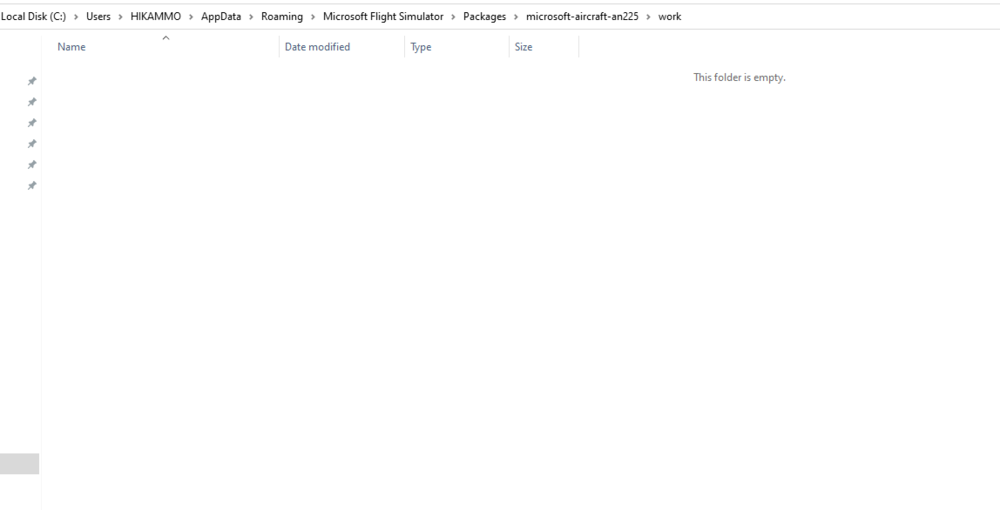
The foler are empy xd , is normal?, I will delete the folder work so.
-
Ok , but the others bugs?
-
( REMEMBER SEE THAT I PUT THE PLANE IN A GATE BUT THE PLANE APPEAR IN THE RUNWAY)
-
Just, yesterday I deleted the sim and I installed again the sim but don´t work , if you want I can create a video explaining that the plane are broken.
-
Exacly!!
-
But noone switch work.
-
Hello, the day the ANTONOV 225 from Inibuilds came out in the MFS2020 I bought it by plane but it currently doesn't work (it doesn't turn on the garmin it has, nor does it open any doors) can anyone know the solution?


