Coriodu
Member
-
Joined
-
Last visited
-
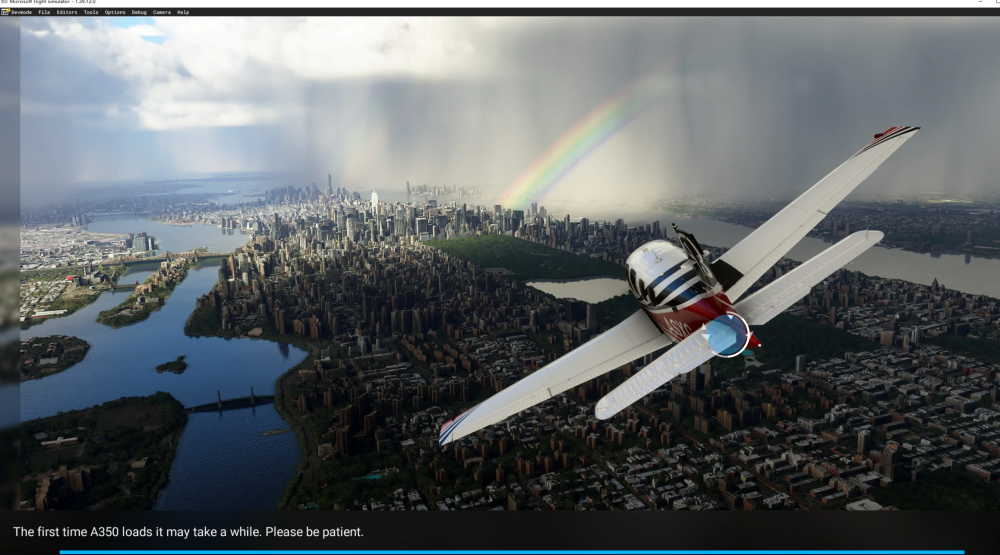
I have tried to simulate this aircraft on two different devices However, WASM errors are encountered, leading to a stuck loading page Next, I will provide a screenshot and error report of one of the devices To reproduce just I'm completely stuck on the loading Aircraft: A350-1000 Simulator: FS2020 Version: 1.2.6 Marketplace Navdata Method: SIM DEFAULT OFP: None WASM Error: c000001d WASM: Exception c000001d when calling module_init()in module vfs://inibuilds-aircraft-a350/SimObjects/Airplanes/inibuilds-aircraft-a350-1000/panel/inibuilds-A350.wasm WASM: Module was not ready (in state 5) when trying to load gauge at m426c407212bd1a1a, module is named vfs://inibuilds-aircraft-a350/SimObjects/Airplanes/inibuilds-aircraft-a350-1000/panel/inibuilds-A350.wasm. WASM: Module was not ready (in state 5) when trying to load gauge at m426c407212bd1a1a, module is named vfs://inibuilds-aircraft-a350/SimObjects/Airplanes/inibuilds-aircraft-a350-1000/panel/inibuilds-A350.wasm.Specs: i5-14600KF RTX4060 32GB DDR5 Autosave File: None(Due to the page being stuck in loading, it was not generated)