




itsmistermelons
Member
-
Joined
-
Last visited
Everything posted by itsmistermelons
-
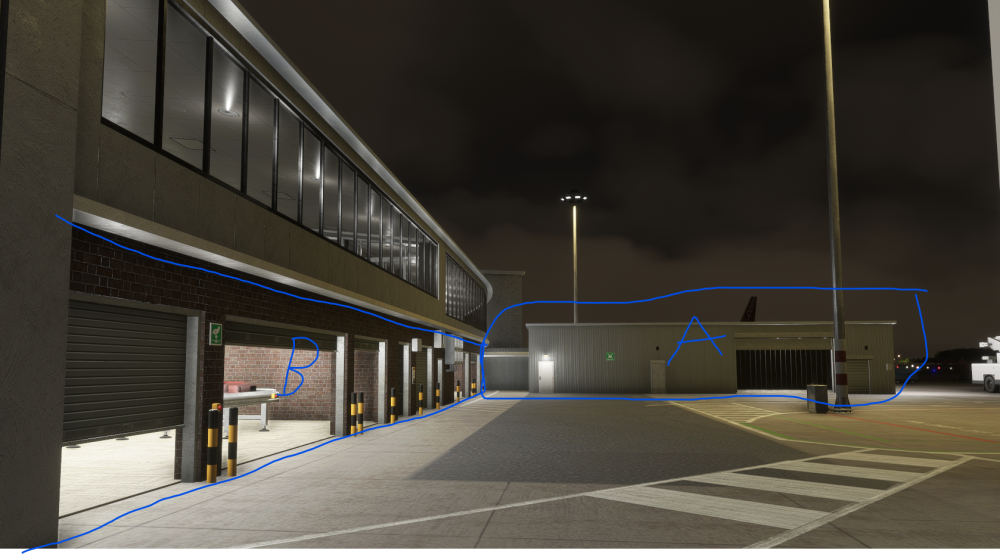
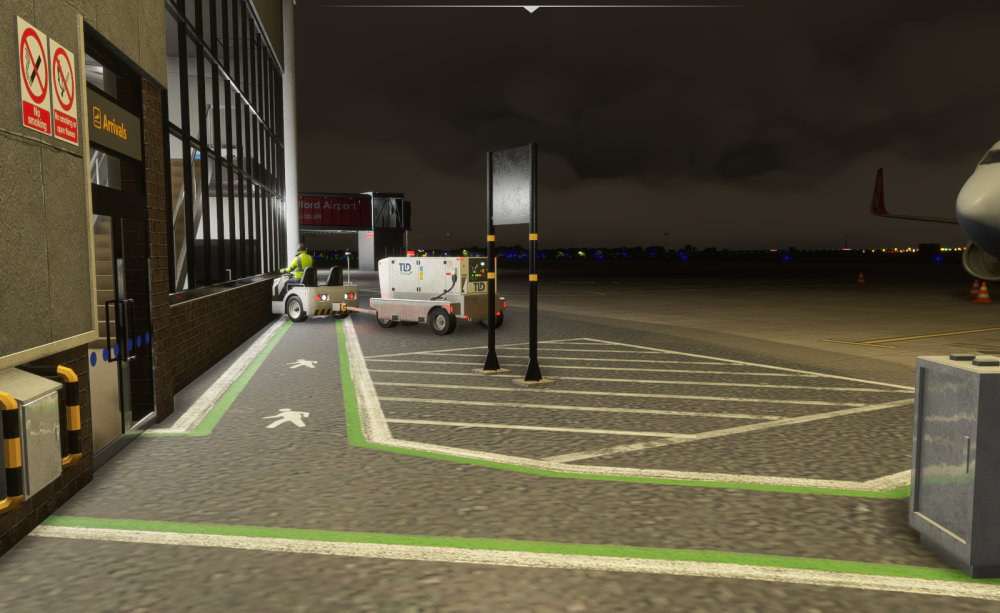
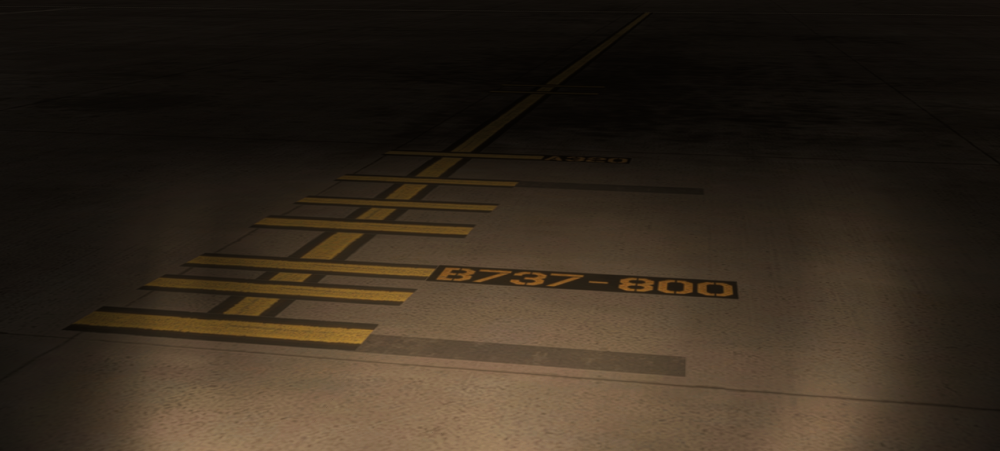
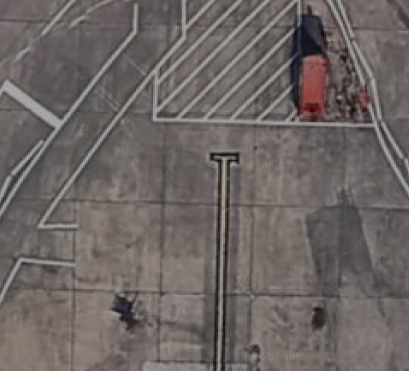
Hello there, I work at the airport and in the sim fly as one of my main departures or arrivals. With the scenery, firstly its great, and I love it, but there are a few things that currently don't line up with the real world version. As mentioned on a different topic, the changes to the remote stands and new stands being built. Within the scenery itself, there are a few other slight errors I wanted to mention in the hope of some amendments to make the scenery as close to real life as possible. some are really anal, I know. but realism i guess Stand 1 - Small thing, in the scenery, has a 1L and 1R, but does not have this in reality. Is just Stand 1. Largest Aircraft that uses it regularly - 737-300. Jet2 Baggage hall - on the end of the hall facing the runway, there is this in the scenery, in actuality it is just a shutter door. just a small change. Terminal Works - Currently in progress but nearing completion for the change to the north west of the terminal. Food court has been removed and moved to the new build area. Downstairs, Baggage arrivals has been removed as it currently stands and has been moved to where the down ramp is next to stand 11. Because of this the showing of arrivals belts on the side of the building will be outdated. A. Belts Removed and the wall is now been changed - is now a flat surface, similar in texture to that of the new build external walls. B. Building completly removed. Stand 5 - Sign placement is too close to the aircraft. Is pretty much next to the wall in reality. - Largest Aircraft that uses it regularly - 737-300 Stand 6 - Sign is in the middle of a path, but is similar to reality, and without having to model the ramp and difference in heights for the other bag hall. However, the markings on the stand are very wrong indeed. In the sim. firstly it has way too many lines, reality is it just ahs the one at the end of the taxi markings. Other than that. The stand markings show A320 or a 737-800 as options for the stand. These are too big, max it will take is a 737-300. Stand 8 - only real thing to mention about the stand itself is that the airbridge on the stand in reality is not in use and is broken! Stand 8 walkway - has now been removed, change to downstairs also occuring. Other thing, although difficult to implement i would imagine. There are FEGPU's on stands 8 through to 15. situated in the red bays to the right of the aircraft when parked. Hope this helps!
-
Maybe something worth noting for realism purposes (I Work at LBA). Firstly, can confirm this change is correct. This may be difficult to implement. but not sure Stands 22A and 22B Both require the aircraft being towed on to Stand. Procedure is marshalling onto 22 And then a tug connects and tows it onto either 22A or 22B


