Ben H
Member
-
Joined
-
Last visited
-
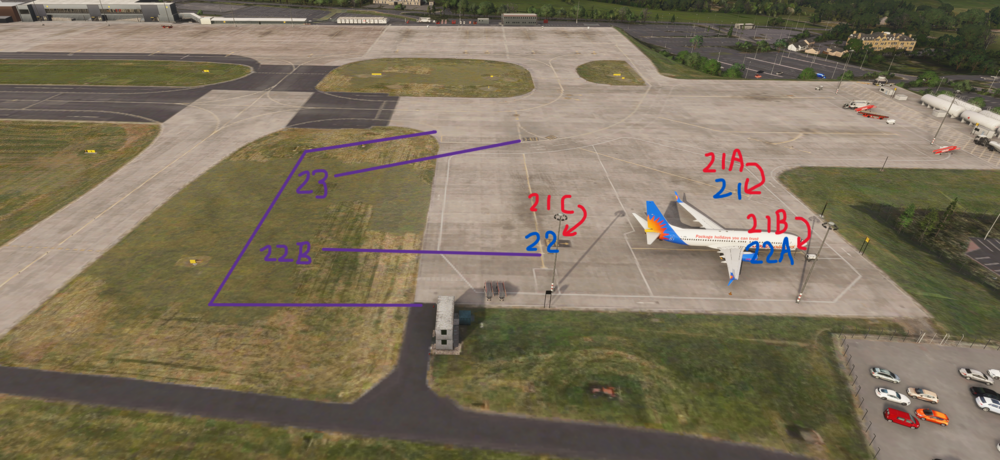
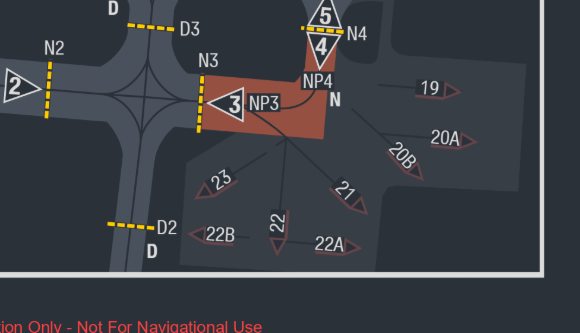
In the latest airac, the 21 stands have been reconfigured and stand 22 and 23 have been added on a new apron extension, it is a relatively small expansion with no new buildings, so all that is needed is extending the apron into the grass and adding some apron markings. I have attatched a very professional digram showing the changes where purple is new, blue is renaming and red is old names. Thank you
-
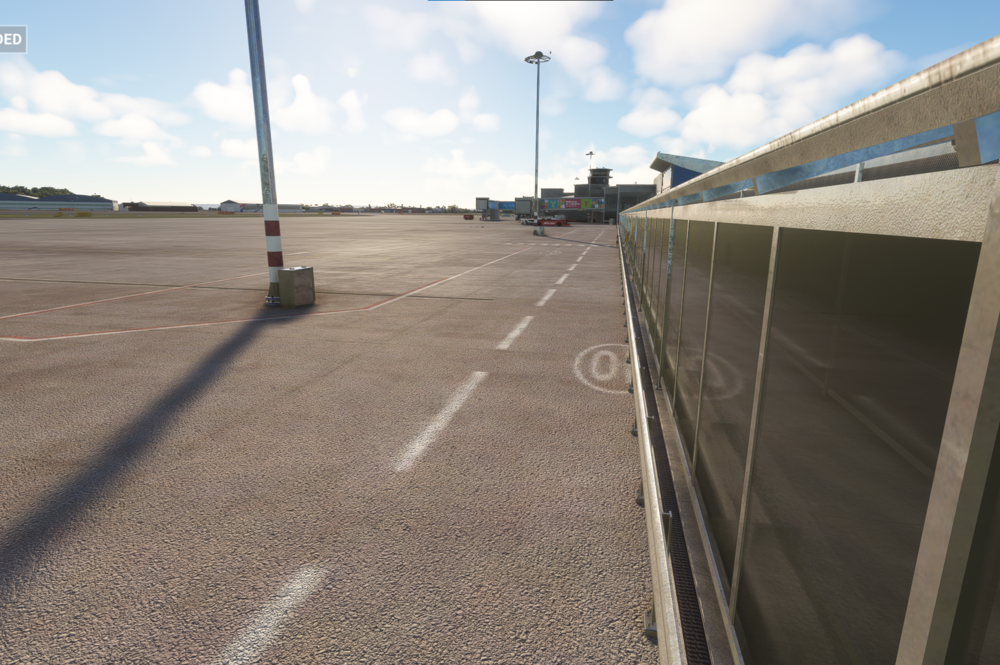
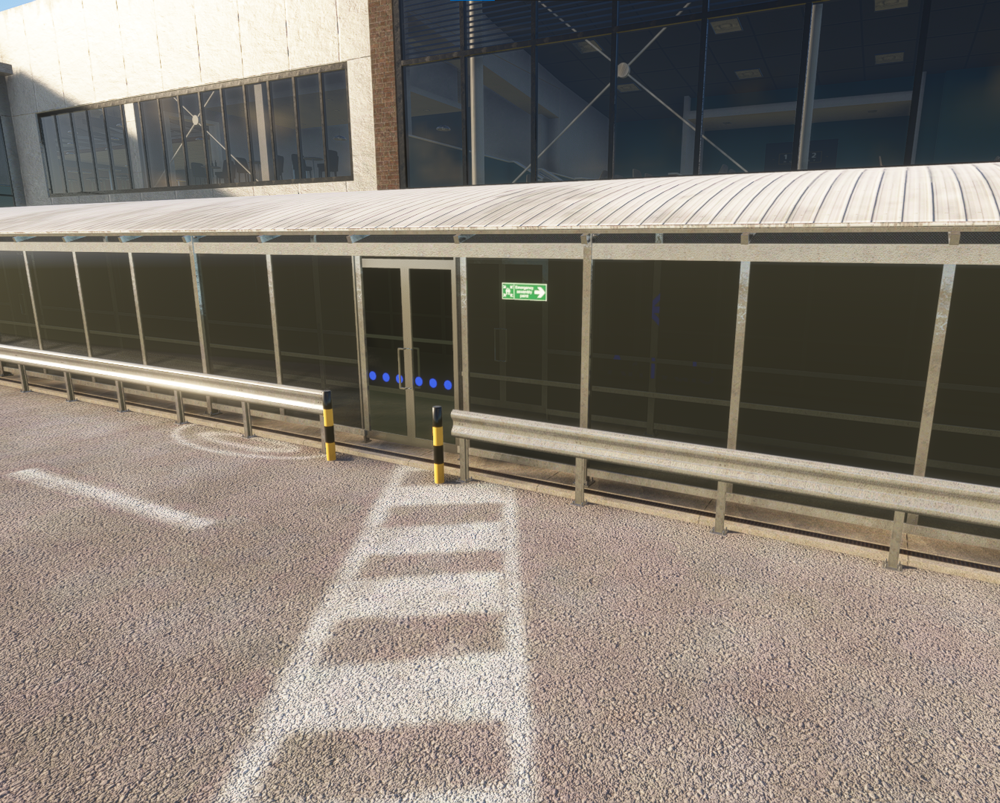
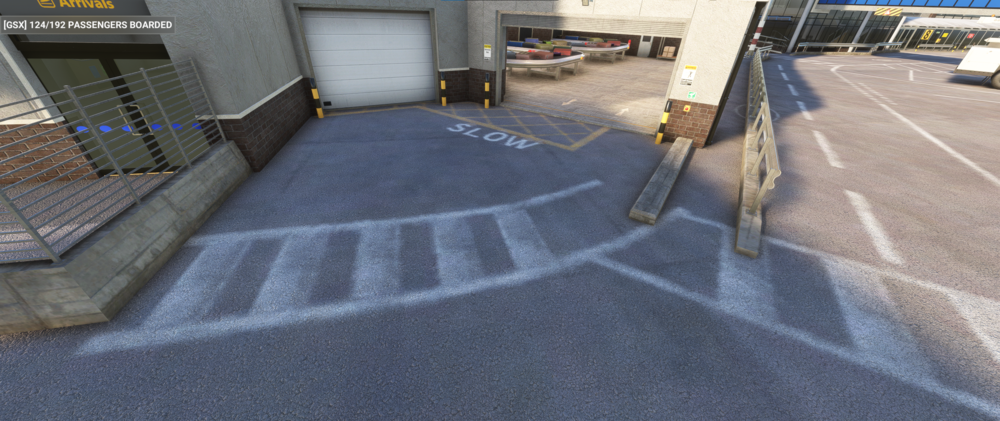
Another one I found is that the area around the domestic baggage hall does not line up with the passenger walkways
-
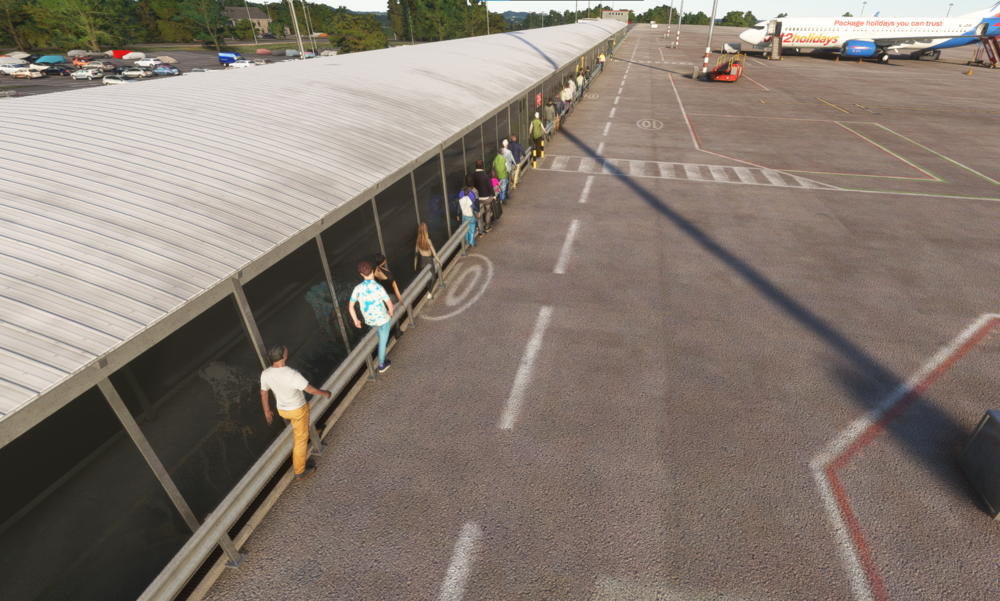
GSX passengers cut through the walls My scenery is updated with the SU17 patch I understand this is a small issue but the GSX passengers really annoy me and I hope you can appreciate that.
-
Since WU17, I have had an issue with the walk out tunnels where the 3d model, the ground texture and the official GSX profile do not line up so the tunnels are 1/3 of the way into the road and the GSX passengers walk through the walls of the tunnel Road lettering cut off by tunnels Stand 8 diagonal crossing does not line up