Emmanuel
Member
-
Joined
-
Last visited
-
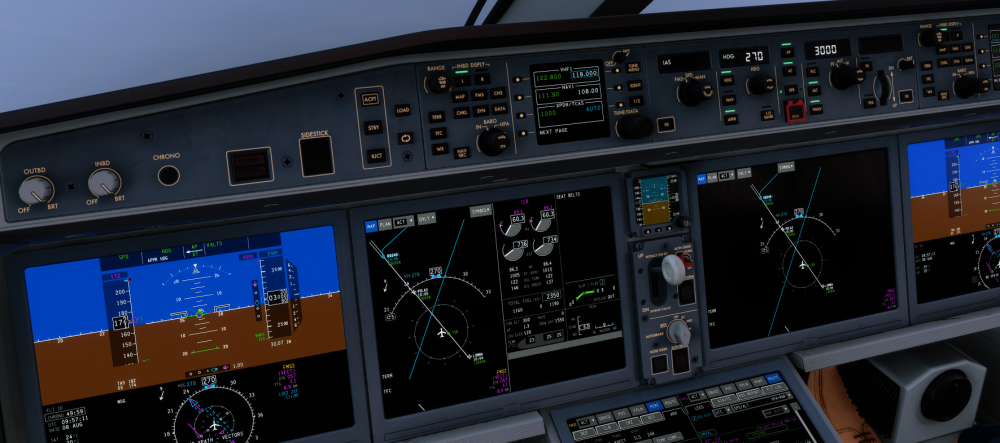
Hi, I’m experiencing an issue where the Synaptic A220 does not capture the ILS localizer. I had the correct ILS frequency and course tuned, was established on an intercept heading in HDG, and had APPR armed. The aircraft approached and then crossed through the localizer without capturing it. The FMA remained in HDG and never transitioned to LOC guidance. I also did not capture the glideslope afterwards. Simulator: MSFS 2024 MSFS version: 1.7.35.0 Aircraft: Synaptic A220-300 A220 version: 1.0.3 Platform: PC Airport/runway: [CYUL/ILS 24R] Navdata: [Navigraph] I have attached a screenshot showing the aircraft with APPR armed before localizer intercept. Is this a known issue, or is there any additional information/logging I can provide?
-
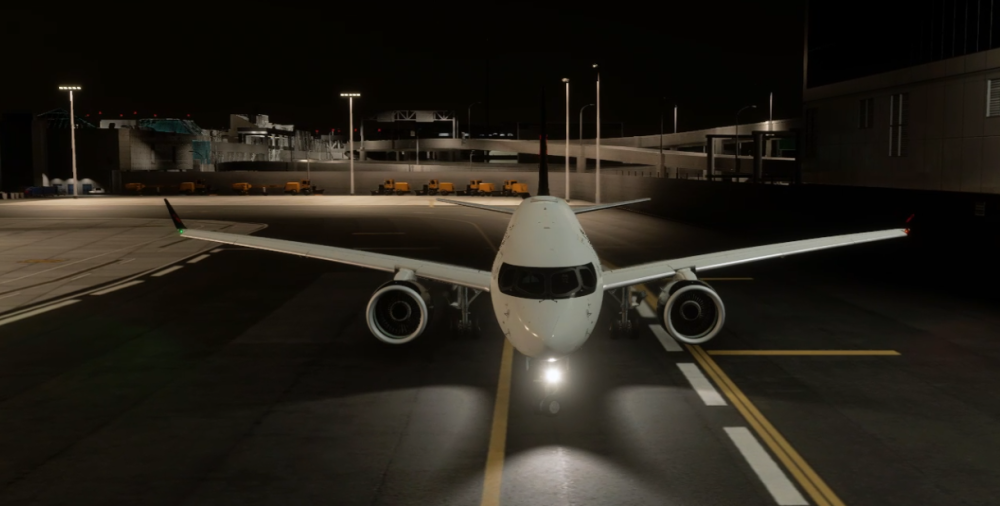
Hi, I’m experiencing strange nosewheel steering behaviour with the Synaptic A220 in MSFS 2024. During rollout, I was applying only a small rudder input for directional correction, but the nosewheel suddenly deflected to a very large angle that was completely disproportionate to my rudder input. I was not commanding a large tiller input at the time. Synaptic’s A220 steering guidance says the rudder pedals are intended for gentle corrections and straight taxiing, while large steering angles are commanded through the tiller, so this behaviour appears abnormal. Simulator: MSFS 2024 MSFS version: 1.7.35.0 Aircraft: Synaptic A220-300 A220 version: 1.0.3 Platform: PC I have a video showing the issue. I can also provide my control bindings or additional information if needed. Is this a known issue?