HB-ZER
Member
-
Joined
-
Last visited
-
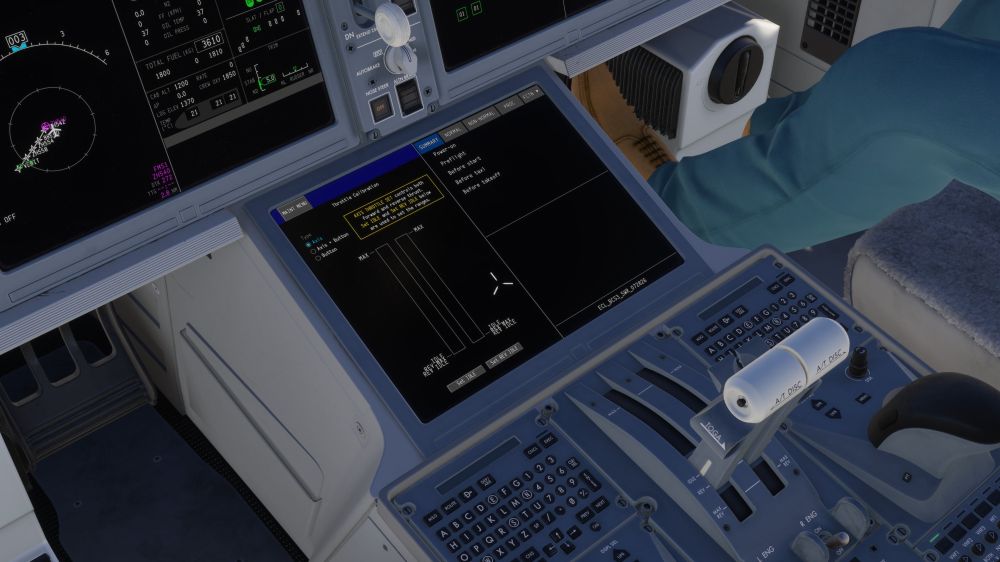
Hello, I fixed the problem, I was using "Throttle Axis 1/2 (0-100%)" and it's not compatible with this add-on, we need to use "Throttle axis 1/2" and now it's working correctly.
-
Hello, Thanks for your answer, I'm not alone on Discord with this issue, I will follow it. Best regards.
-
Hello, I don't have the fulle range of my throttles and I can't set the idle and idle rev position and the throttles doesn't move into rev max position. I tried to launch MSFS 2024 with the throttles in REV max position and trying to invert axis but it doesn't work. Thank for your help.