KyleB0204
Member
-
Joined
-
Last visited
Everything posted by KyleB0204
-
Yes - I can confirm MSFS24 is up to date, have WU17 installed as well. Have tried reinstalling EGCC again today - default scenery is fine at K2>K3 - it's just inibuilds EGCC. Macco is/was fine as well. Thanks
-
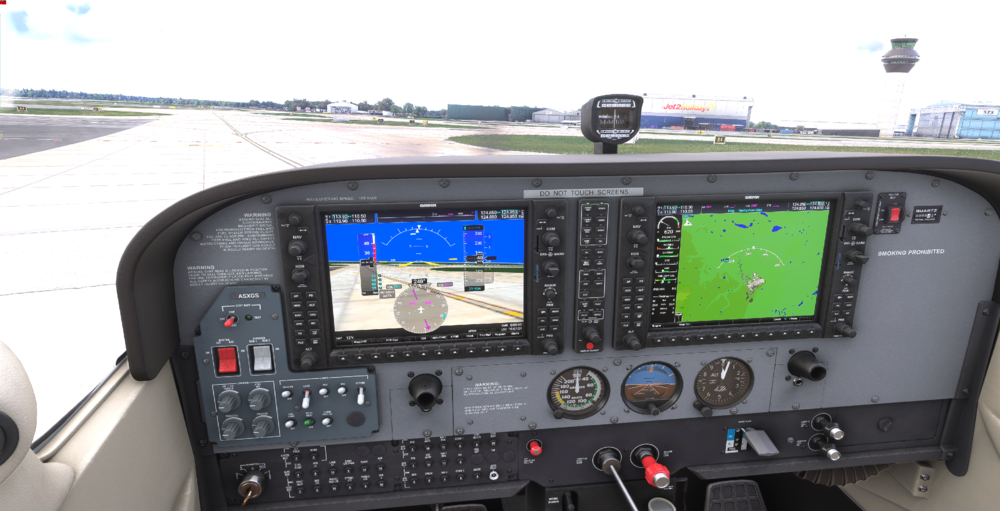
The taxiway between K3>K2 has a hill, and is lopsided, tilting to the right hand side. I have tried 1) uninstalling, and reinstalling. 2) Clearing scenery index folder 3) deleting rollingcache 4) removing any other egcc module from community folder. This is noticable and if taxing an A320 for instance, has a significant impact on taxi speed/power required to overcome it.