




Char1es16
Member
-
Joined
-
Last visited
Everything posted by Char1es16
-
As mentioned in the topic, I uaually prefer to start my flights on remote stands and directly strat apu, so how can I disable GPU with cold and dark startup preset? (by changing cfg file or something else maybe):)
-
-
Good day all, When I fly A350 on MSFS2020, i found that the Oxygen Test Button is not completed on Captain side, there should be three buttons i can press but there’s only one. However, it’s correct on the FO side. Additionally, both sides are good on MSFS2024. So would you please fix it? It’s a small issue but makes sense to players who want to make realistic operations like me 🙂 Yours Charles
-
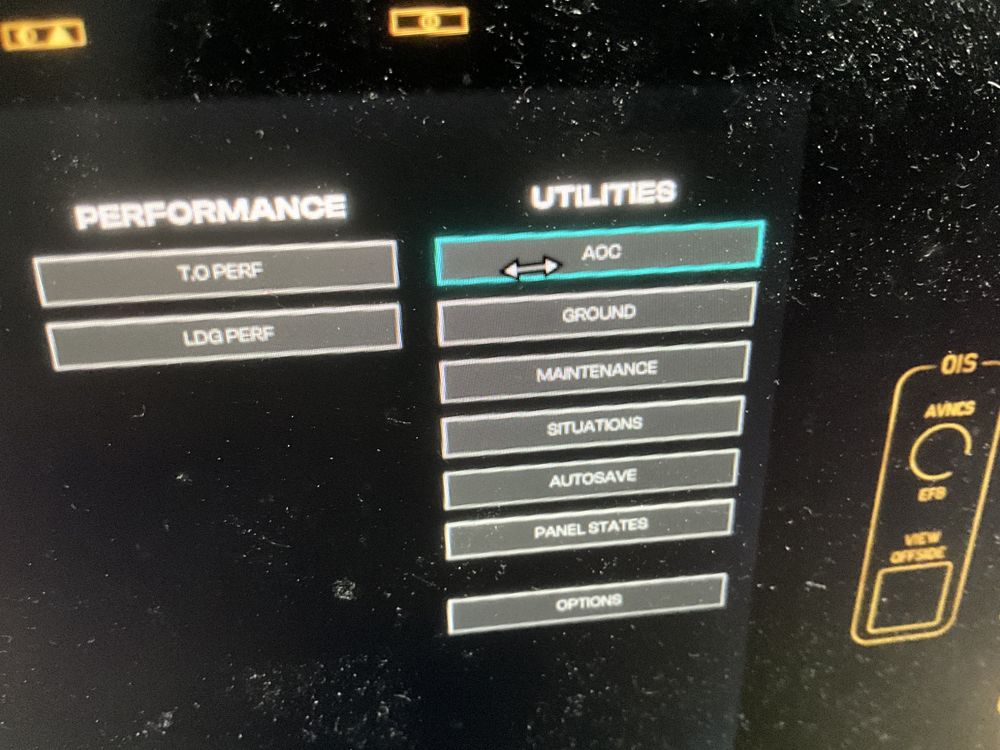
Hello everyone, when I fly A350 today, I find a weird area on the EFB. When my mouse is on it, there’s something that I can slide according to the indicator, but no idea what it is. Can anyone help?
-
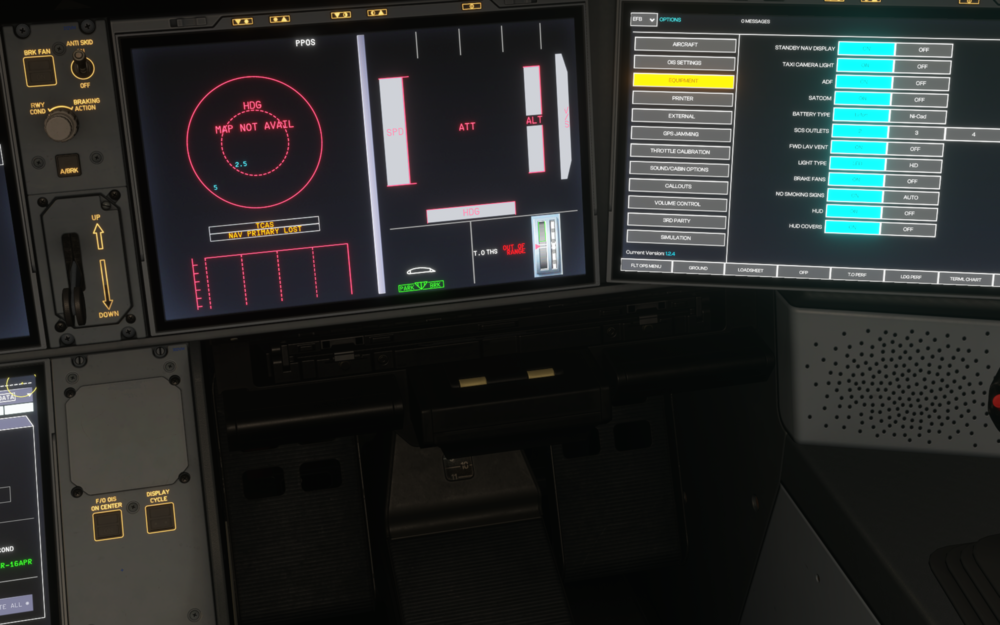
As the situation mentioned in attached graph, any change on the EFB's Equipment Page is useless (Standby Nav Display's option is ON but on the aircraft, it is OFF). The .cfg file turns out to be correct. How can I solve this issue?
-
-
Good day, Everytime when I fly a a350, i type in 1500/3000 AGL as the THR RED/ACC data on the performance page. However wheni takeoff, it automatically bacomes 1300/1300 and i'm sure all my operations are correct.


