aburgos
Member
-
Joined
-
Last visited
-
Now everything seems to be working. I completed uneventually a short flight. Thank you very much for your help!
-
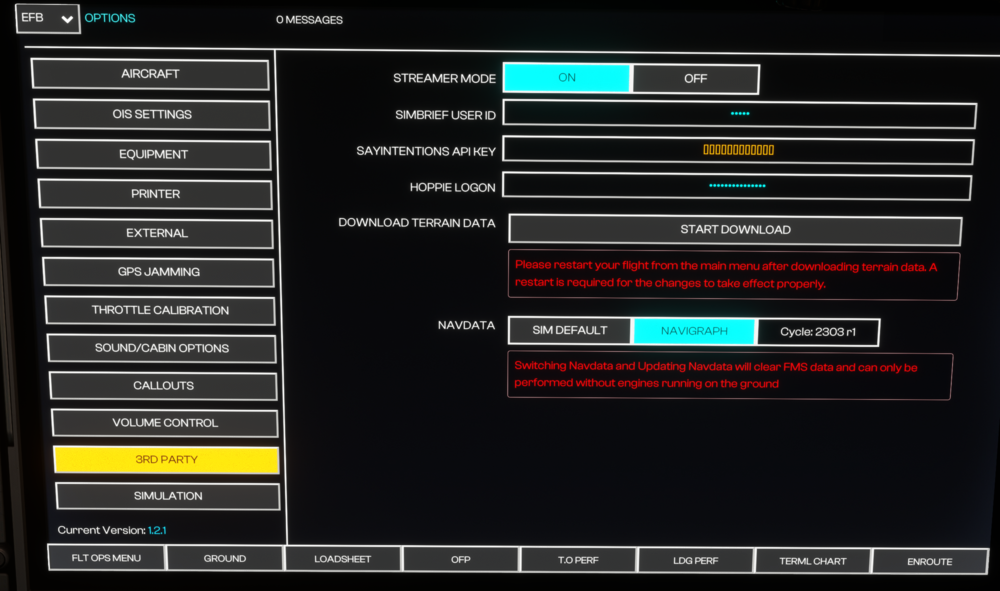
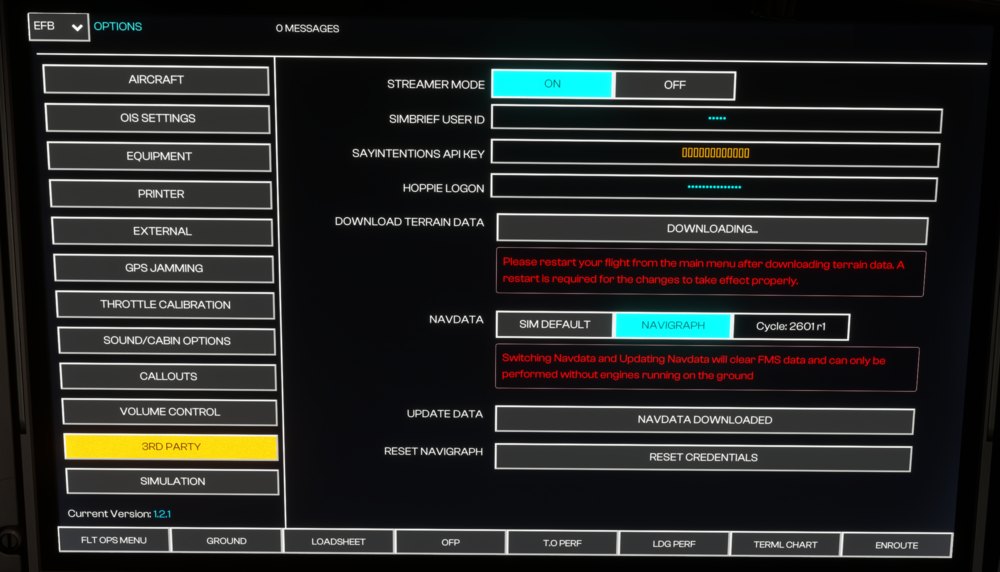
I would like to know how I could delete all data related to user ids and all of that, because after reinstall the ID already appear entered without me doing anything. btw, I deleted all Navigraph products but the cycle and still no luck. EDIT SOLVED: after a bit more than half an hour of been on the ground without doing anything with the plane, I went again to Flight OPS PLN page and from there again to 3rd party, then it showed all the options to reset credentials and update data. Now I will check if everything works.
-
yes I have resintalled everything from scratch twice and also removed the a350 folder at localstate
-
Hello, how can I reset credentials without the reset credentials button? I have reinstalled the plane and updated to the latest version (1.2.1), but still I can't update the credentials. I can not connect to navigraph in the flight ops plan page and neither for the charts. Thanks!