HURTFULD3IK
Member
-
Joined
-
Last visited
-
now i tryd ini A350 same issiue, i cant fly any ini plane
-
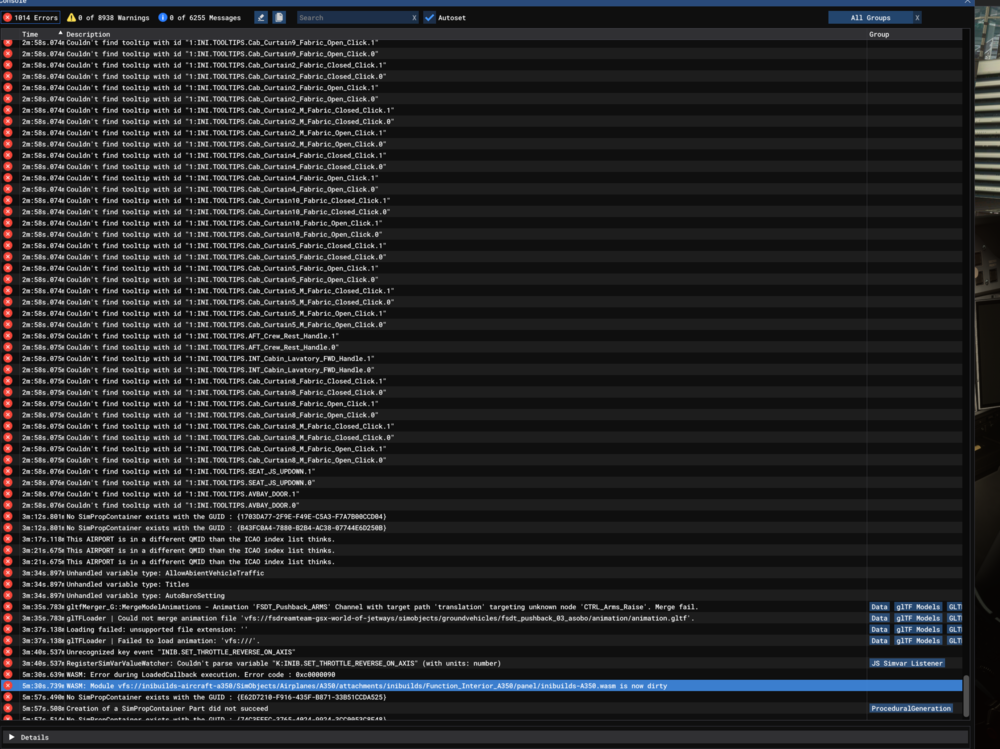
@iniBuilds Team please i need help 🤕 CreateModelInstance | Can not find model at path: 'vfs:///simobjects/airplanes/inibuilds-a340/attachments/inibuilds/part_a340_cabin_elements/model/_cab_a343_cockpit.xml'. this was also in the console
-
@Arty57 ive already did this a thousand times.. does not work
-
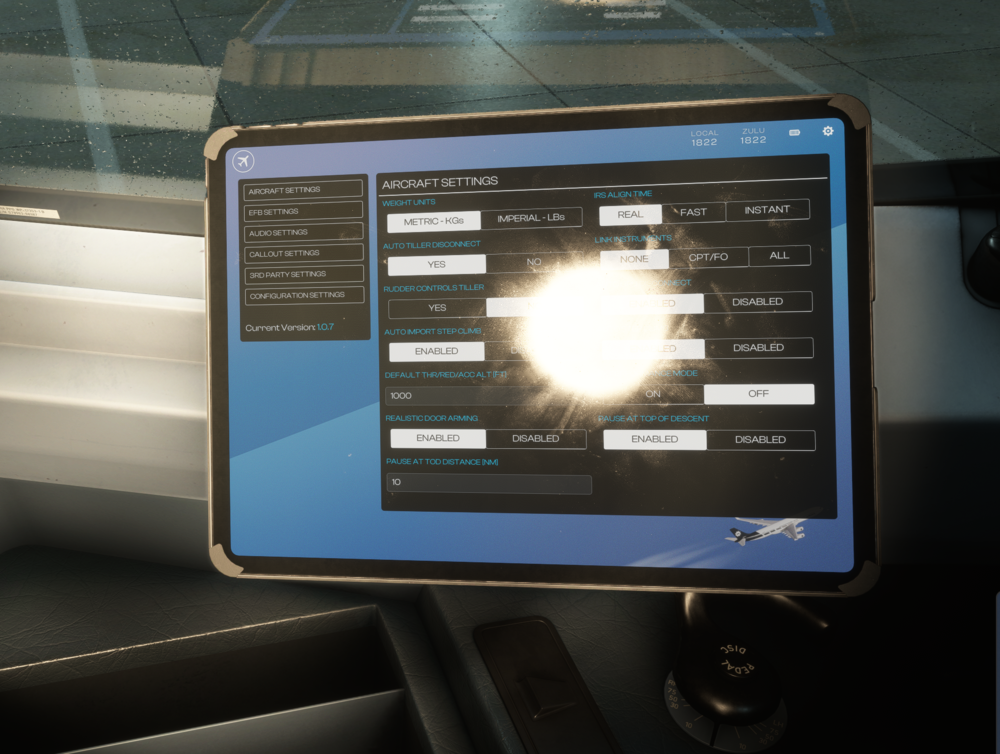
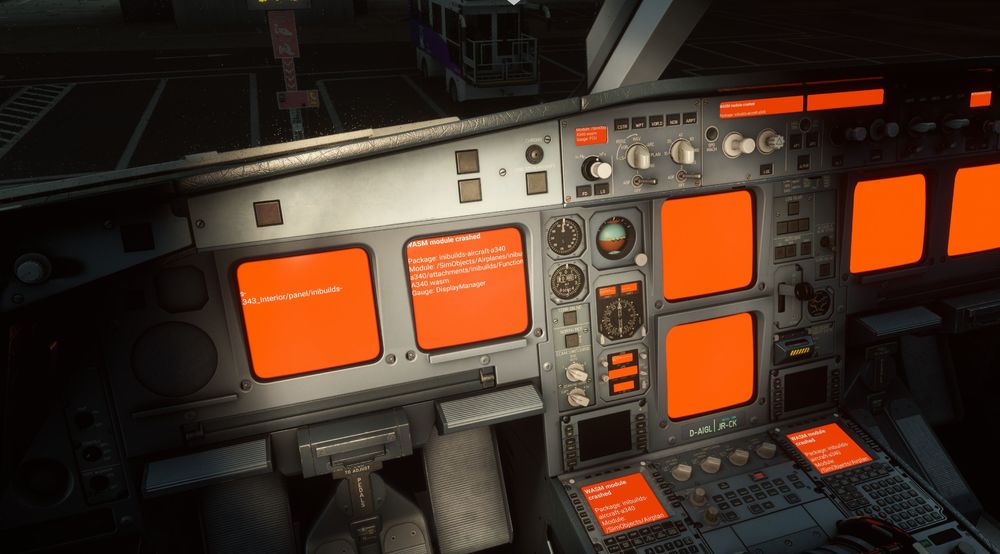
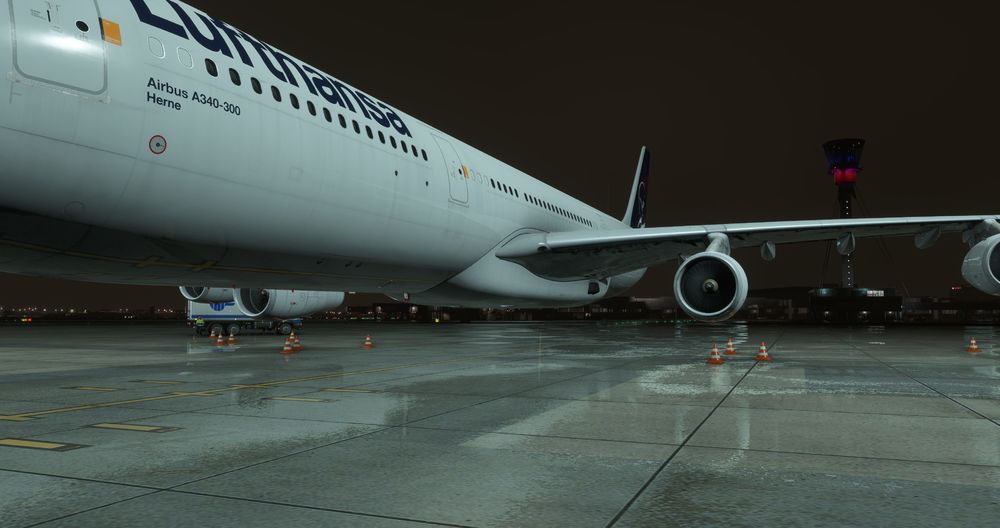
I have the problem that i cant start the plane any more since the last update. It makes no difference whether I Spawn at the gate or on the runway, the landing gear is always bugged and I always have the red displays. The EFB always shows 1.0.7 even though I've uninstalled and reinstalled everything 5 times, deleted the WASM and every other official folder, I can no longer use the aircraft! i checked twice, i deleted every possible folder and installed the 1.0.9 and nothing changed ... the pictures are the state after that all... still 1.0.7 btw. i tryd to use no liverieys as well and the EIS1 or 2 ...always the same state. And know i tried the A320 by ini, even athis one has a wasm red screen on the cpdlc WASM: Module vfs://inibuilds-aircraft-a340/SimObjects/Airplanes/inibuilds-a340/attachments/inibuilds/Function_A343_Interior/panel/inibuilds-A340.wasm is now dirty