FoxGaming
Member
-
Joined
-
Last visited
-
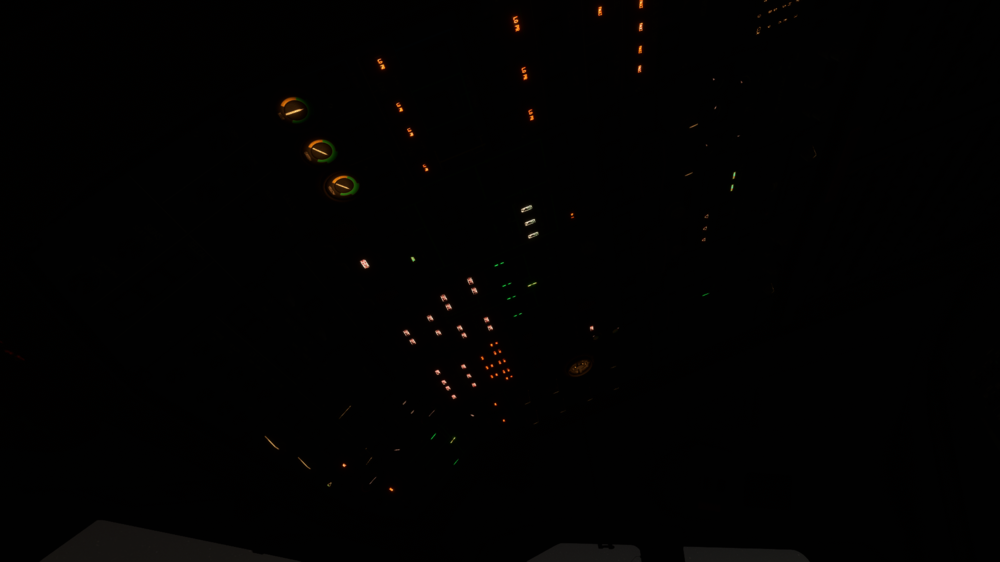
I have a problem starting the Airbus A310-300. There are two states... Either i click on ready to fly button after selecting my route using the Airbus A310-300 Every button that contains text shows it. (Like in the attached picture) Like most are turned to off... Well the Battery and the external Power Supply is off too... the Power supply shows Avail. However if i turn it on i can turn on everything else too but nothing happens. Also the Engines are Spinning despite being turned off. If i turn on the fuel pumps (and other pups) everything still shows LO PR. The Parking brake also doesn't have any animation anymore. The Screens stay black aswell and the yellow Master Caution is on and can't be turned off. Or the second state is... Everything is off (shows no text like usual) despite the external Power Supply. It shows Avail. If i turn it on still nothing happens. Everything stays black. I can't turn on battery or anything else... Well atleast the Engines are truely turned off. not spinning like in state one. i don't know what to do. Maybe you can help me with this?