



Skip to content
View in the app

A better way to browse. Learn more.

iniBuilds Forum

A full-screen app on your home screen with push notifications, badges and more.

To install this app on iOS and iPadOS
  1. Tap the Share icon in Safari
  2. Scroll the menu and tap Add to Home Screen.
  3. Tap Add in the top-right corner.
To install this app on Android
  1. Tap the 3-dot menu (⋮) in the top-right corner of the browser.
  2. Tap Add to Home screen or Install app.
  3. Confirm by tapping Install.

Cesar Pavon

Member
  • Joined

  • Last visited

Everything posted by Cesar Pavon

  1. I do this steps of these and actually works because in egll I have 70-90 fps and after this I I have to 100-120 fps. Thx man
  2. Yeah me too on this update i used a lot the a350 my main fps were 120 stables later after 1 week I get 60-70 on EGLL.
  3. Alrr bet thx Eddie I will do a reinstall and if that keeps happen I will do the WASM
  4. Hello Eddie I already do that like 3 times but never fix should I reinstall the airplane ?
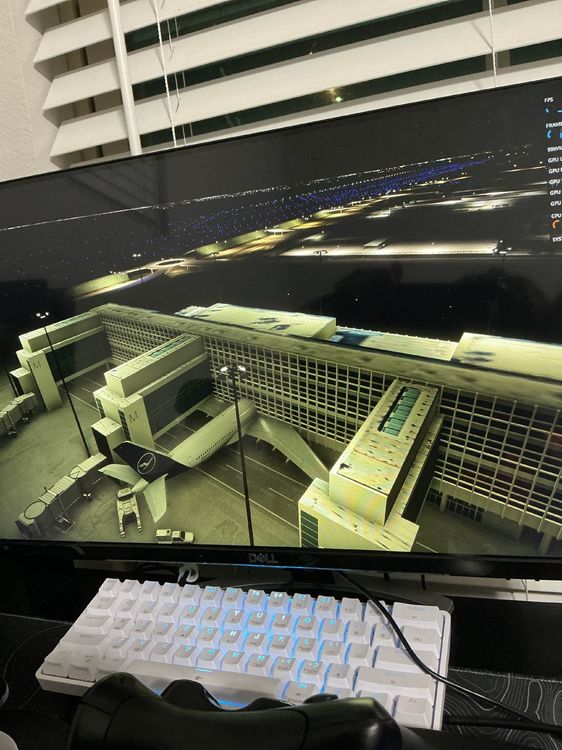
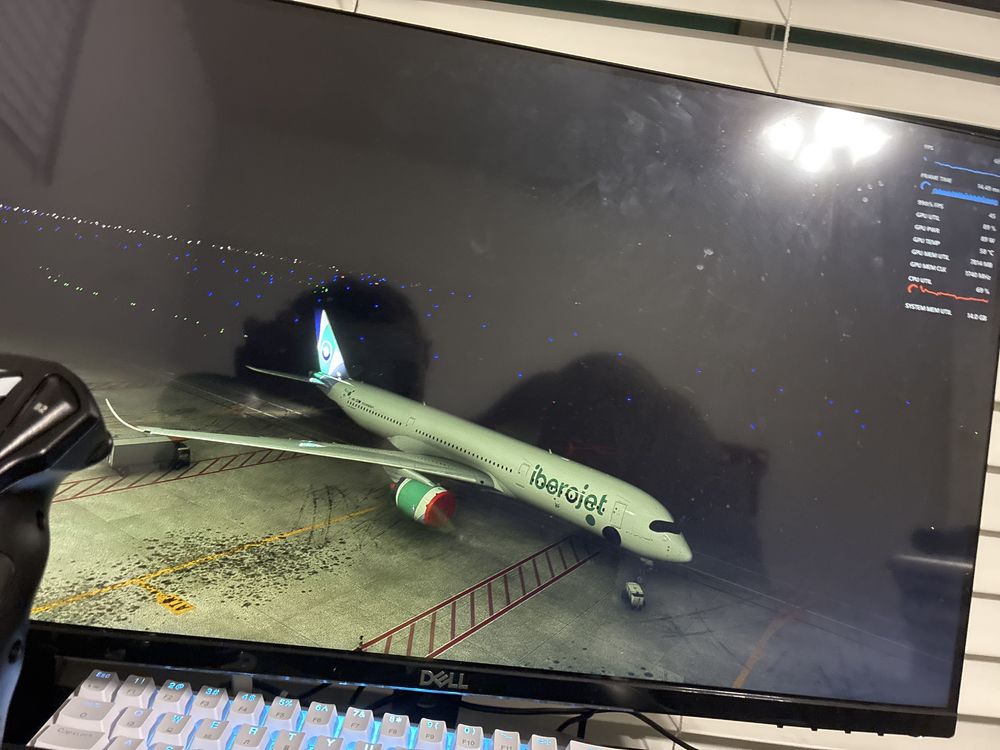
  5. Hello me too since the last 2 updates I have same issue I can even fly with my a350 because of my issue somebody know why is happening?
Account

Navigation

Configure browser push notifications

Chrome (Android)
  1. Tap the lock icon next to the address bar.
  2. Tap Permissions → Notifications.
  3. Adjust your preference.
Chrome (Desktop)
  1. Click the padlock icon in the address bar.
  2. Select Site settings.
  3. Find Notifications and adjust your preference.