



Skip to content
View in the app

A better way to browse. Learn more.

iniBuilds Forum

A full-screen app on your home screen with push notifications, badges and more.

To install this app on iOS and iPadOS
  1. Tap the Share icon in Safari
  2. Scroll the menu and tap Add to Home Screen.
  3. Tap Add in the top-right corner.
To install this app on Android
  1. Tap the 3-dot menu (⋮) in the top-right corner of the browser.
  2. Tap Add to Home screen or Install app.
  3. Confirm by tapping Install.

Hajatc

Member
  • Joined

  • Last visited

  1. The Problem is all about Trust. There was no Information in Advance about this disfunktionality as all other previous products are working with Pop out Windows. In FAQs no Information. in all Trailers no Information. so im very unhappy with that you waste 66€ for nothing.
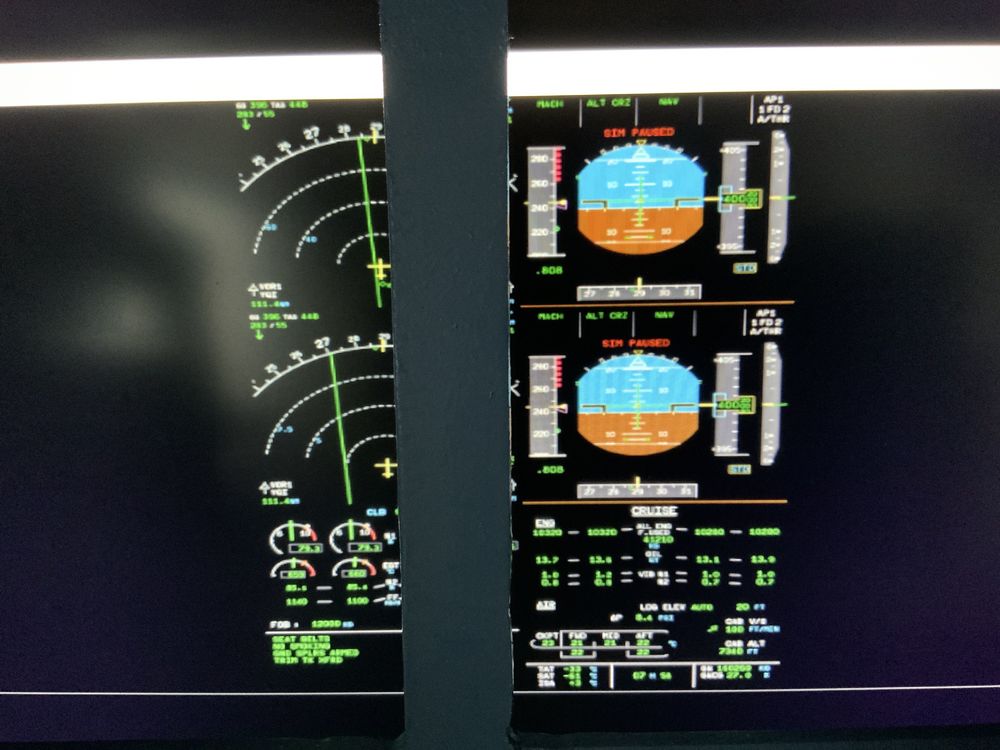
  2. What about all Home Cockpit User? So it is completely unusuable. And please dont tell us that is the „Solution „
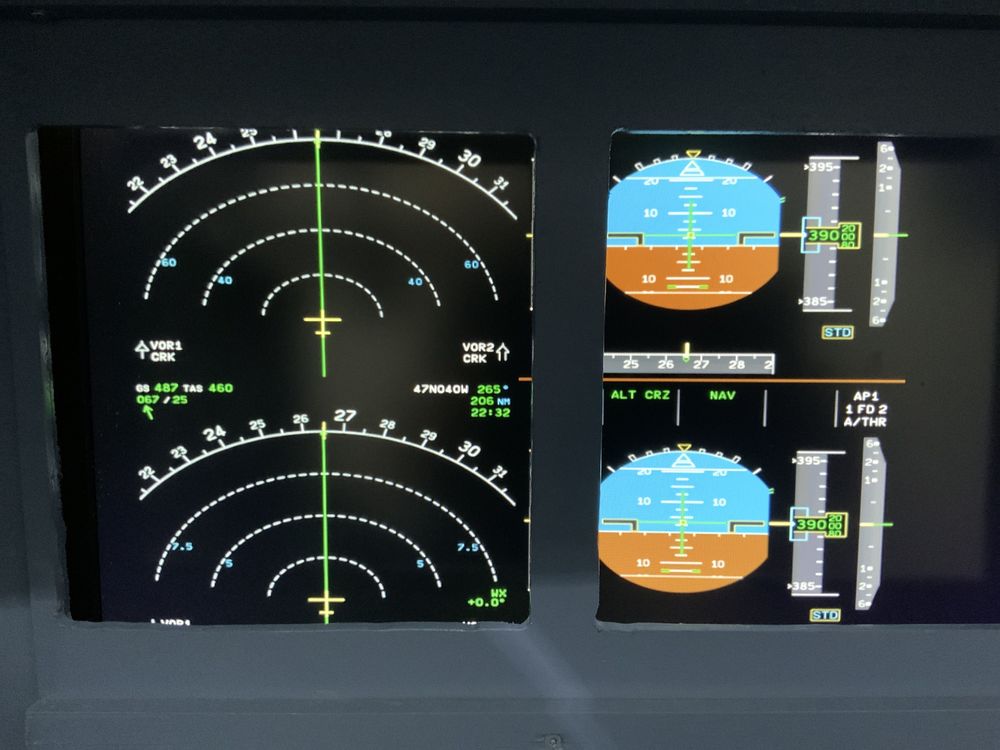
  3. Hajatc started following Pop out Windows
  4. With Pop out Windows i get only one window with 6 instruments instead of 6 seperate Windows (PFD, ND , EICAS, DCDU ) with your A350 there is no Problem and every Window is available. greets Mischa

Account

Navigation

Configure browser push notifications

Chrome (Android)
  1. Tap the lock icon next to the address bar.
  2. Tap Permissions → Notifications.
  3. Adjust your preference.
Chrome (Desktop)
  1. Click the padlock icon in the address bar.
  2. Select Site settings.
  3. Find Notifications and adjust your preference.