willemk
Member
-
Joined
-
Last visited
Everything posted by willemk
-
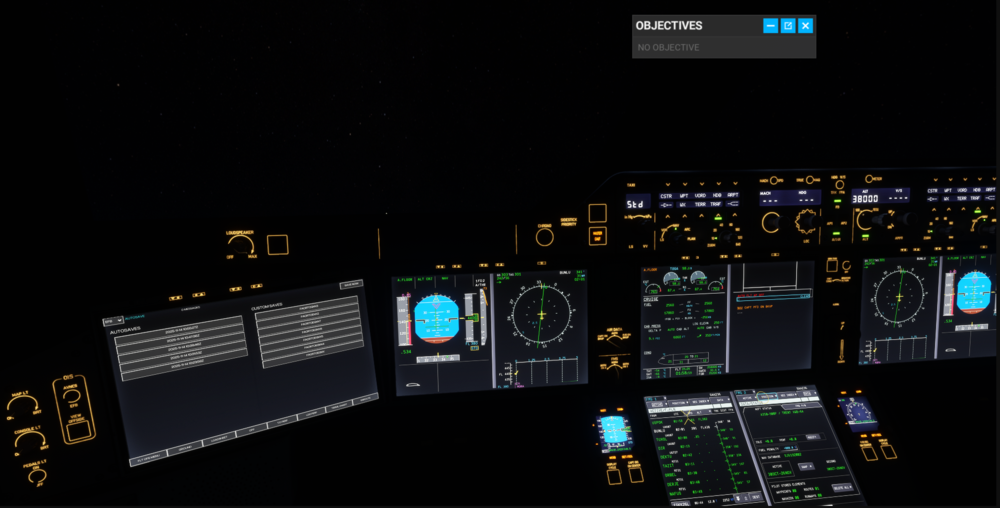
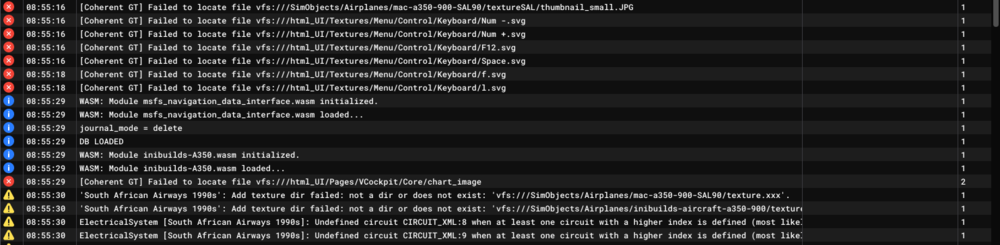
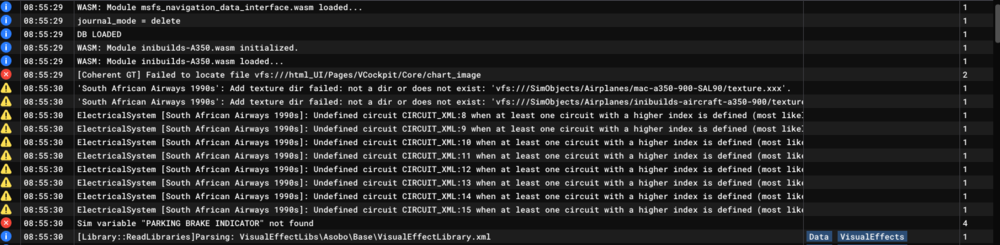
Good Day I have reinstalled inibuilds A350 and then cleaned the WASM folder. After doing that I then loaded the A350 on the runway to wait for all the systems to load up. Thereafter I started an international flight where everything worked fine. After I saved the flight to resume it later, everything worked well and when I loaded the flight successfully from the EFB to resume my flight everything worked fine. However when I saved my flight again and wanted to loading the saved flight for a second time, problems started occuring. The nose started shooting up with AP disconnecting. Upon reloading the page I then got a dark cockpit with nothing working. On reloading it again I was again met with the autopilot with the nose shooting up problem. I at least reloaded ten times with the cockpit alternating between the nose shooting up Ap disconnecting and a dark cockpit. Can you please assist?
-
Hi Every time I start a flight, the external power does not show 'avail'. I then I have to close the game, clear the wasm folder and try again before it works. This happens constantly, please help.