




Villajota
Member
-
Joined
-
Last visited
Everything posted by Villajota
-
It seems that stock airports overlap 3rd parties in some cases and this is one of them. See here: Grass on runways and taxi ways - Cape Town - Bug Reporting Hub / Scenery and Airports - Microsoft Flight Simulator Forums Seems to be resolved in SU4 but I'm not in beta now and won't be for the moment.
-
Same here. The airport is full of weed and little flowers as seen here: Your post makes me think that it's not loading properly.
-
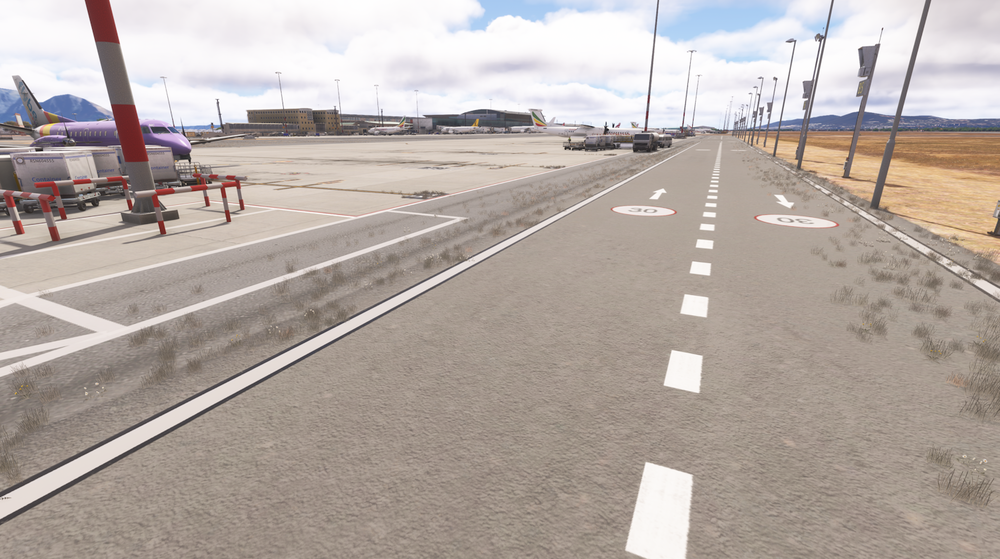
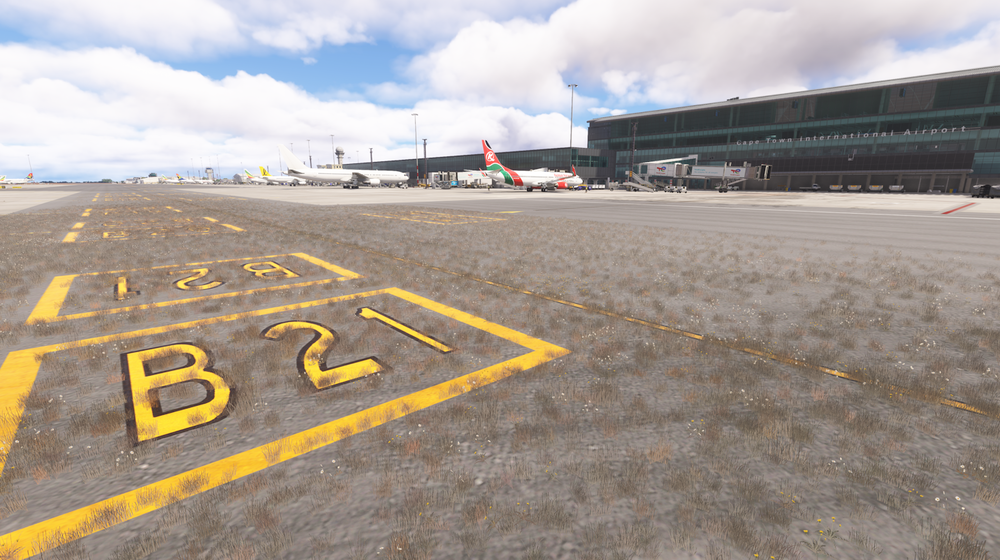
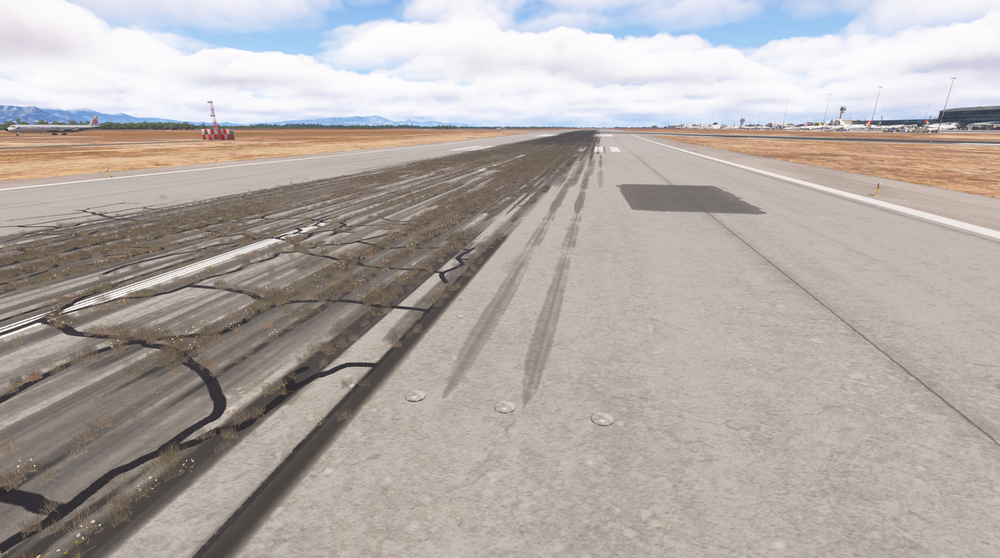
This airport has a lot of weed and little flowers on some places along taxiways and runways. Not sure if this is someting present in real airport, but I don't think so. Could it be for some other addon?
-
I'm trying to create a profile for AAO and I cannot find the right variables to switch the batteries on. To start with I don't receive any event when I click the Bat 1, Bat 2 or ESS bat buttons. But if I search for events that could be battery-related, the ones I find do not work. For instance, (L:INI_BATTERY_ON, Number) reads 1 when I switch either on Bat 1 or Bat 2, but it's not settable or I haven't found the way to do it. Also (L:__ELEC_BAT1IsPressed, Number), (L:__ELEC_BAT2IsPressed, Number) and (L:__ELEC_BAT_ESSIsPressed, Number) are readable but not settable. The common key events for batteries don't seem to work. Any help would be appreciated


