




Luis84
Member
-
Joined
-
Last visited
-
Problem solved. Thank you.
-
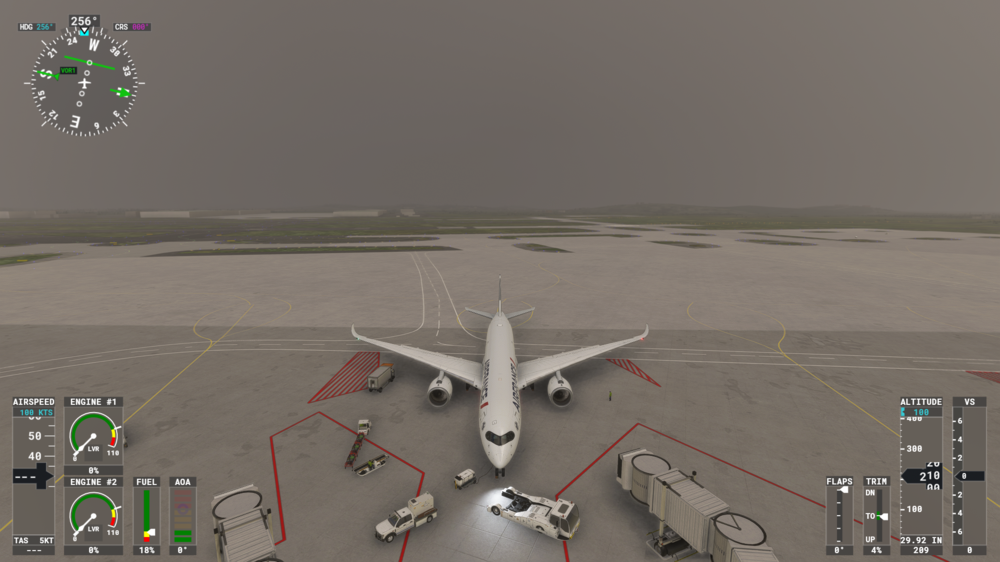
The same position with engines off. This effect is noticeable only with Inibuilds A350. No other model exhibits this behavior. MSFS2020, PC Windows 11
-
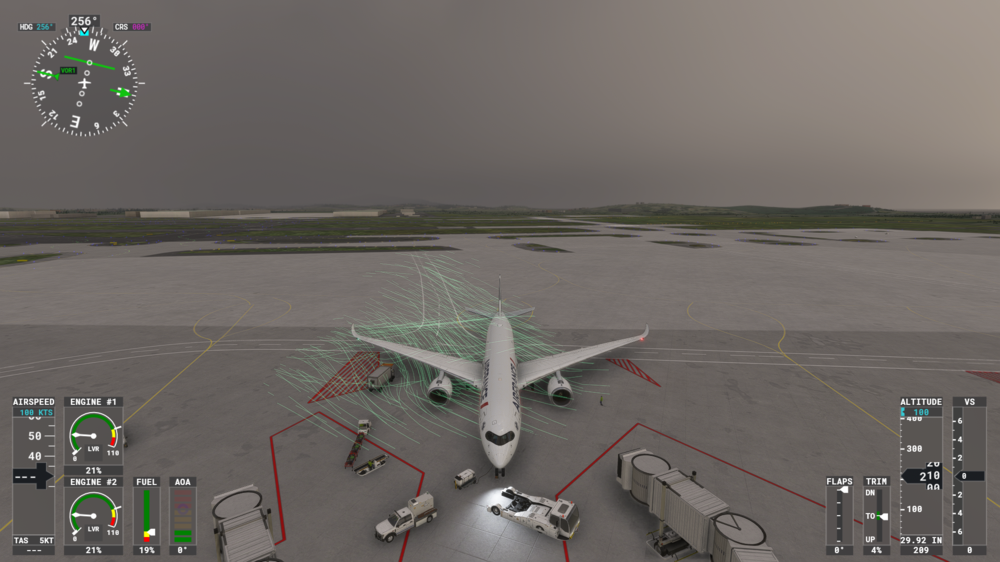
This image shows the undesirable effect with engines running.
-
Where can I find "Aerodynamic visualization" in the settings? ALT + 5 results in no change.
-
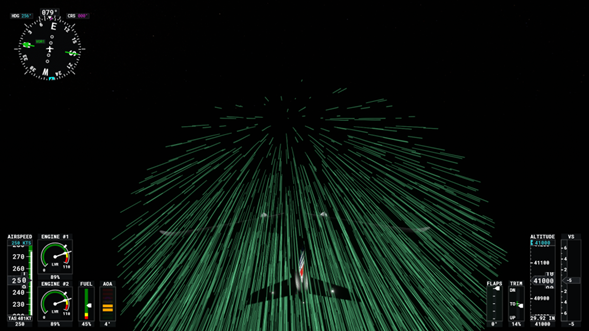
I’ve been experiencing persistent lighting artifacts with the A350-900 in MSFS 2020 —specifically glowing lines apparently related to air movement. These glowing lines appeared after last update of A350 (v1.1.4 of Aug 15), but not in the previous versions. I have tested other aircrafts and no one exhibits this behavior. The attached photograph whows this behavior during a night flight with A350-900.
-
Have you set AP to off?


