Skip to content
View in the app

A better way to browse. Learn more.

iniBuilds Forum

A full-screen app on your home screen with push notifications, badges and more.

To install this app on iOS and iPadOS
  1. Tap the Share icon in Safari
  2. Scroll the menu and tap Add to Home Screen.
  3. Tap Add in the top-right corner.
To install this app on Android
  1. Tap the 3-dot menu (⋮) in the top-right corner of the browser.
  2. Tap Add to Home screen or Install app.
  3. Confirm by tapping Install.

Dynasty

Member
  • Joined

  • Last visited

Everything posted by Dynasty

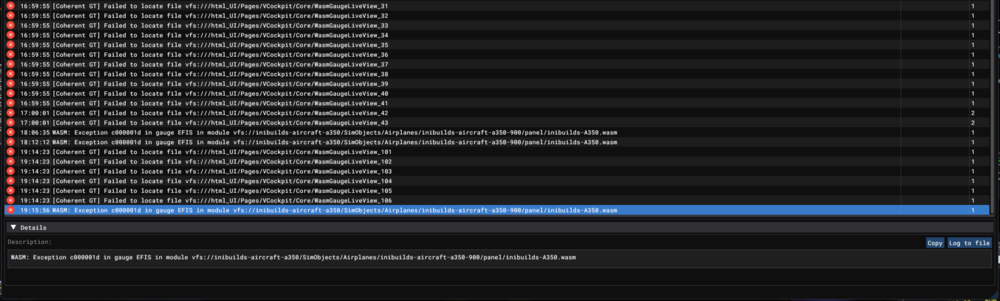
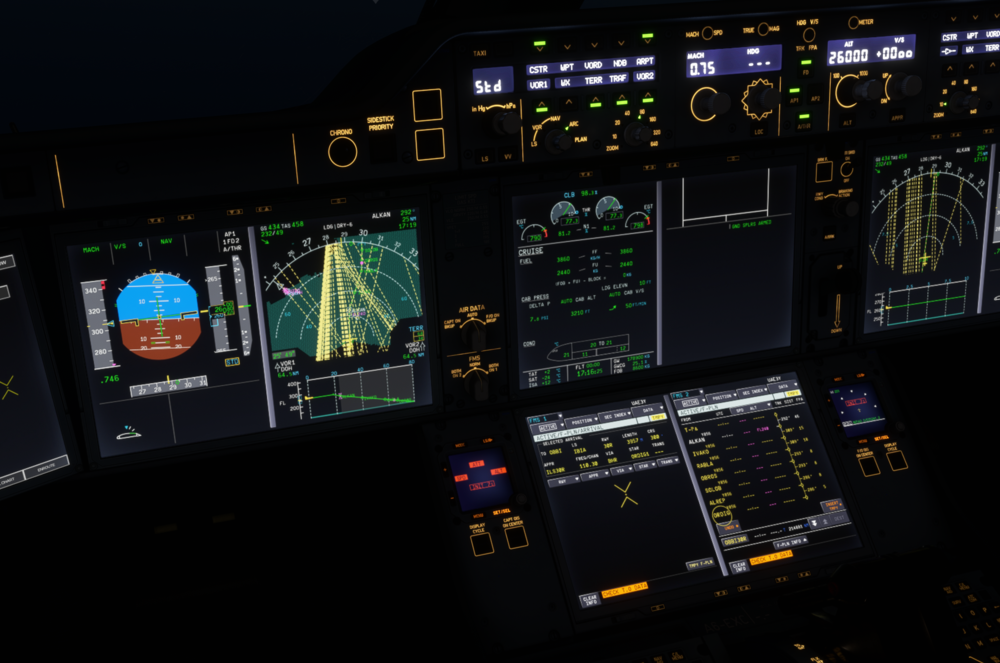
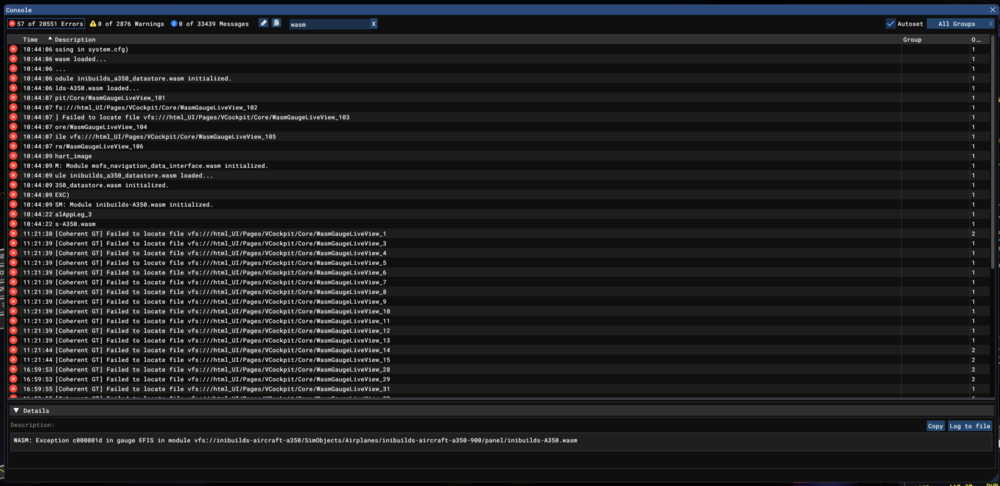
  1. Flying on VATSIM, I usually don't input my arrival until cleared by ATC or before descending. It has happened a few times after a long haul that trying to choose the ILS, the aircraft just goes into a WASM. Happened this evening on 1.0.7 in OBBI, trying to choose ILS30R and a few times on airports in Japan. Aircraft: A350-900 Simulator: FS2020 Navdata Method: SIM DEFAULT OFP: Included WASM Error: WASM: Exception c000001d in gauge EFIS in module vfs://inibuilds-aircraft-a350/SimObjects/Airplanes/inibuilds-aircraft-a350-900/panel/inibuilds-A350.wasm Specs: AMD Ryzen 7 2700X, NVIDIA RTX 2070, 16GB Autosave File: Included OMDBOBBI_PDF_1744556416.pdf 1744560306.bin
Account

Navigation

Configure browser push notifications

Chrome (Android)
  1. Tap the lock icon next to the address bar.
  2. Tap Permissions → Notifications.
  3. Adjust your preference.
Chrome (Desktop)
  1. Click the padlock icon in the address bar.
  2. Select Site settings.
  3. Find Notifications and adjust your preference.