




maaariof09
Member
-
Joined
-
Last visited
-
This has been fixed in the 1.0.10 Update. Amazing, thank you so much for implementing!
-
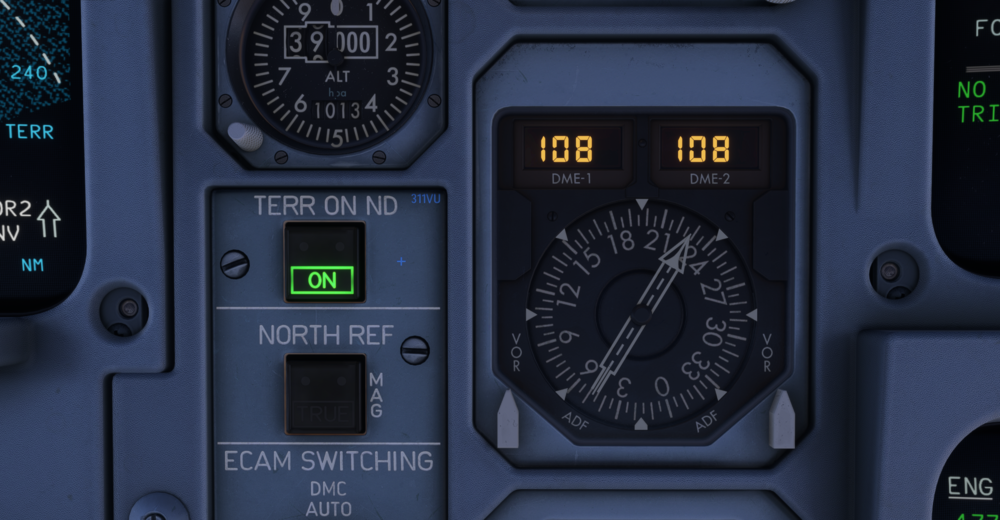
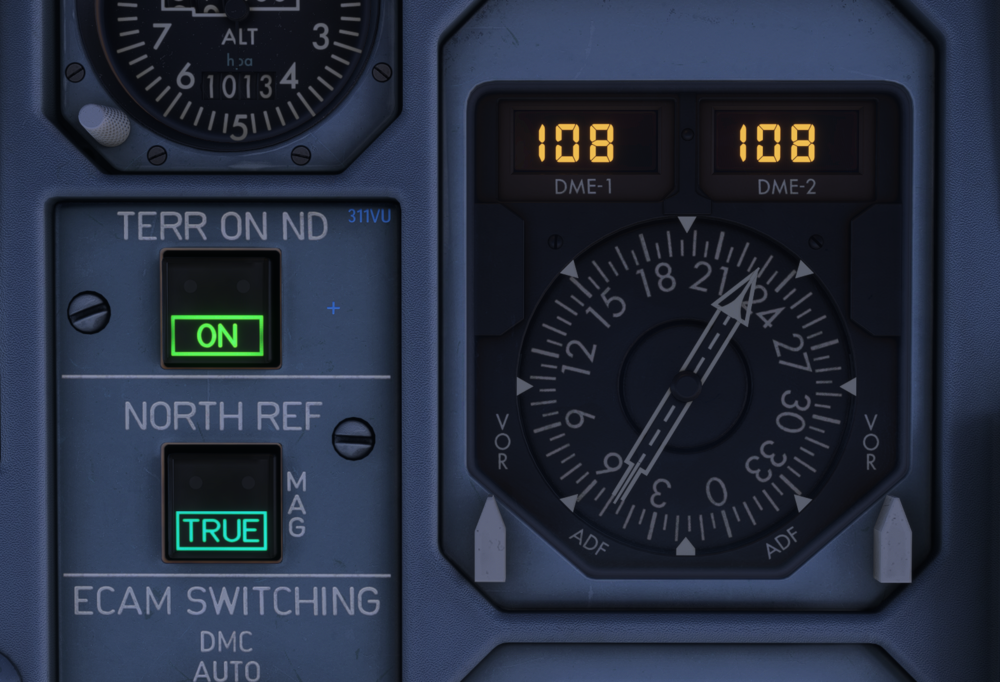
Hello all, I noticed that switching the north ref to "true" doesn´t effect the DDRMI (right next to the button). However, as seen below, the switching seems to affect the DDRMI in the real aircraft. The displayed courses slighty move in the same way as they do on the ND. Would be great to have that effect added 🙂
-
Same issue here on Version 1.1.9 in MSFS24 (PC). Doesn´t happen on every flight, just occasionally. No clue how to (not) trigger this bug.
-
No changes after the V.1.1.9 Update, issue still exisits. Am I missing something? Is there a way to configure this feature (enable/disable or even assign a key)?
-
Hey, I have the same issue with the new version V1.1.8 on MSFS24 SU4 on PC. It always worked perfectly before, but since a few days, clicking left CTRL has no effect.


