Skip to content
View in the app

A better way to browse. Learn more.

iniBuilds Forum

A full-screen app on your home screen with push notifications, badges and more.

To install this app on iOS and iPadOS
  1. Tap the Share icon in Safari
  2. Scroll the menu and tap Add to Home Screen.
  3. Tap Add in the top-right corner.
To install this app on Android
  1. Tap the 3-dot menu (⋮) in the top-right corner of the browser.
  2. Tap Add to Home screen or Install app.
  3. Confirm by tapping Install.

Ivanzzz

Member
  • Joined

  • Last visited

  1. I entered the 350 everytime from a cold and dark state.
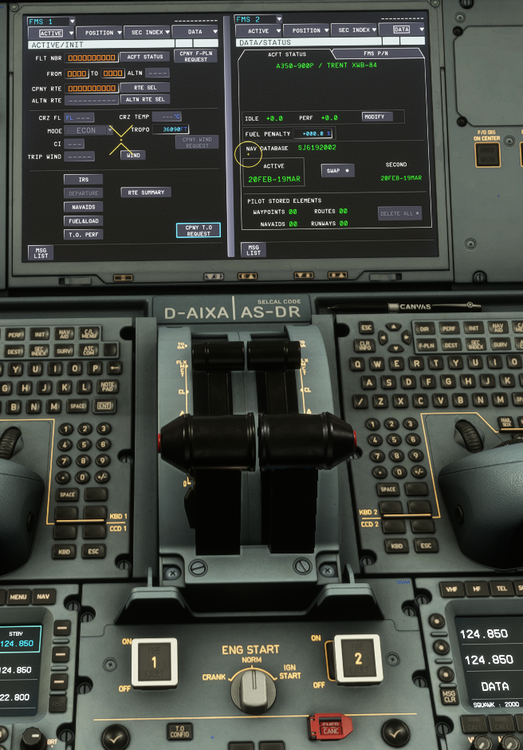
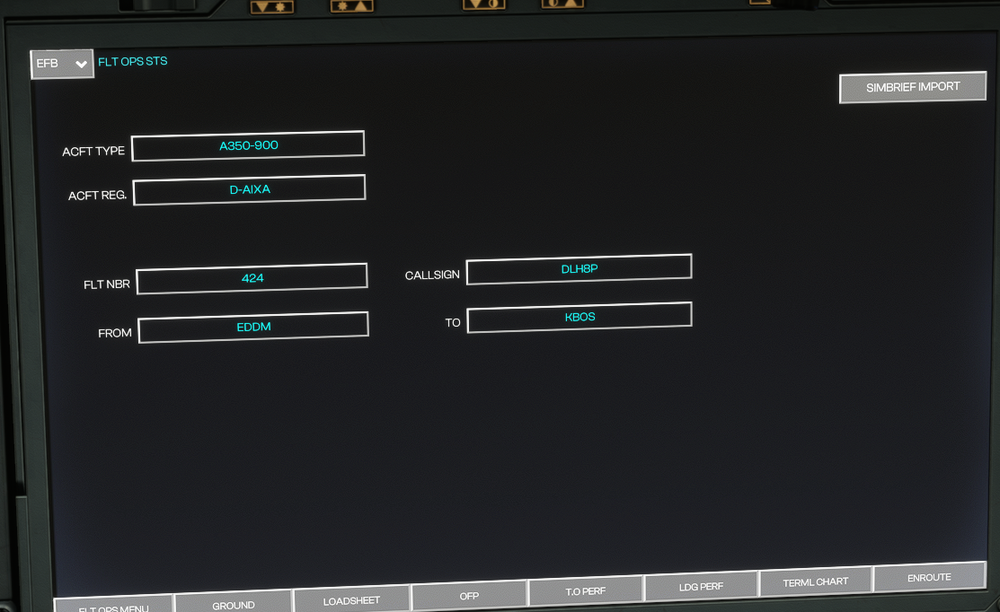
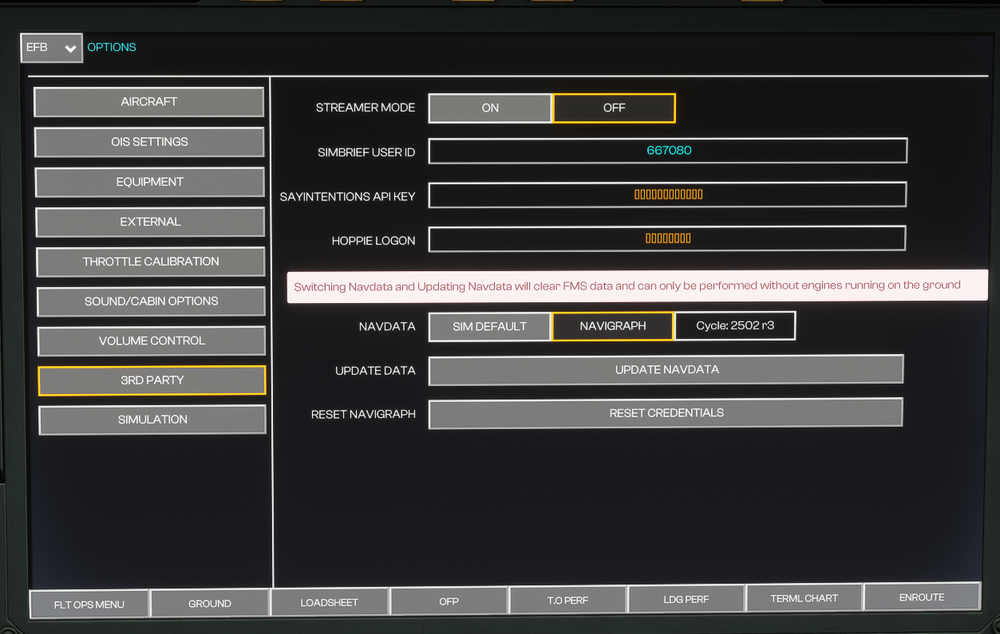
  2. In msfs2020, the flight plan in SimBrief has been imported into the OIS, but when the ‘Copy Flight Plan Request’ on the MCDU is pressed, it goes to the ‘Pending’ state and then returns to the ‘Copy Flight Plan Request’ state after a few seconds. There is no response. Even after a long wait (5-10 minutes), there is still no response. Re-entering the SimBrief ID and Navigraph does not help. I tried deleting all the living and clearing the WASM folder, but it still doesn't work. I've tried everything I can find in the community, including saving the ‘Enable Detailed Navigational Logging’ setting, but nothing works. How can I fix this issue?
Account

Navigation

Configure browser push notifications

Chrome (Android)
  1. Tap the lock icon next to the address bar.
  2. Tap Permissions → Notifications.
  3. Adjust your preference.
Chrome (Desktop)
  1. Click the padlock icon in the address bar.
  2. Select Site settings.
  3. Find Notifications and adjust your preference.