666
Member
-
Joined
-
Last visited
Everything posted by 666
-
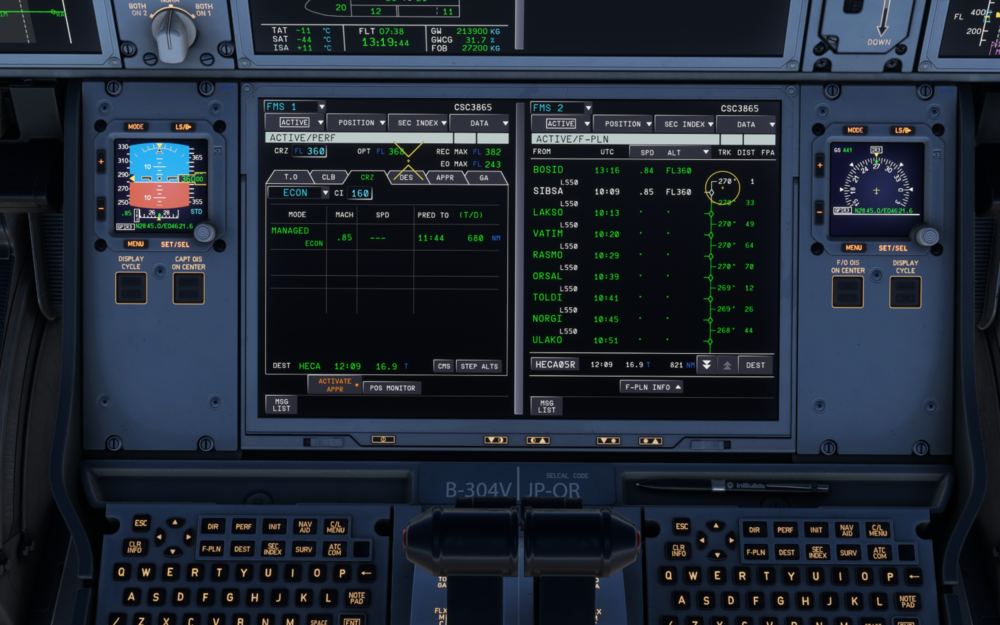
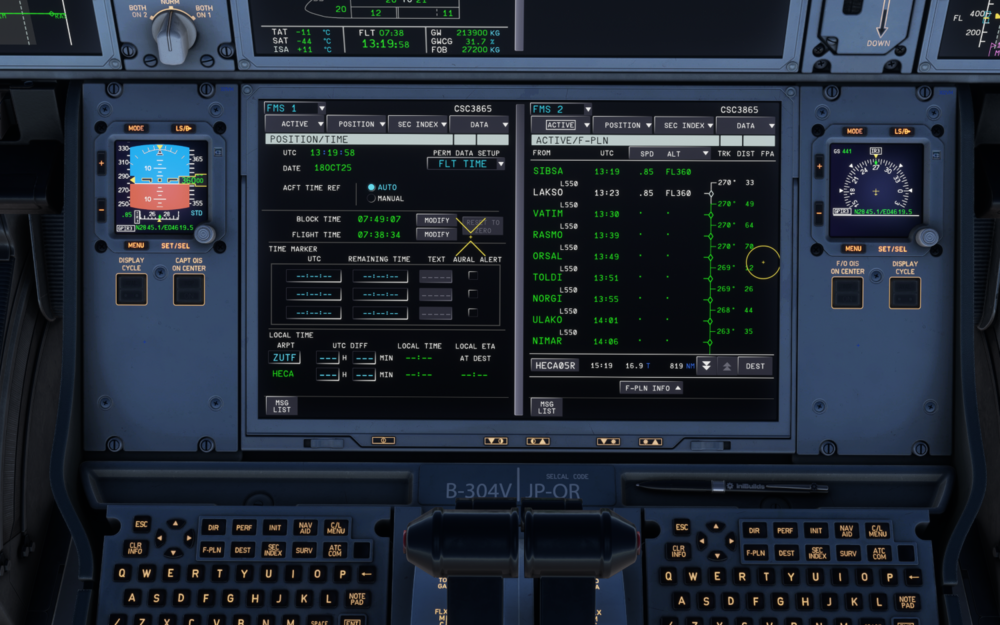
The estimated arrival time is incorrect; the time shown in the picture is from an hour ago. Adjusting to the time interface restores it temporarily, but the problem reoccurs after a while.
-
I'm sorry it seems doesn't work
-
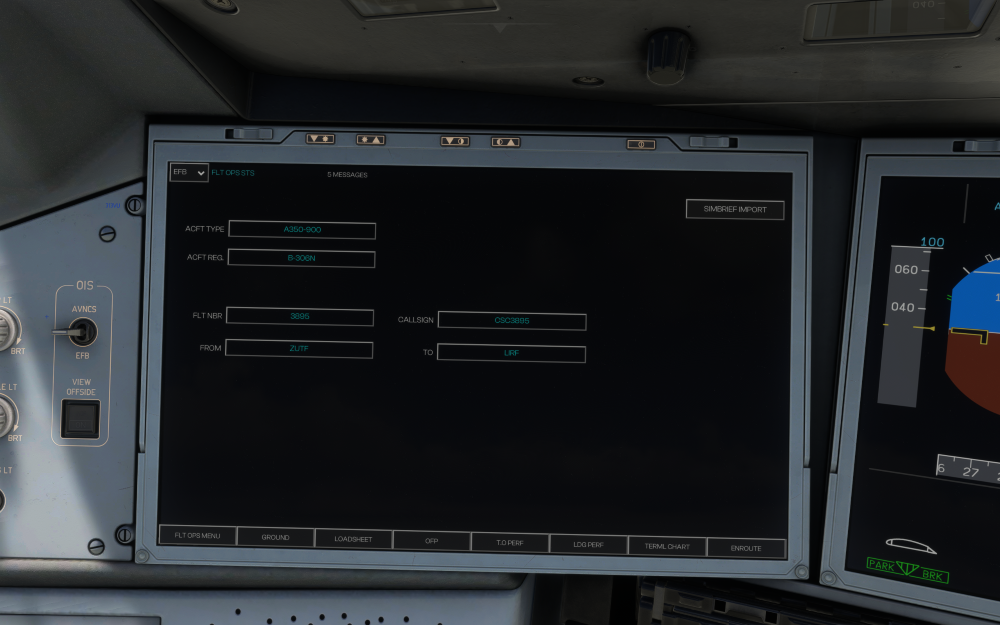
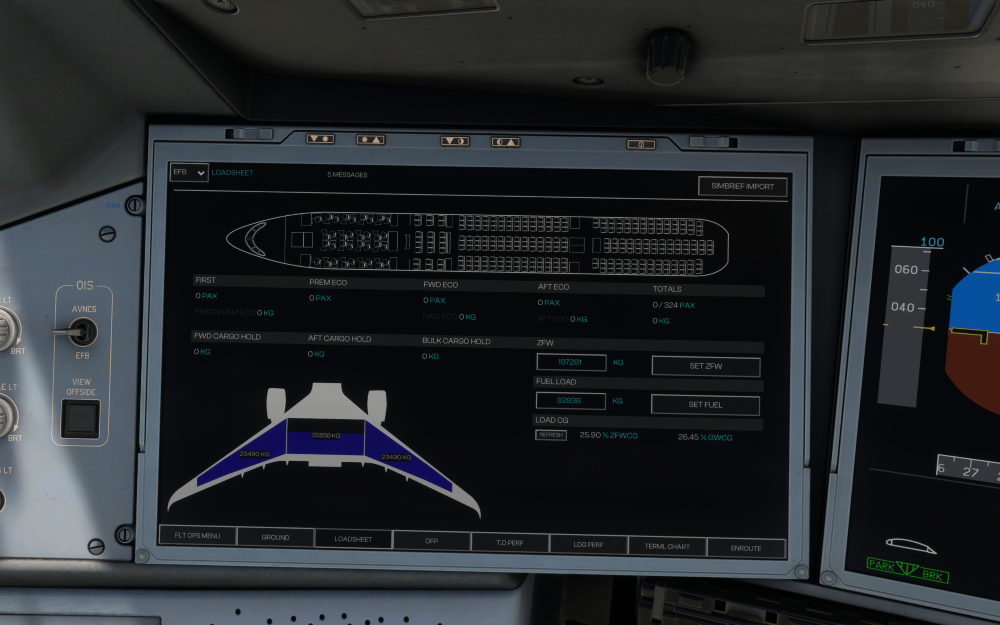
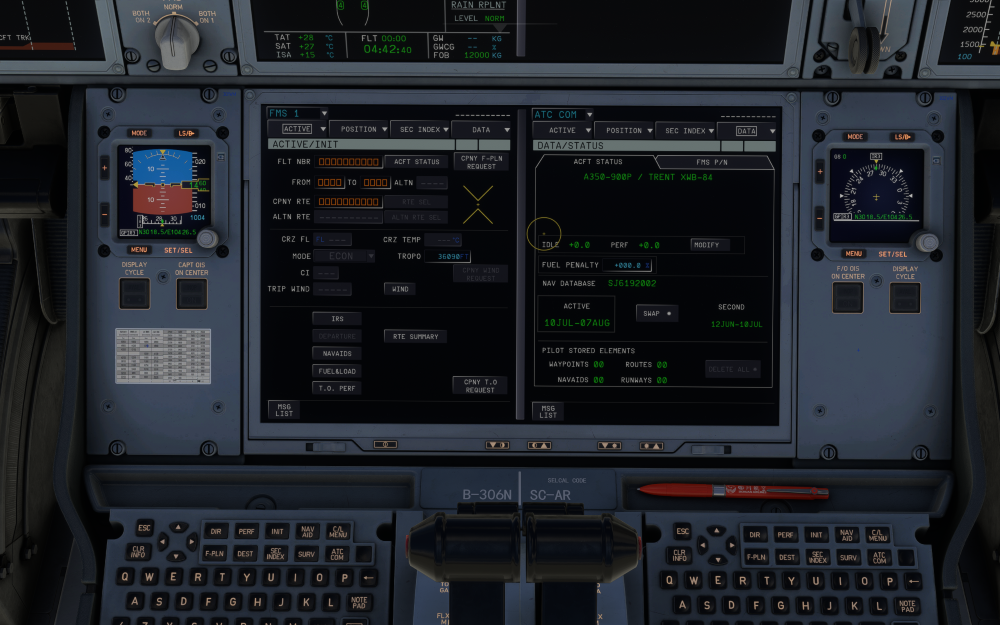
As shown in the figure, the simbrief account is entered correctly and the flight number and payload can be imported normally. However, the flight plan cannot be imported into the MCDU. After clicking the CPNY F-PLN REQURST button for a while, it returns to its original state Especially for long-haul routes exceeding 10 hours, short-haul routes can be imported but with significant delays, while long-haul routes cannot be imported at all
-
After updating to version 1.0.12, when importing the simbrief route, it got stuck and retreated to the CPNY F-PLN REQUEST interface. It took several minutes for "RRECEIVED CPNY F-PLN" to be displayed. It also gets stuck when requesting the weather using ATC COM, especially after a long flight. (Requesting the weather before descent after 17 hours of flight until landing was not displayed, and it was stuck for at least half an hour) Previous versions were all imported in real time