Gtyh212
Member
-
Joined
-
Last visited
Everything posted by Gtyh212
-
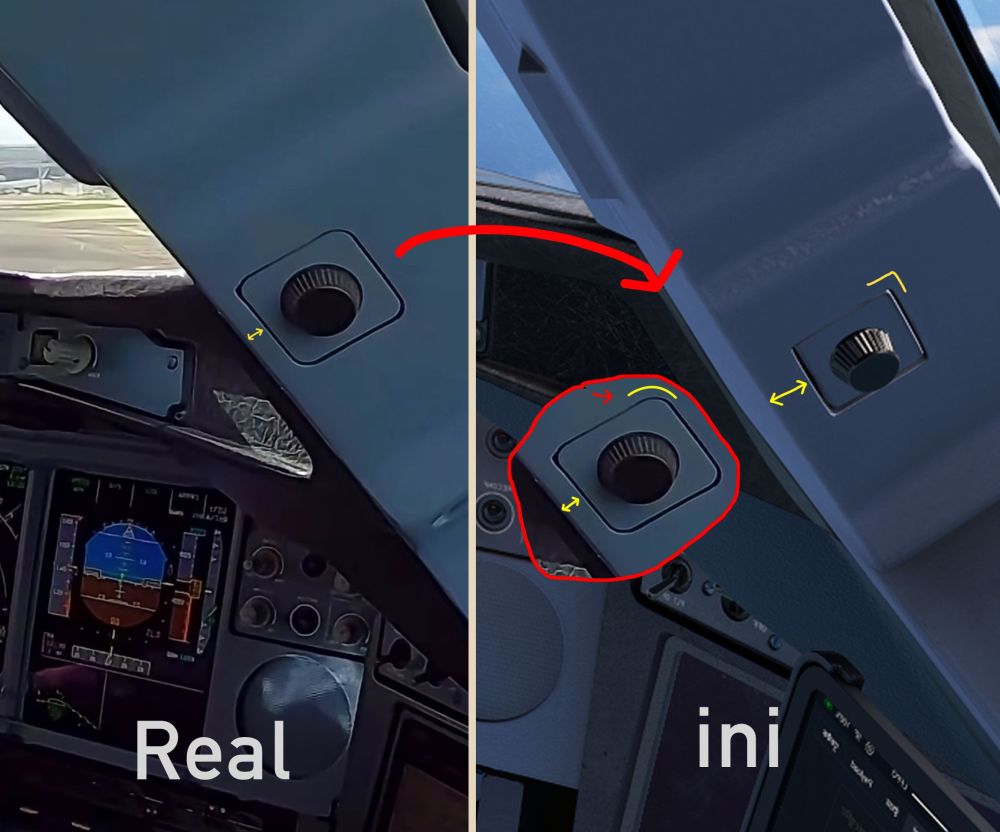
Hello, I would like to fine more report a geometry discrepancy in the A380 cockpit model regarding the nozzle object on the window pillar, unlike the real aircraft, where the outer housing features a rounded rectangle shape with smooth corners and sits right near the edge of the pillar with a very narrow gap, the model renders it as a sharp rectangular frame and leaves an unnaturally wide margin from the pillar edge and also location seems to be wrong as well Hopefully, this can be refined in a future update🙏
-
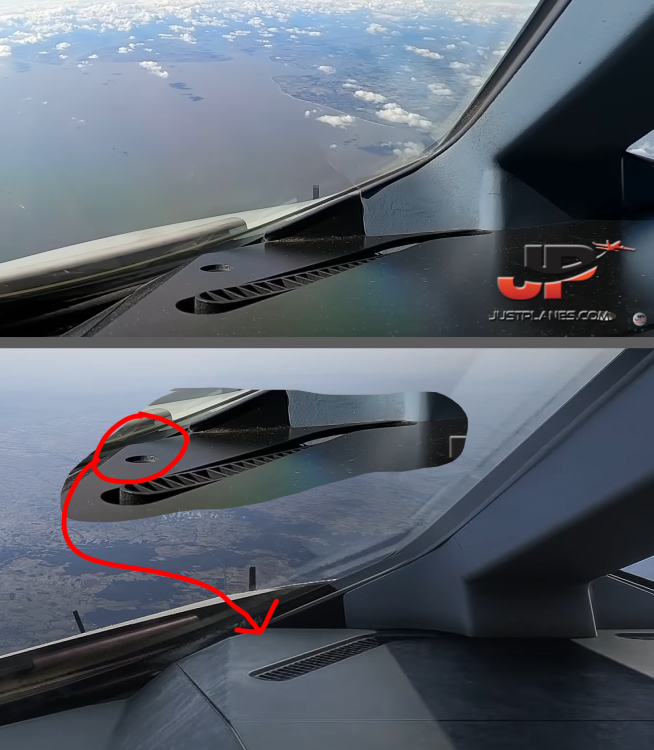
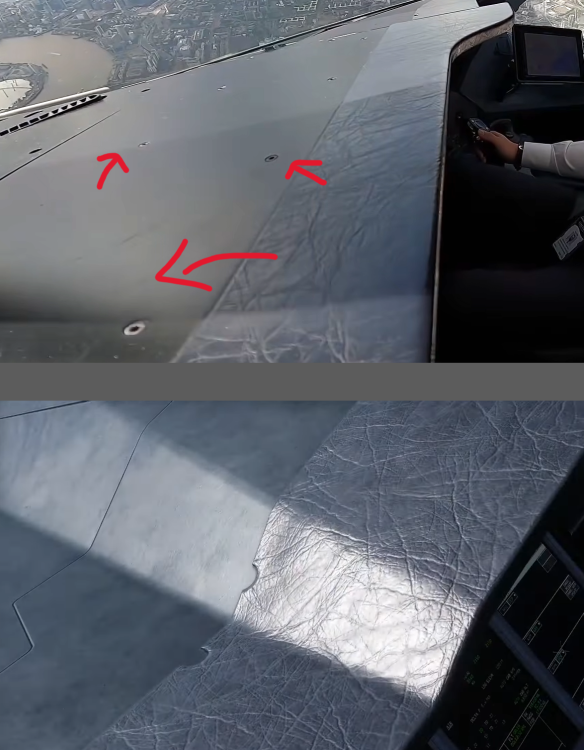
Awesome work on the A380 VC geometry accuracy compared to the A350, huge improvement! Just noticed a couple of small details missing on the glareshield though, the visible bolts and that small hole in the front on galreshield didn't make it in (attached comparison) I hope this gets added in a future update!