




andres cortes
Member
-
Joined
-
Last visited
-
ok thank you very much
-
ok thanks you very much
-
I’ve done the same thing in this app and the same thing happens
-
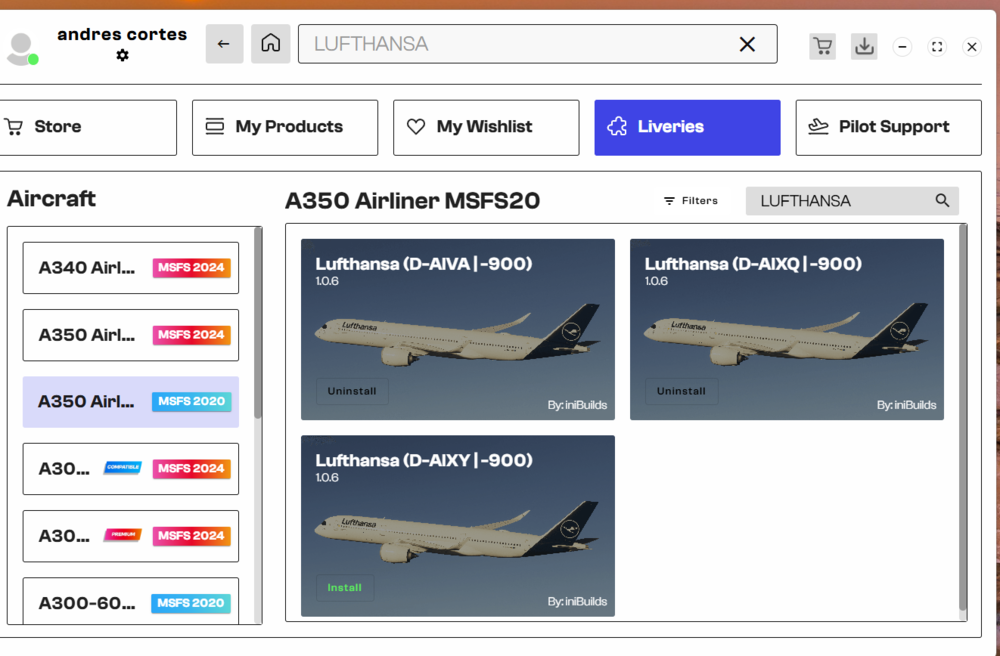
This is how the liveries appear after uninstalling and reinstalling. This is a Lufthansa livery from flightsim.to..
-
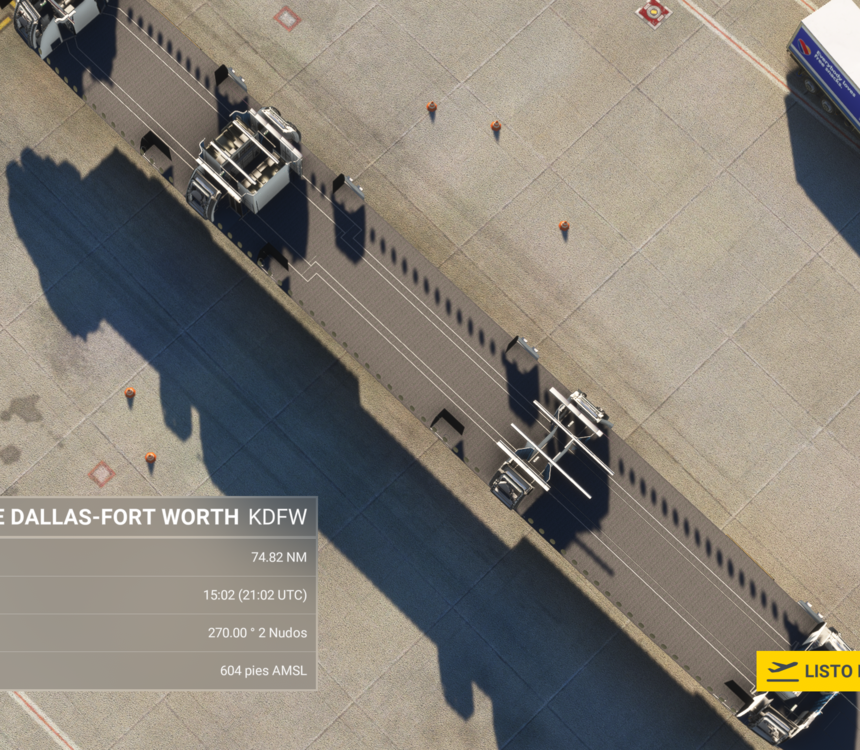
Where do I update the liveries? Because when I follow this procedure, the aircraft appears empty
-
not retracting
-
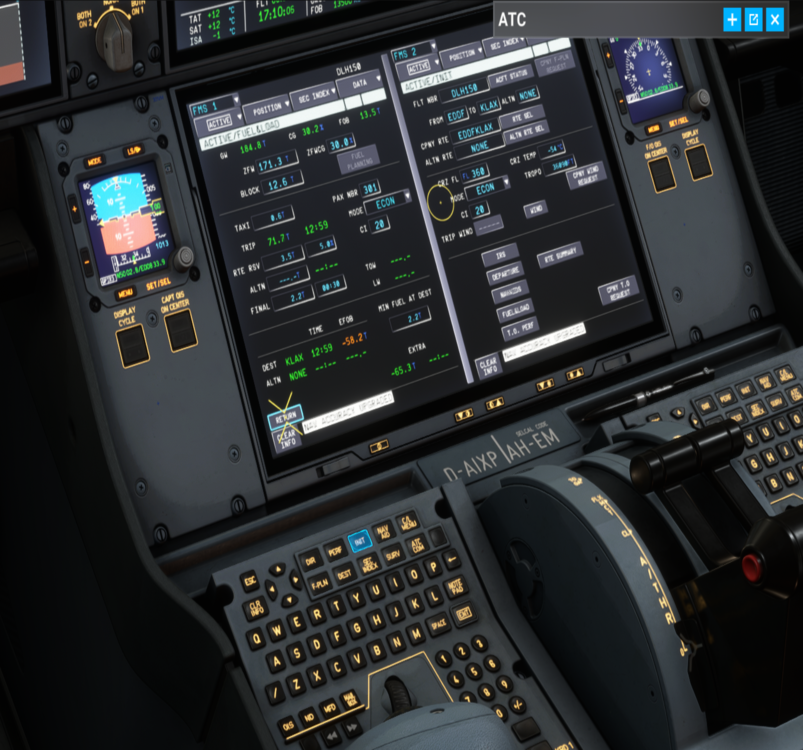
dont gear up a 350 what happen_I tried what you told me, but even reaching that configuration, it still crashes.yes when click in ini The data comes from SimBrief. I don't think it would crash just because the fuel is bad configured—what would happen is that the A350's computer would simply indicate a data error, which has nothing to do with FS-related crash bugs."init" bottom
 Hello, unfortunately my FS 2020 crashes when I'm entering data on the screens. What could be the cause? version v1.1.6Please, for experts: the latest update gives me an error—after a few minutes, FS2020 freezes. What could be the cause? Thanks for responding.


