




hvogt
Member
-
Joined
-
Last visited
-
Hello, at the end of the flight, during rollout I got this message on FMS screen Hope this will be dealt with. Best regards Helmut
-
I have now reinstalled the plane, and since then it did not happen again. So if this is a workaround it means: If there is a new update, do NOT just Update the plane but deinstall and install newly. Lets hope, that there is a real solution for this bug in the future. Best regards Helmut
-
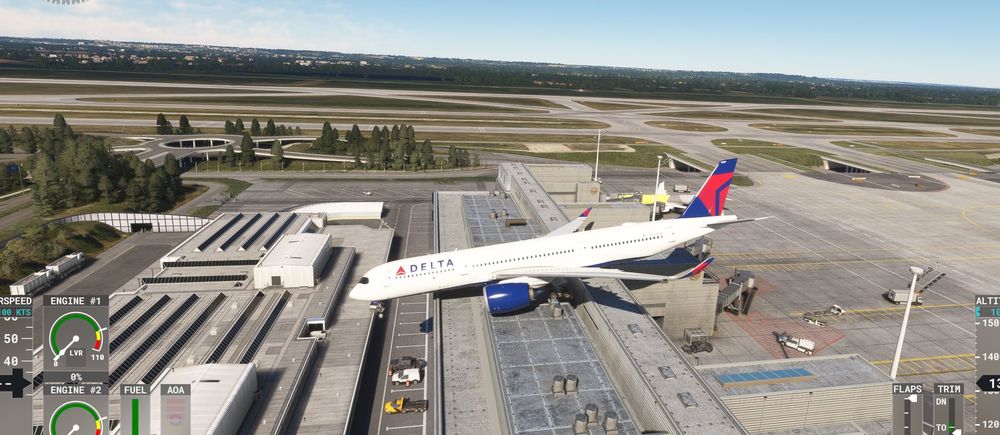
This is really annoying. After the update today to V1.1.6 the random spawning is getting worse. Have look at the start at EDDM :-((((( Hope this gets fixed in the next update. Best regards Helmut
-
I have the same issue. I updated to the last version yesterday. FS2020 No terrain is shown on the ND Any hellp would be greatly appreciated. Thx and regards Helmut

