



Skip to content
View in the app

A better way to browse. Learn more.

iniBuilds Forum

A full-screen app on your home screen with push notifications, badges and more.

To install this app on iOS and iPadOS
  1. Tap the Share icon in Safari
  2. Scroll the menu and tap Add to Home Screen.
  3. Tap Add in the top-right corner.
To install this app on Android
  1. Tap the 3-dot menu (⋮) in the top-right corner of the browser.
  2. Tap Add to Home screen or Install app.
  3. Confirm by tapping Install.

Niko Frick

Member
  • Joined

  • Last visited

Everything posted by Niko Frick

  1. Niko Frick replied to cfi86's topic in Support
    Did you receive any reply for this?
  2. I tried to change my old Livery to fix the problems after the update, but it seems that the structure was changed. There is a new file LIVERY.PNG, but this is no part of the paint kit?
  3. same here, but I did my own paint with the paint kit. would be great to know what painters need to adjust oder change. there is no statement yet(?)
  4. Great, it works!! Tks.
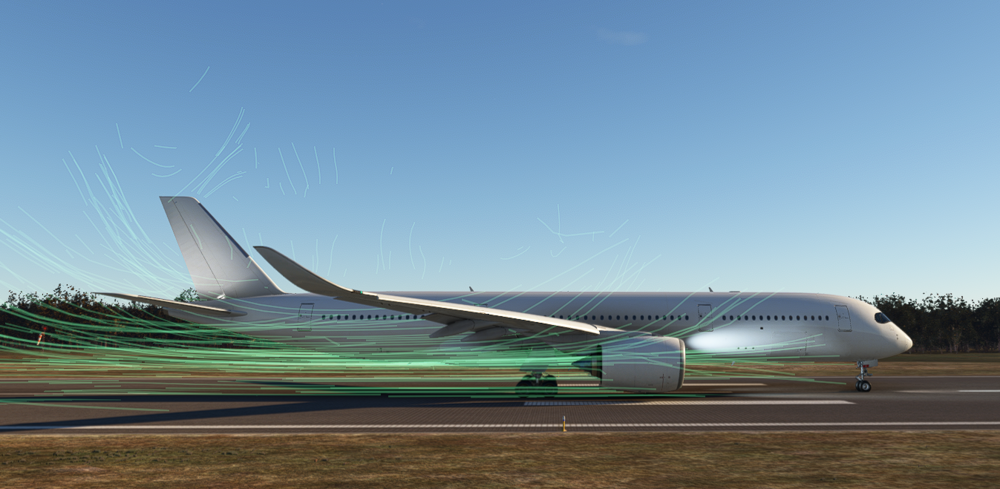
  5. I dont know how to explain, here is a screenshot. What is this and how can I solve this?
Account

Navigation

Configure browser push notifications

Chrome (Android)
  1. Tap the lock icon next to the address bar.
  2. Tap Permissions → Notifications.
  3. Adjust your preference.
Chrome (Desktop)
  1. Click the padlock icon in the address bar.
  2. Select Site settings.
  3. Find Notifications and adjust your preference.