Aviator Eran
Member
-
Joined
-
Last visited
Everything posted by Aviator Eran
-
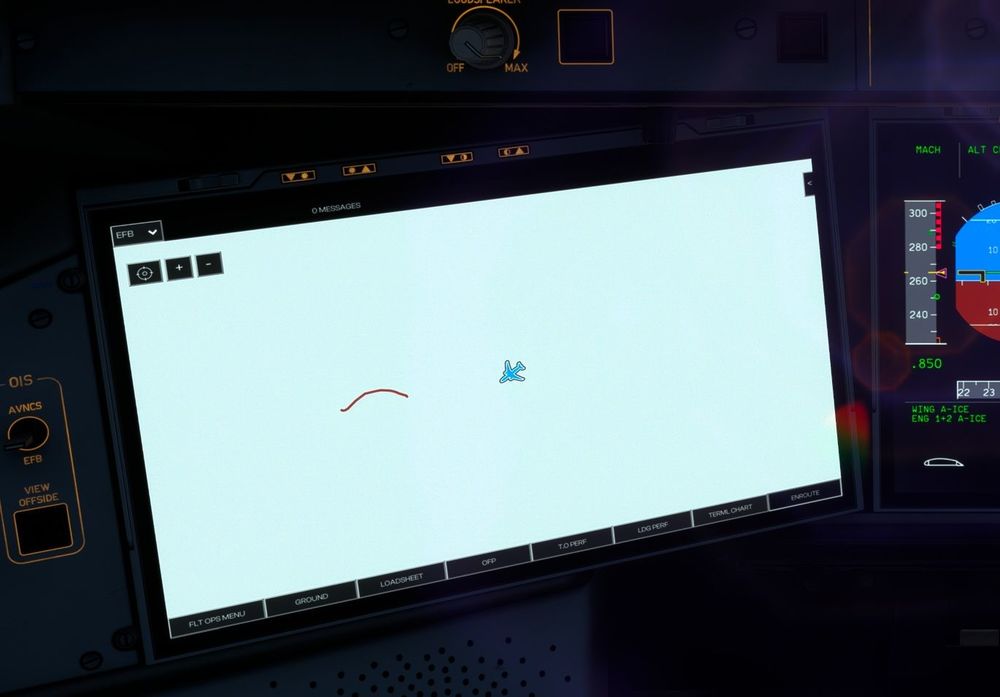
Issue was resolved after going through a complete MSFS2024 WASM purge and A350 reinstall. One issue with charts remained, on long haul flights the route map turns white or black and can't be restored, despite Navigraph subscription tested and navdata updated. I tried to choose other maps as well with no success. Route map displayed ok during the 1st couple of hours : A350-900 KDTW->RKSI ((No time acceleration)
-
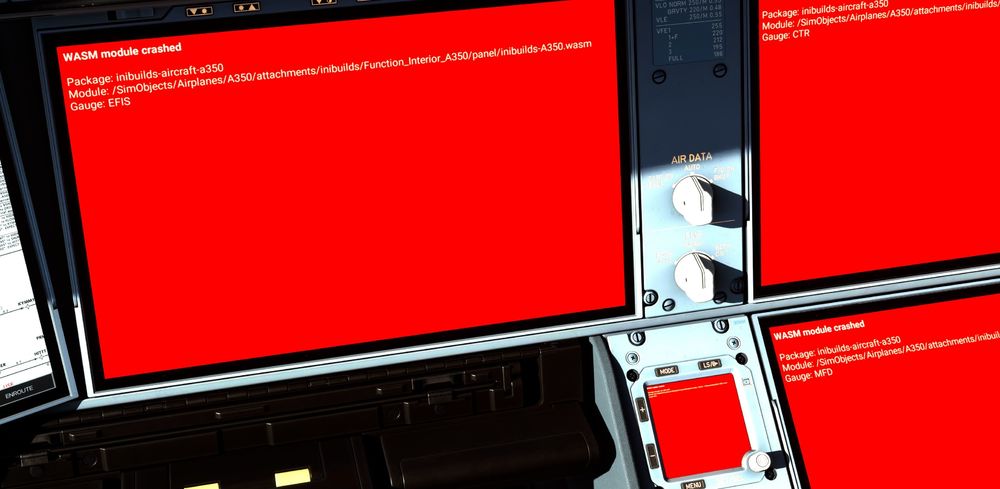
While descending into KATL, I got the Red screens WASM crash ( despite fresh new A350 install). I use Say intentions.AI client (latest) Chase Plane Client Latest World Wide virtual ACARS (ver 3.0.16) Just Flight Fly the Line Fora Career management tool Navdata was updated using my Navi graph integration. I'm using the latest FSUIPC client. During crash Time accelerator was normal 1X speed) Any Ideas on how to resolve ?