




mt320_
Member
-
Joined
-
Last visited
-
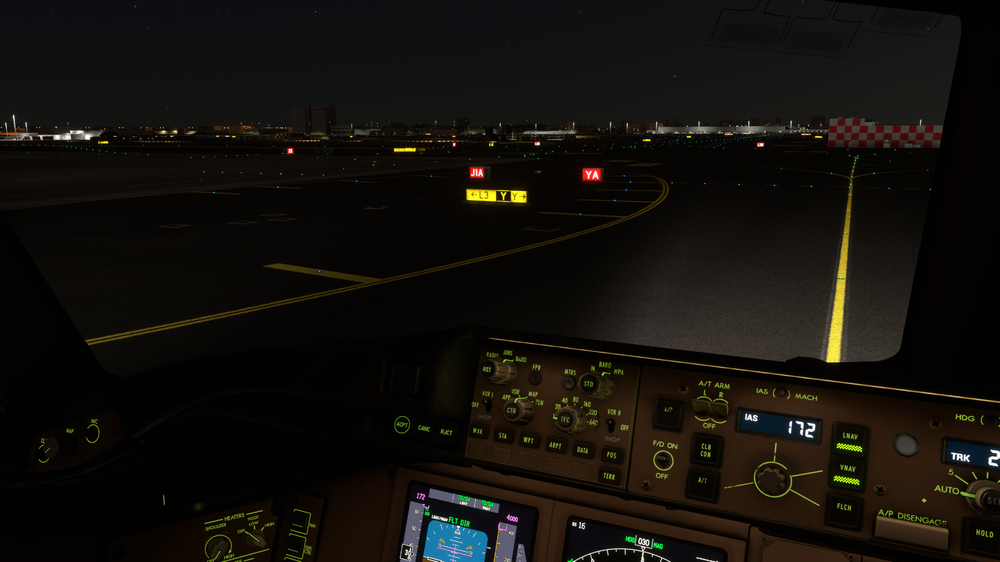
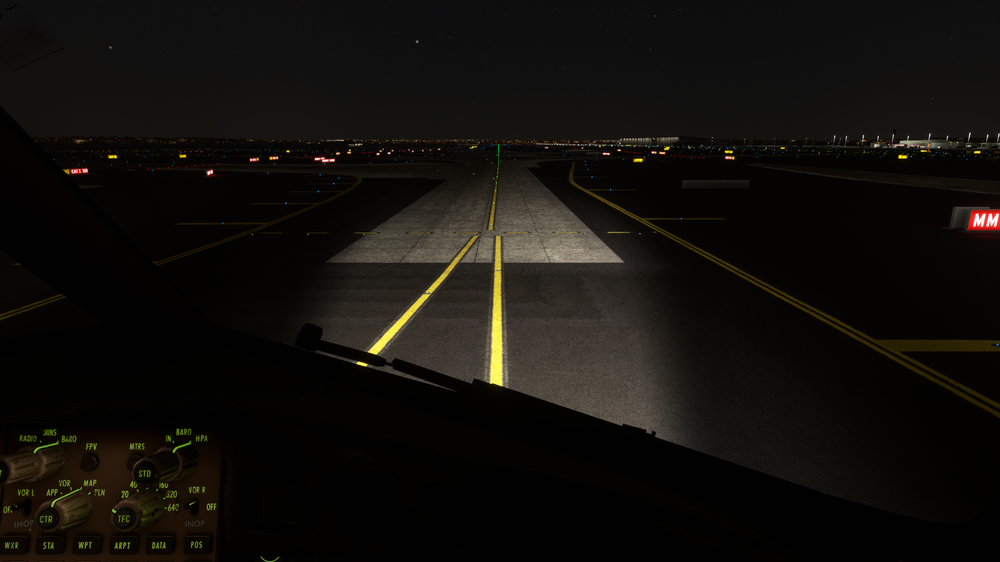
Taxiway sign: should say Z to the left and right, Y in the middle is correct. Taxiway line: Centreline remains in the centre, with the line from the left from M12B blending in smoothly

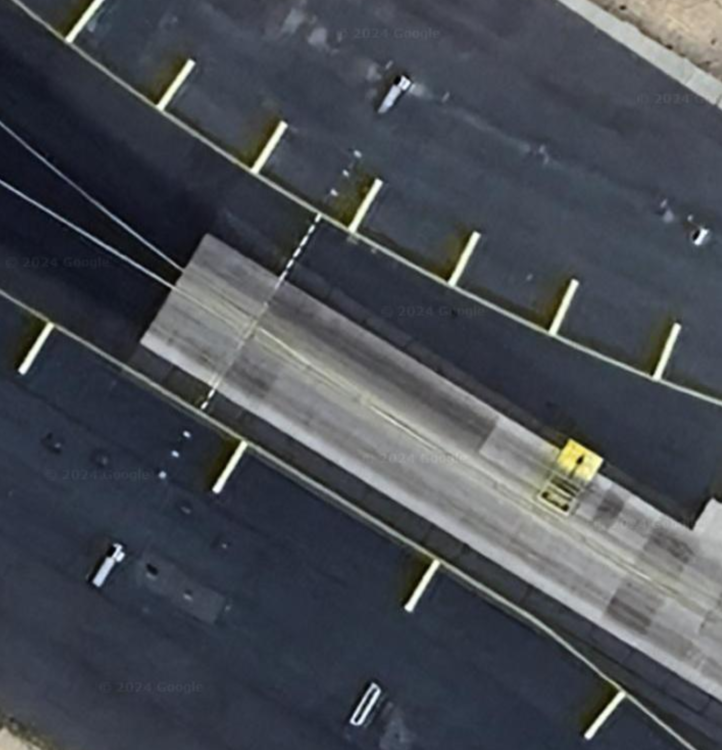 It's such a shame that arriving at your home base with Emirates means parking on Terminal 3. Terminal 1 looks fantastic, especially at night, and this is what we've come to expect from ini products. Terminal 3 on the other hand could be mistaken for an fs.to freeware. It's just a shame that flying Emirates into this beautiful Dubai scenery comes to a close by parking on a freeware quality terminal 😞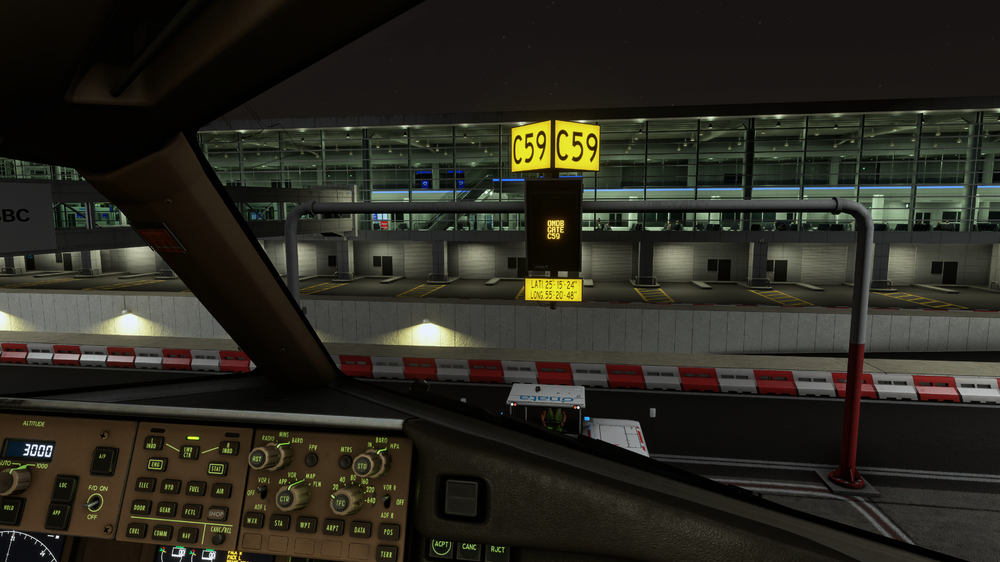
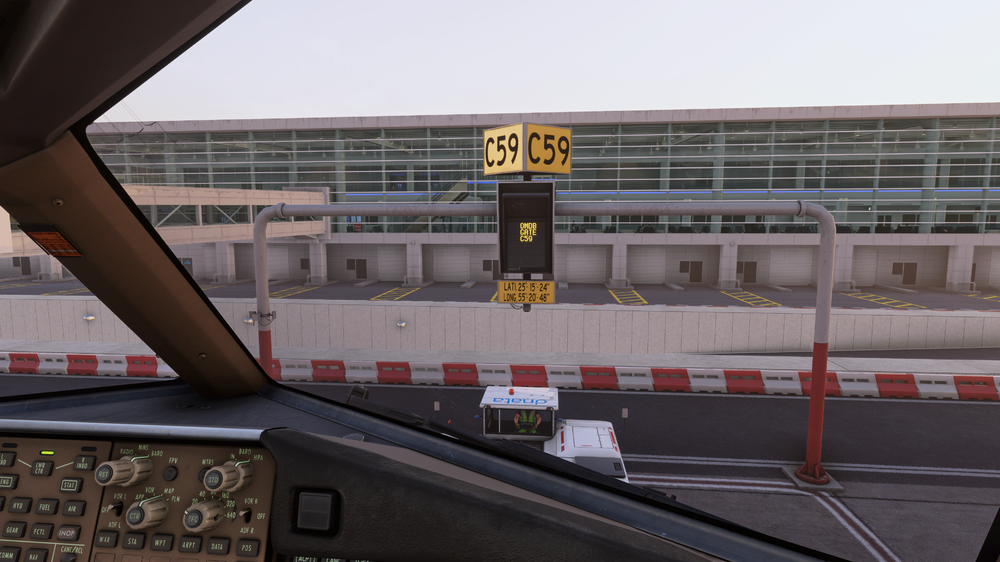
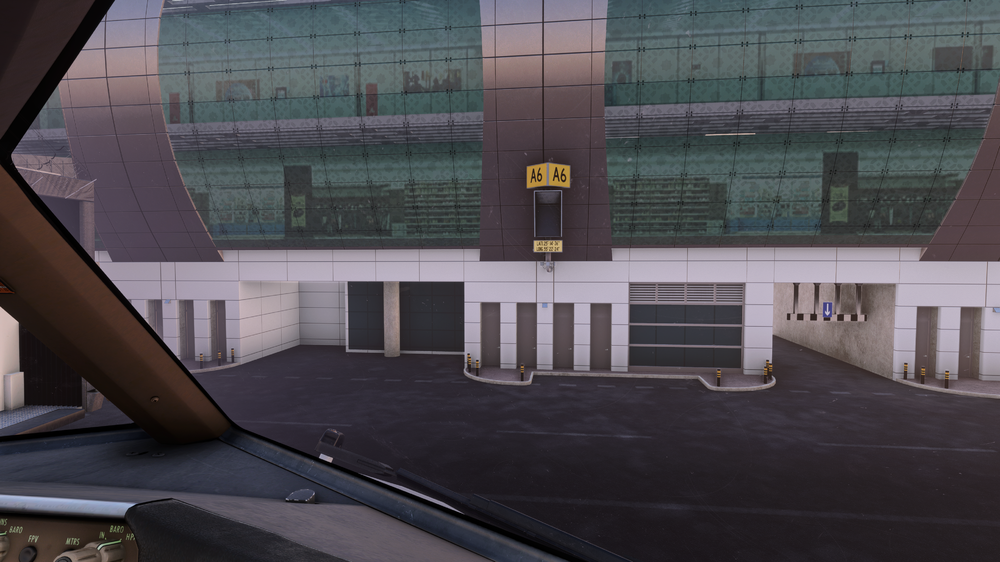
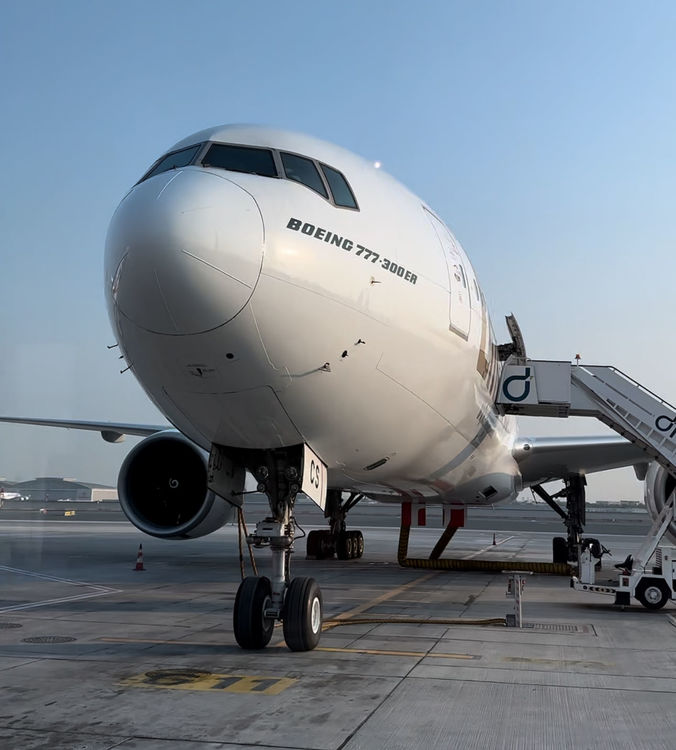
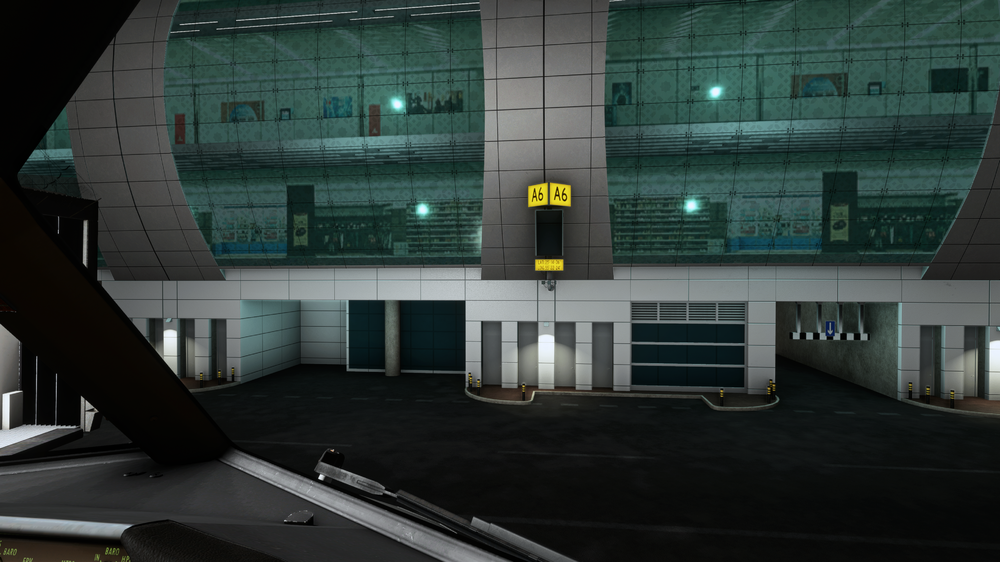 Should be an additional marking on the last line that says B773. GSX Position for a -300ER is also incorrect. Thanks 👍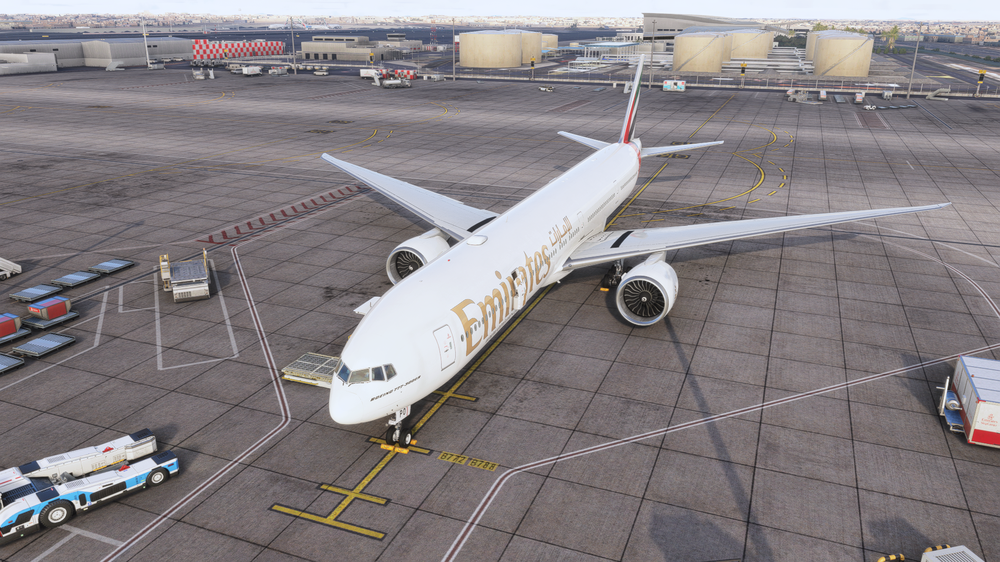
 Scenery looks great, but I would appreciate better performance in the next update, especially because VATSIM traffic takes such a hit on perf nowadays. Keep it up, you have the best ini Partners xx


