LaurinTV
Member
-
Joined
-
Last visited
-
Yeah but the thing is I put my ID into it, just like you say
-
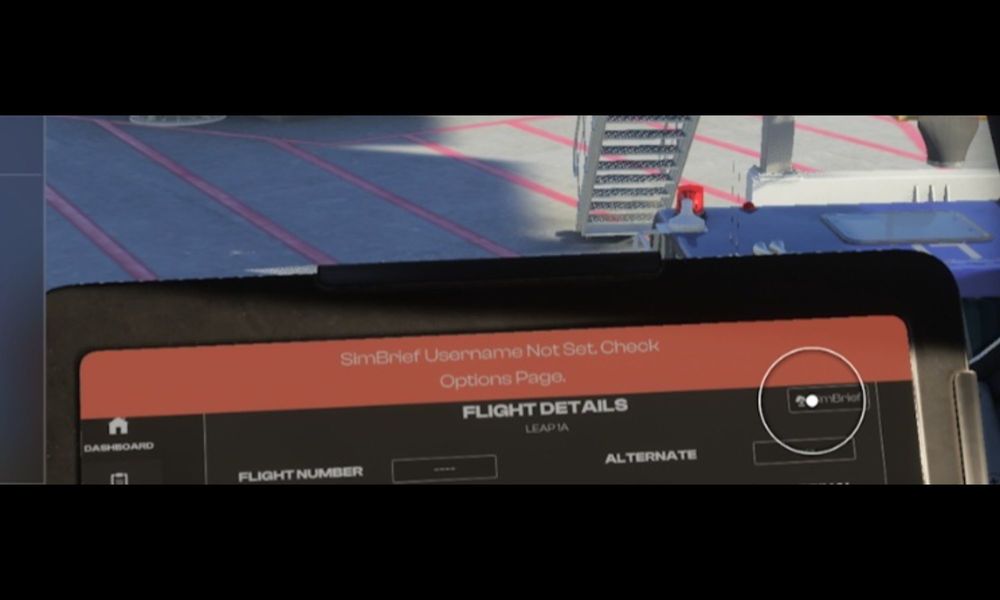
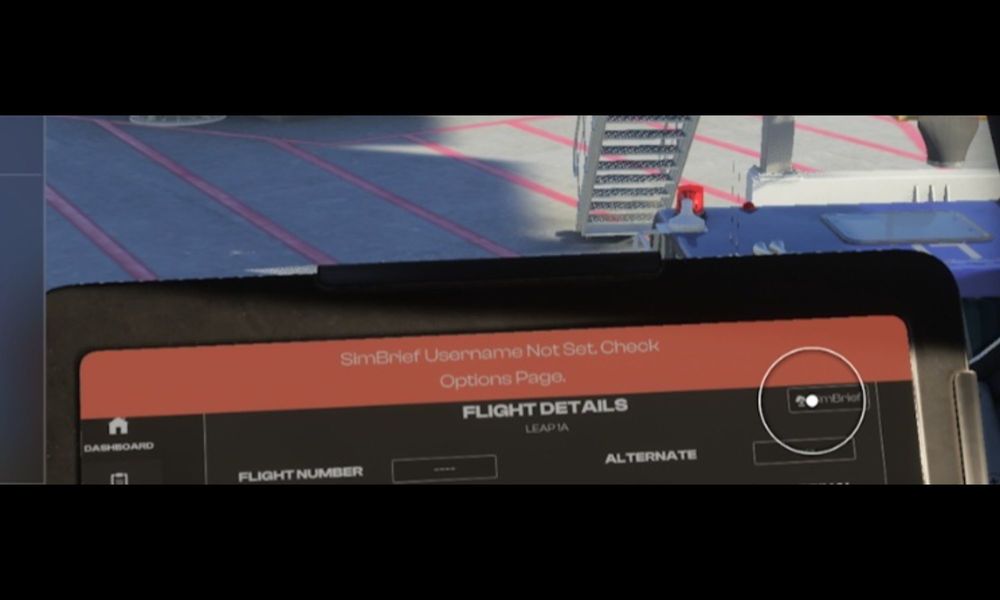
Hello! When I got to the EFB to import for example my SimBrief flightplan, it doesnt work, as kt says "Simbrief Username Not Set. Check Options Page. However I put in my Simbrief ID in the optionspage so it should work. Unfortuanetly I dont know how to solle this problem and I would be very greatful for advice. Thanks!
-
Sorry, I have just seen that I posted this question in the Screenshot part, wich is obviously not where I should have posted it xD I will do it again on another part in the forum, but if there is anybody reading it here, if you have advice I would still be very pleased to give it to me
-
Hi! When I go to the EFB and want to import for example the flightplan from simbrief I created, it doesn't work, as it says on the EFB "SimBrief Username Not Set. Check Options Page". But on the options page I put in my Simbrief ID where you should put it in, so I dont know how to fix this problem. I would be very greatful to get help to solve this problem. Thanks :)