Skip to content
View in the app

A better way to browse. Learn more.

iniBuilds Forum

A full-screen app on your home screen with push notifications, badges and more.

To install this app on iOS and iPadOS
  1. Tap the Share icon in Safari
  2. Scroll the menu and tap Add to Home Screen.
  3. Tap Add in the top-right corner.
To install this app on Android
  1. Tap the 3-dot menu (⋮) in the top-right corner of the browser.
  2. Tap Add to Home screen or Install app.
  3. Confirm by tapping Install.

niya739

Member
  • Joined

  • Last visited

Everything posted by niya739

  1. HUDの問題は解決しました。ありがとうございます。
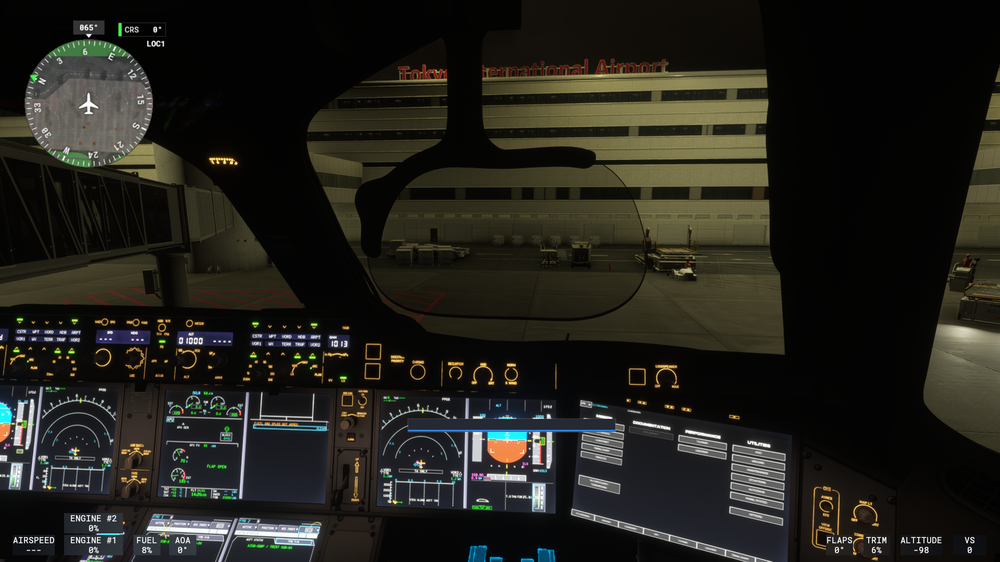
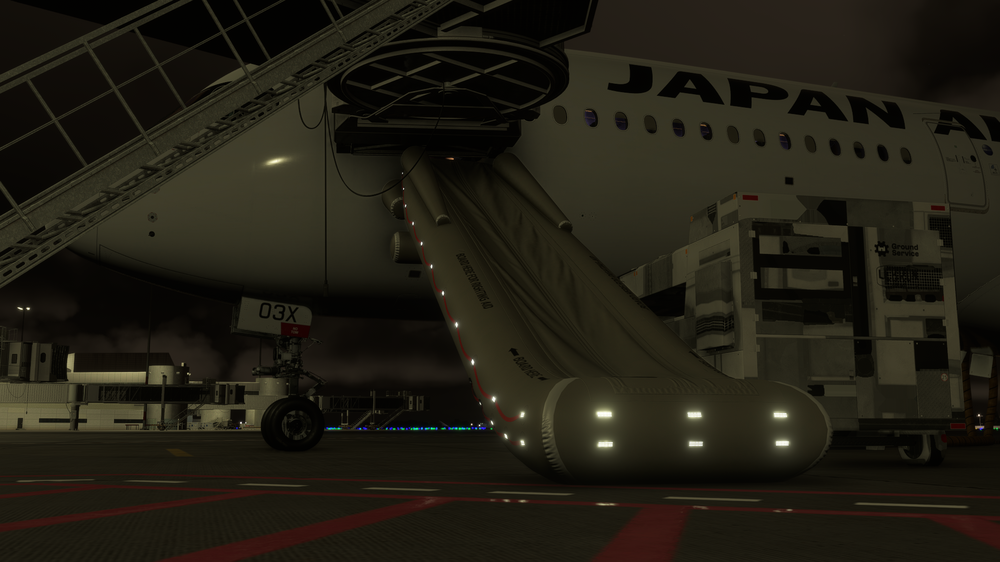
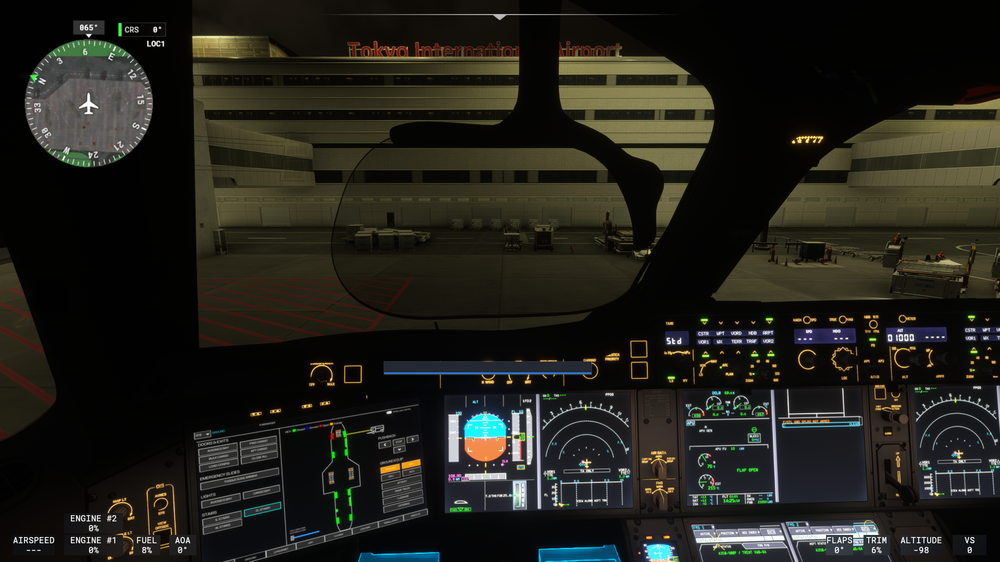
  2. I'm having trouble with the HUD not displaying and the emergency escape device deploying automatically after the gate has stopped and the engine and APU are cut off and the external power is connected.
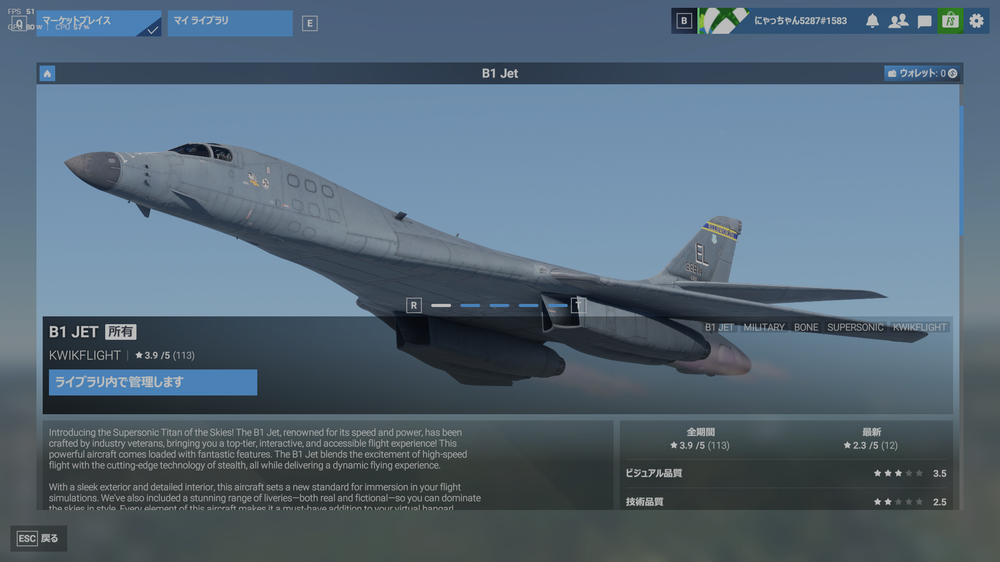
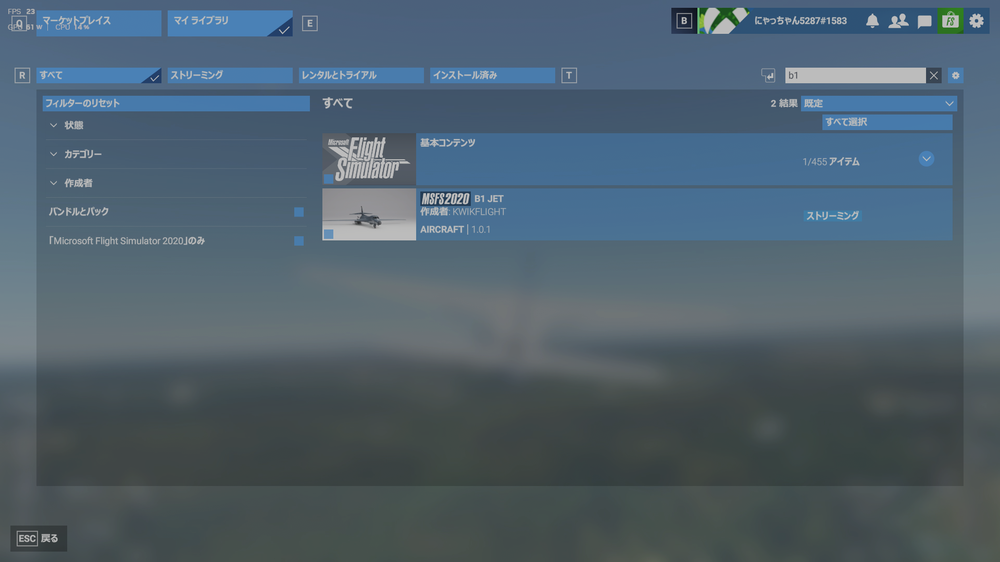
  3. Hello I bought B1 for MSFS2020 and tried to upgrade it to 2024 by opening MSFS2024, but I was shocked that I couldn't do it Please respond as soon as possible so that I can upgrade with MSFS2024 (I can't afford to buy it again)
Account

Navigation

Configure browser push notifications

Chrome (Android)
  1. Tap the lock icon next to the address bar.
  2. Tap Permissions → Notifications.
  3. Adjust your preference.
Chrome (Desktop)
  1. Click the padlock icon in the address bar.
  2. Select Site settings.
  3. Find Notifications and adjust your preference.