




pm_pilot
Member
-
Joined
-
Last visited
Everything posted by pm_pilot
-
cruising nicely before pausing
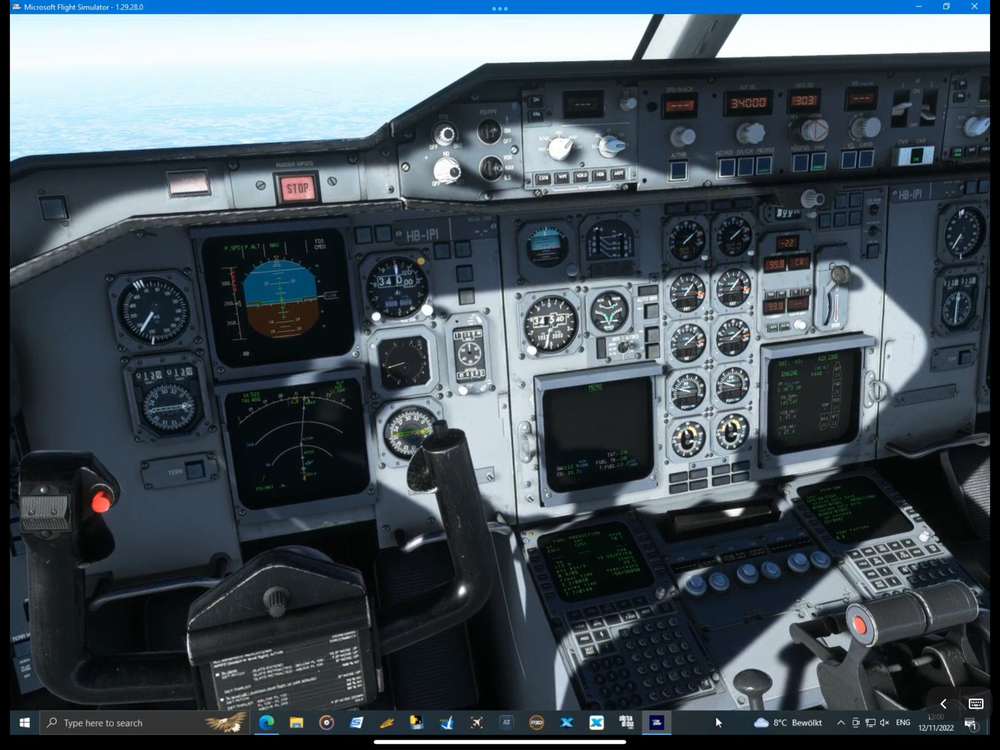
-
configuration before takeoff
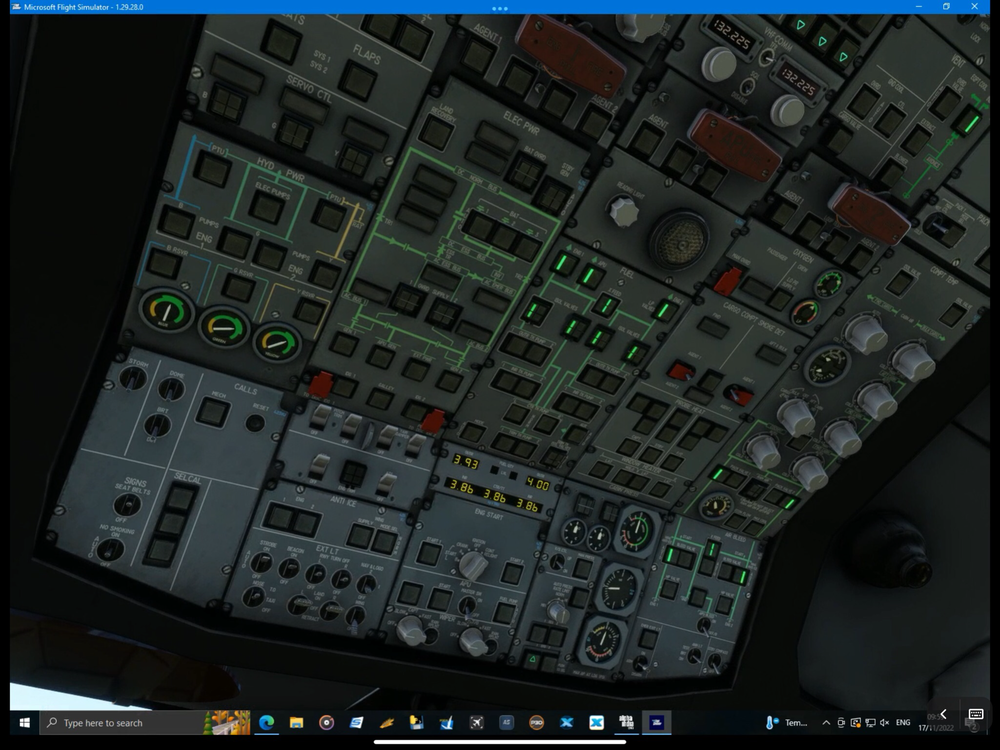
-
Cruising along nicely I paused the flight for 2 to 3 hours using ESC. When resuming the flight I was presented with a cabin altitude warning. On a second flight I did the same, but used developer mode pause in addition with the same outcome.
-
After entering a route on the world map I clicked ready to fly. On the in game menu I selected cruise under travel to. The aircraft loaded up and went into an immediate heavy nosedive with the landing gear extending. Like loading and saving a flight this is one of the basic features provided by MSFS. I would be glad if you could support them or alternatively bring the superior autosave functionality to the aircraft. Thanks.
-
Hi, Congratulations on your MSFS release. It would be great to be able to load a previously saved flight through the MSFS menu. Especially on long-haul flights, after CTDs or training purposes this would be helpful. Some companies like PNDG or Leonardo were able to achieve this. Regards
-
Fantastic news! Will the A310 for MSFS incorporate a proper saving and loading a flight functionality (like autosave), that also includes the autopilo, fms and state? For training purposes and practicality this would be highly appreciated and is missing so far in MSFS add-ons.


