




MrK92
Member
-
Joined
-
Last visited
-
@IniSteve @Eddie @iniKyle Would you please reconsider the wrong solution? EDW has no "old" wingtips on their A350's. They are all equipped with the newer ones. So the Liveries have to be fixed. Thanks in advance.
-
@IniSteve see above. Your "solution" is not correct. Please correct these inaccuracies on the EDW Liveries. Thanks. P.S. on the Swiss Livery HB-IFB is the Name of the Aircraft named "Delémont" missing.
-
Some airports around the Persian Gulf are still missing in a good shape... Maybe here are some considerations for future developement 🙂 OOMS - Muscat, OOSA - Salalah, OKKK - Kuwait, OBBI - Bahrain, OMSJ - Sharjah, OERK - Riyadh, OEJN - Jeddah, OEDF - Dammam
-
My bad... few moments later I saw, that there was pushed an update in the iniManager explicit for this livery, which fixed the mismatch 🙂
-
Hi, see attached screenshot. The Name of the aircraft on right hand side seems a little bit screwed up. Could you fix this by any time soon? Thanks in advance!
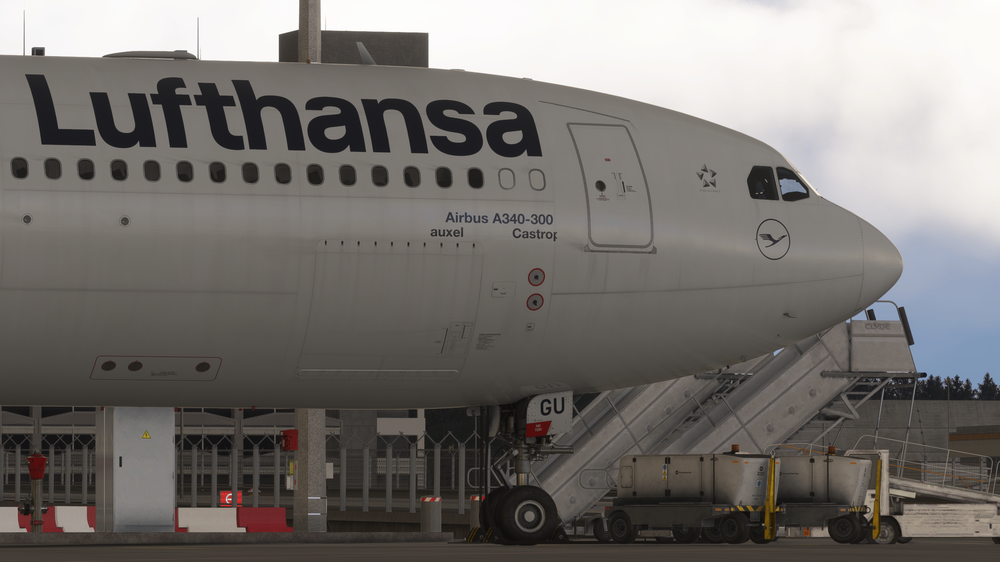
-
afaik the EDW A359 are equipped with the new "long winglets". 😉 so maybe is it possible to correct it from your side, that the textures appear on the long winglets as it is irl? 🙂 Thanks!
-
After updating the liveries to 1.0.5, the winglet textures are still not showing up in the sim, sadly. Is it possible to add the newest A359 fleetmembers of EDW to the iniManager (HB-IHA & HB-IHB)? Thanks in advance.
-
Noticed this with every Livery. MSFS2024.
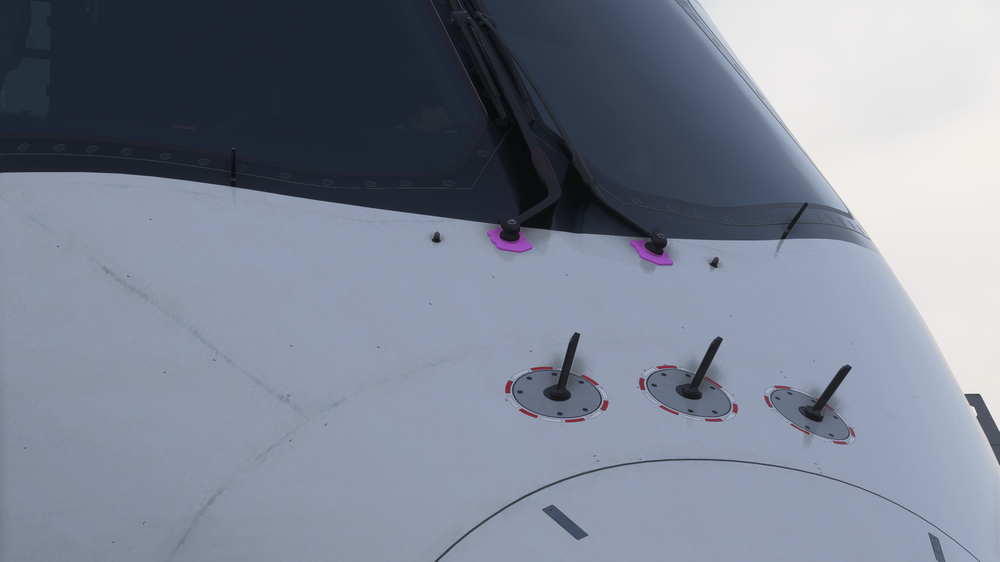
-
Hi, it's still not working after todays update.


