




rexizam
Member
-
Joined
-
Last visited
Everything posted by rexizam
-
-
-
-
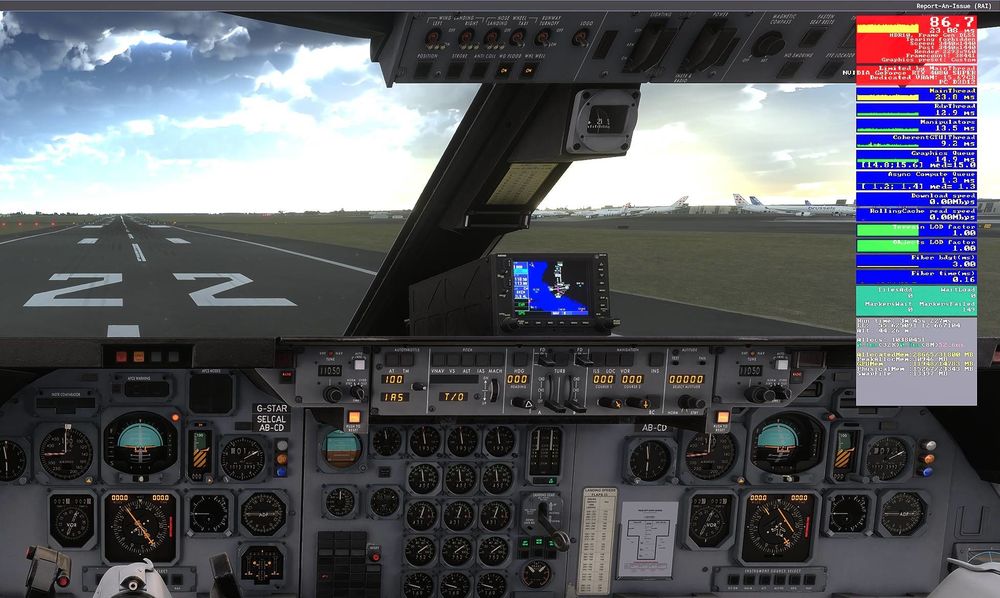
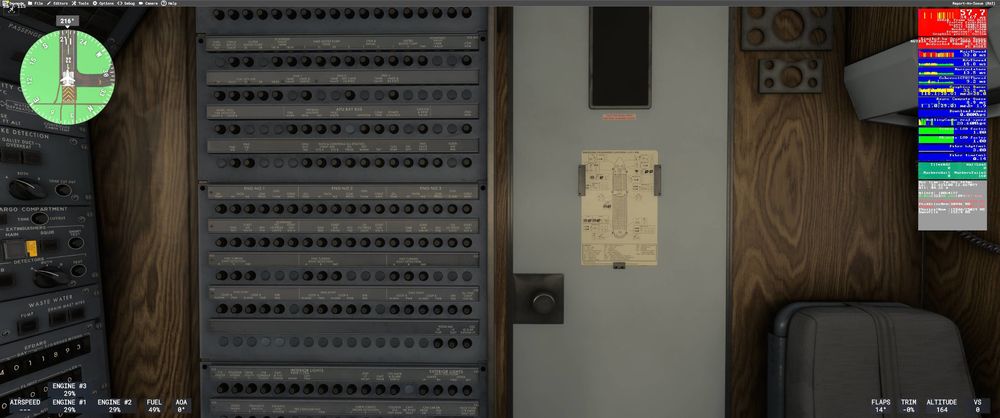
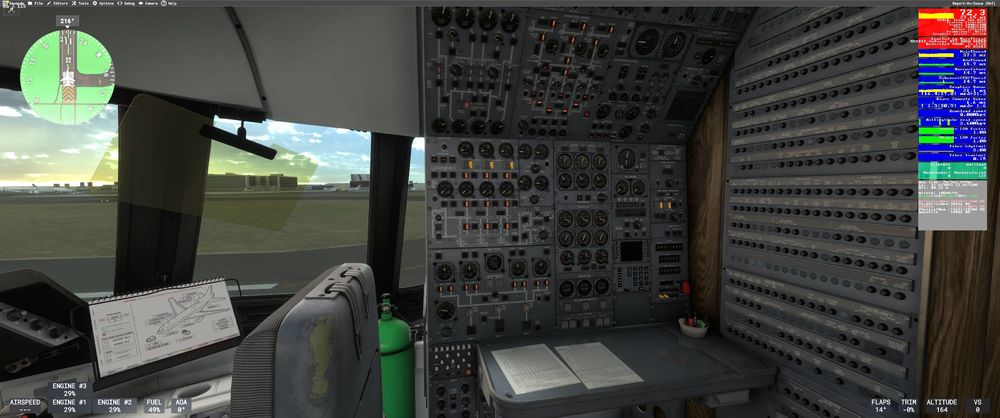
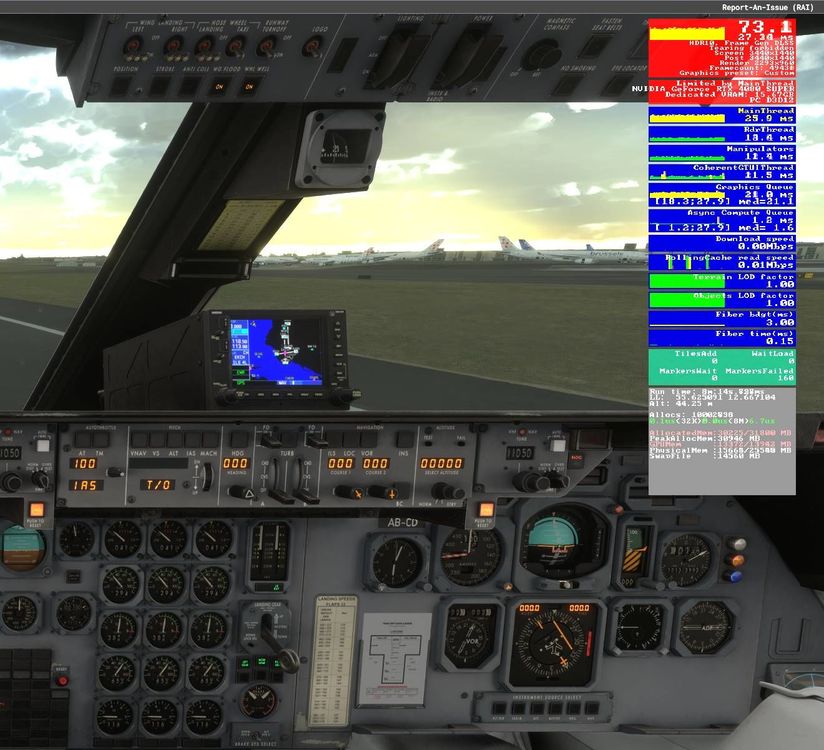
Here are some screenshots from my tests today at EKCH Copenhagen airport (default) I run a mix of High and Ultra settings on RTX 4080 Super 16GB Texture settings are set on High As previously mentioned, other 3rd party addons don't ask for so much VRAM. A300-600R Premium for example doesn't make my VRAM go into the red and it has glass cockpit instruments.
-
On my RTX 4080 with 16 GB VRAM I run out of VRAM when I pan the camera towards the flight engineer deck. This happens on both busy airports on the ground and in small default airports. Is there a plan to include a variant with lower texture resolution or without the cabin perhaps? I believe this will improve performance for those of us who can't afford a 24 or 32 GB video card and still want to enjoy the plane on high graphics settings 🙂 Somehow, this is the only 3rd party add-on airplane that eats so much VRAM on my current graphics configuration and usual airports I fly to and from.
-
Thanks for the update. It seems to be working now, just did a test flight.
-
Hello, The A310 cockpit is completely broken on a fresh MSFS 2024 install. I have the Aviator Edition and when I spawn in the plane on a runway, all cockpit instruments are dark/blank, some buttons and dials are clickable but there are no animations. The plane appears to be able to fly but everything in the cockpit is dead and no matter what I do it remains dark. I have tried cleaning up WASM as well as all other folders related to a310-300 in my MSFS install directory. Deleting the a310-300 from WASM folder only helped once and then on the next load the cockpit was broken again and cleaning up WASM no longer helps 🤔


