



Skip to content
View in the app

A better way to browse. Learn more.

iniBuilds Forum

A full-screen app on your home screen with push notifications, badges and more.

To install this app on iOS and iPadOS
  1. Tap the Share icon in Safari
  2. Scroll the menu and tap Add to Home Screen.
  3. Tap Add in the top-right corner.
To install this app on Android
  1. Tap the 3-dot menu (⋮) in the top-right corner of the browser.
  2. Tap Add to Home screen or Install app.
  3. Confirm by tapping Install.

Eflyer

Member
  • Joined

  • Last visited

Everything posted by Eflyer

  1. The beacon lights automatically triggers the removal of the chocks and external power. By design, the beacon lights is switched on only before pushback/moving so you should have your APU on at that time.
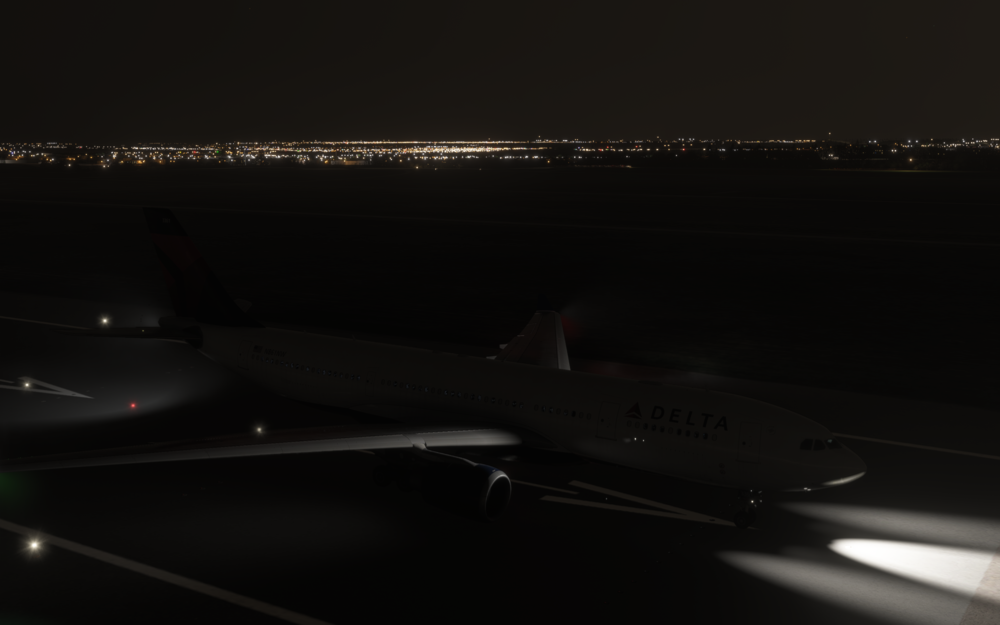
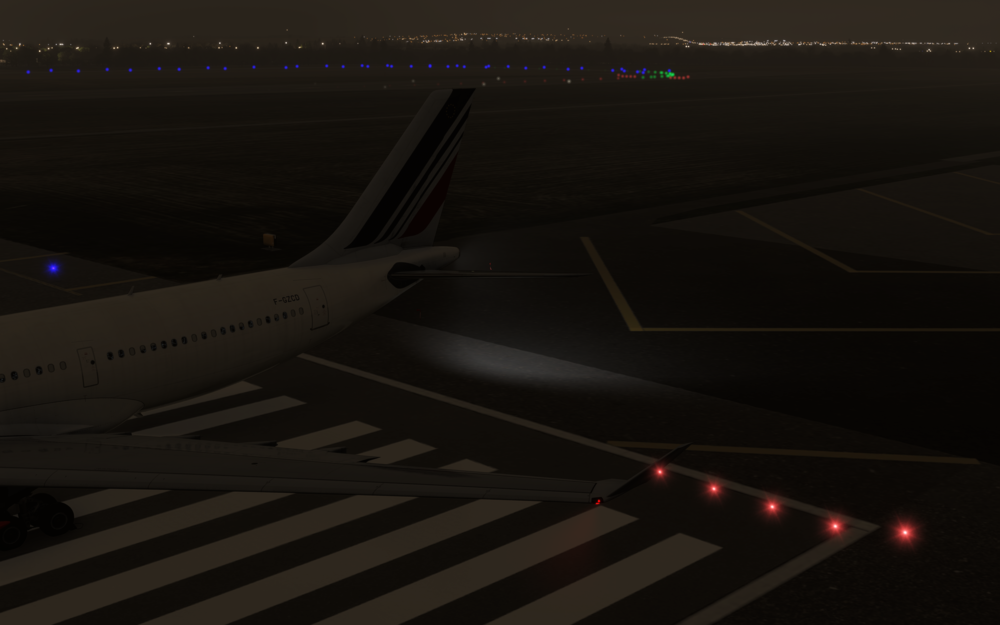
  2. Good morning, Having flown the A332 for the first time at night, I was surprised to see that the logo light wasn't illuminated despite the NAV&Logo switch on 1/2 (on) position. At first I thought it was a bug induced by the livery, but I tested several default and liveries provided in the inimanager : no logo light on any livery/any A332 version (GE or RR). Could you please look into it, and provide a fix ?
Account

Navigation

Configure browser push notifications

Chrome (Android)
  1. Tap the lock icon next to the address bar.
  2. Tap Permissions → Notifications.
  3. Adjust your preference.
Chrome (Desktop)
  1. Click the padlock icon in the address bar.
  2. Select Site settings.
  3. Find Notifications and adjust your preference.